


Answered
How do I center a selected element to the stage using code in camera mode?
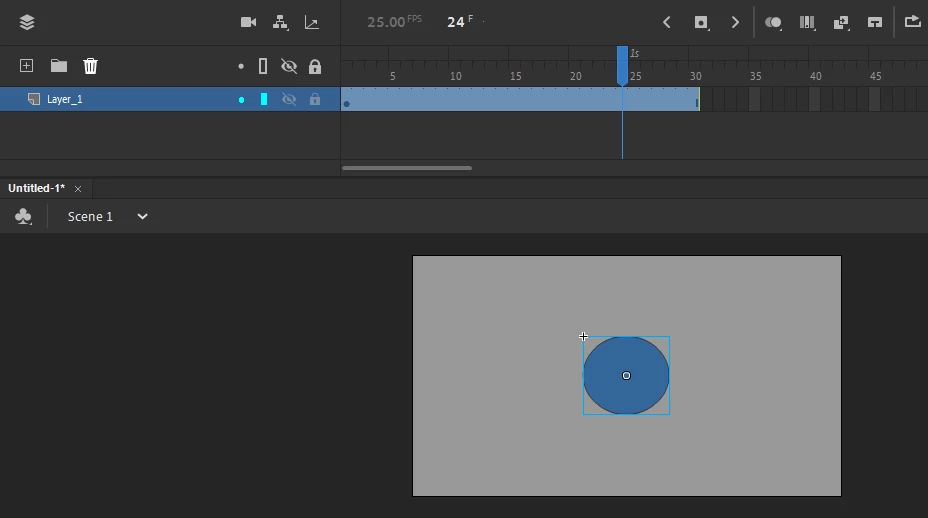
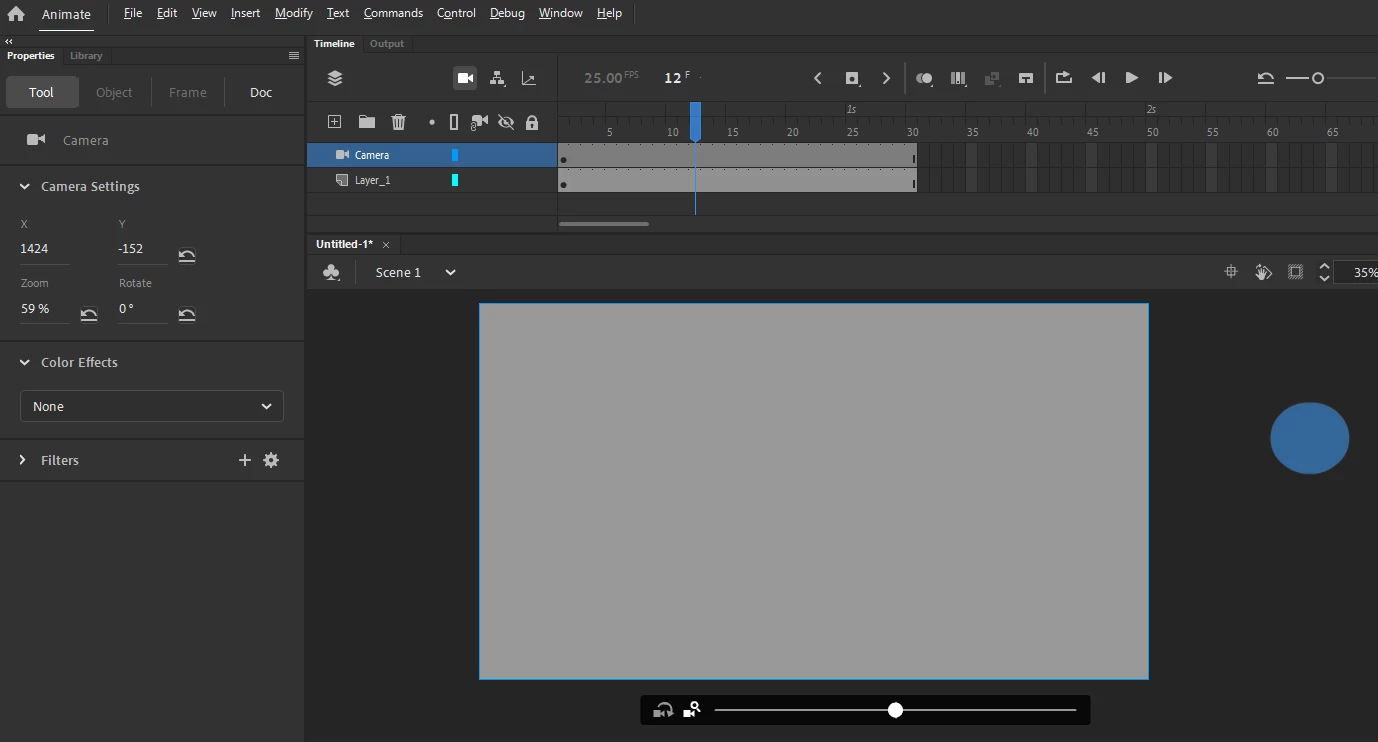
I encountered a little difficulty, as follows, when I used the camera, the elements that were originally centered on the stage were moved to the outside of the stage.
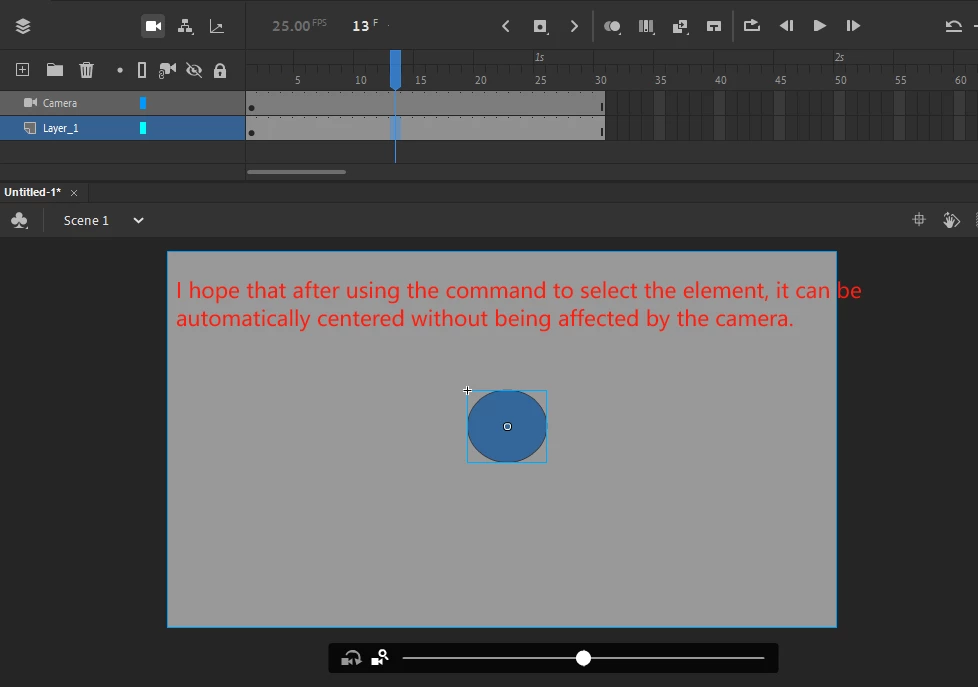
I hope that after using the command to select the element, it can be automatically centered without being affected by the camera.
I checked the relevant API. When the camera is not turned on, the command works fine. However, after it is turned on, it cannot be centered. The xy position information of the element is different when the camera is turned on and off.
Can you provide some implementation ideas? Or give the relevant code directly, thank you very much!

 AdChoices