
Answered
How do I set the Stage background to a picture?
Hey,
I'm creating a game in Animate/Flash, it's finished and i'm just changing the graphics now, and currently, the overall background of the game at the moment is grey, however, I want to insert an image onto the background, but I don't know how.
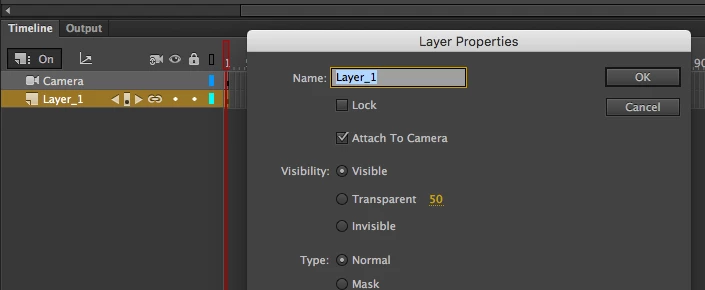
I've tried making a new layer and putting the background on there, however, it doesn't cover the whole game (the background extends over the default stage size) and when my character moves in any direction, it seems like the background is stuck to it and moves with the character, therefore, I don't think this is the way to do it.
Anyone got any ideas?


 AdChoices