
Participant
May 24, 2023
Question

How I could play sounds when a button is being pressed

  • May 24, 2023
  • 1 reply
  • 112 views

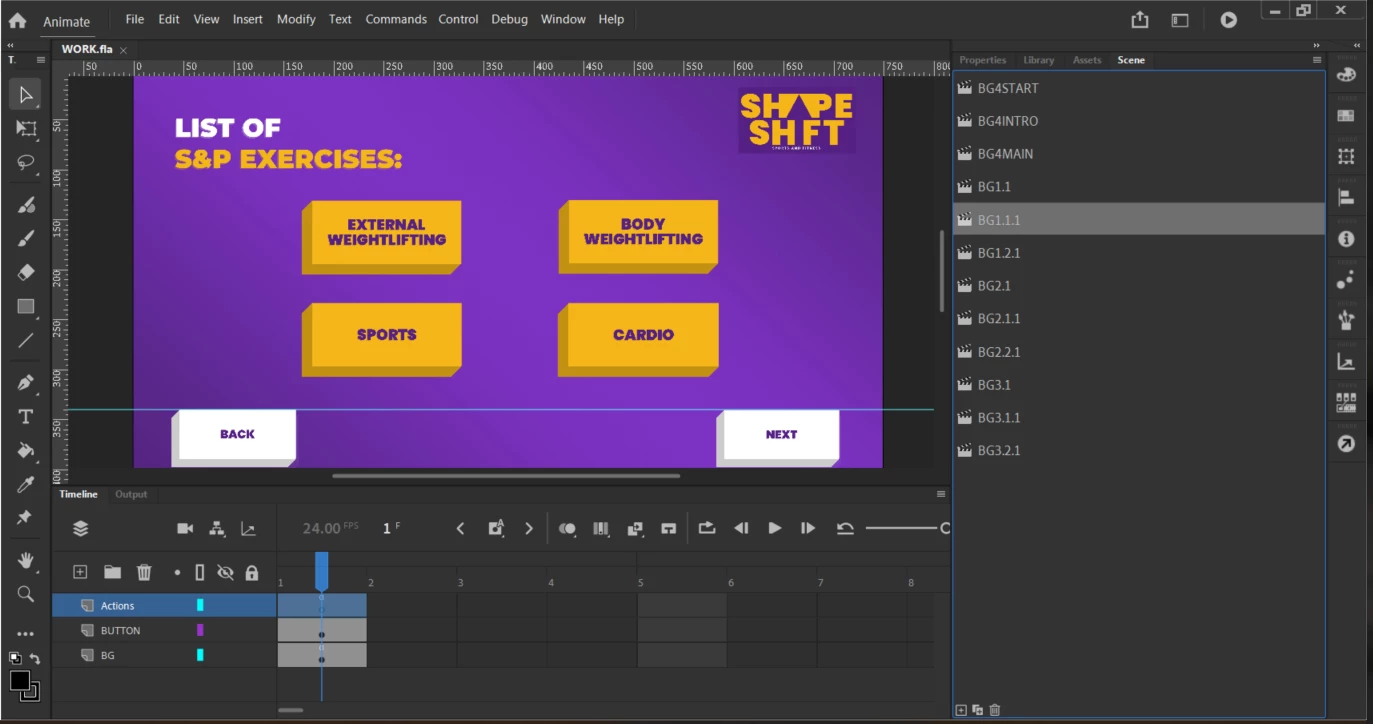
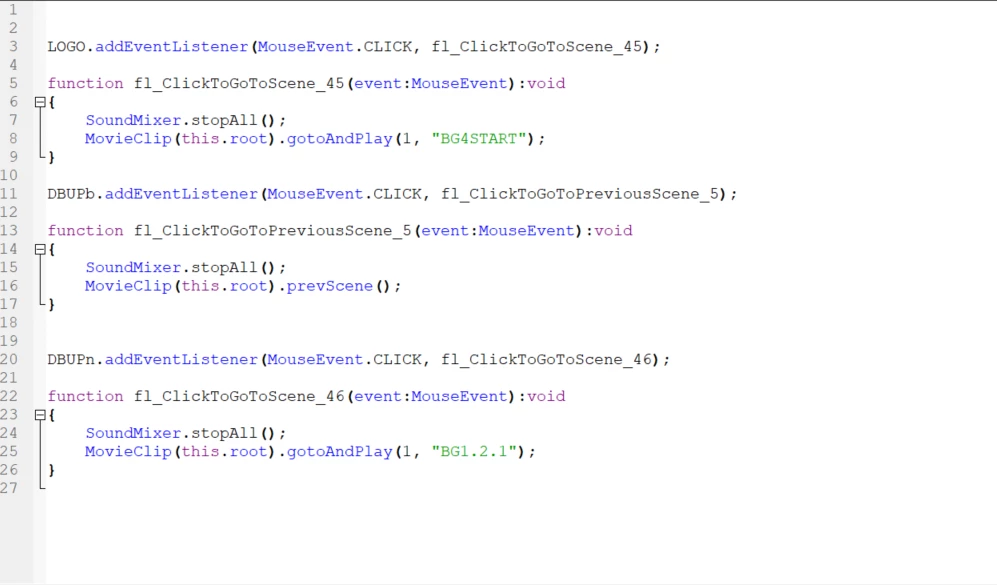
In this particular scene, I have 4 different buttons with 4 different narrations, and I want the selected button (which is any of the 4 buttons) to stop any narration that is currently playing, and then play the selected audio that is assigned to the button that is being pressed. I currently have no code so far regarding this issue, only coded the timeline navigation portion. I’ve only tried the “click to play/stop sound” but that hasn’t been doing it for me.


This topic has been closed for replies.

1 reply

JoãoCésar17023019
Community Expert
Community Expert
May 24, 2023

Hi.


You could write something like this for the sounds:

import flash.events.MouseEvent;
import flash.media.SoundChannel;

var channels:Object = {};
var narrationKey:String = "narration";

function stopAndPlaySound(sound:*, channel:String):void
{
	stopSound(channel);
	playSound(sound, channel);
}

function playSound(sound:*, channel:String):void
{	
	if (!channels[channel])
		channels[channel] = new SoundChannel();

	channels[channel] = sound.play();
}

function stopSound(channel:String):void
{
	if (channels[channel])
		channels[channel].stop();
}

// Narration0, Narration1, and so on are linkage names for the sounds in the Library
yourButton0.addEventListener(MouseEvent.CLICK, function(e:MouseEvent):void{ stopAndPlaySound(new Narration0(), narrationKey); });
yourButton1.addEventListener(MouseEvent.CLICK, function(e:MouseEvent):void{ stopAndPlaySound(new Narration1(), narrationKey); });
yourButton2.addEventListener(MouseEvent.CLICK, function(e:MouseEvent):void{ stopAndPlaySound(new Narration2(), narrationKey); });
yourButton3.addEventListener(MouseEvent.CLICK, function(e:MouseEvent):void{ stopAndPlaySound(new Narration3(), narrationKey); });


I hope this helps.


Regards,

JC