
(HTML5) Buttons With Multiple Functions?
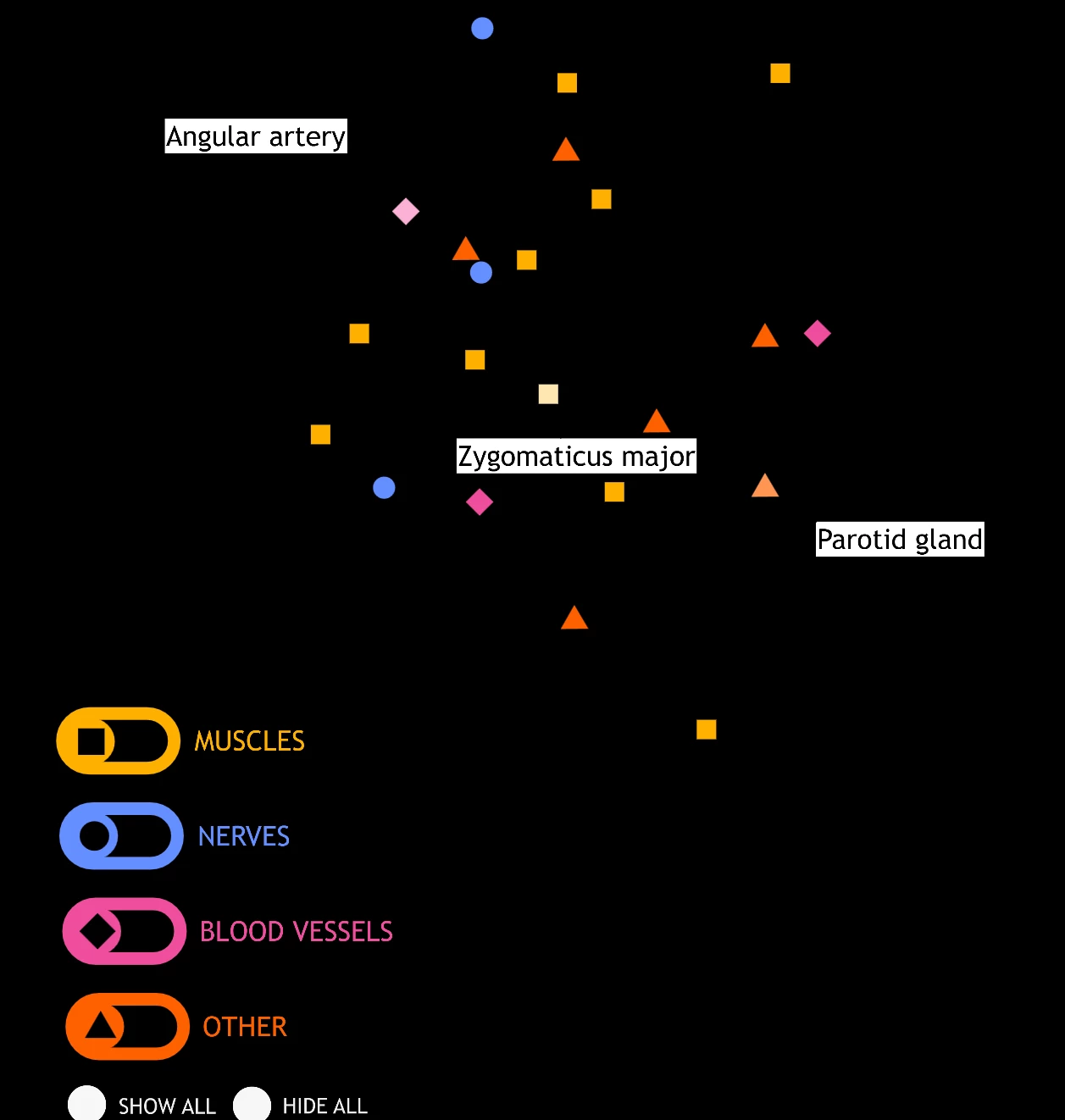
I am working on a system with buttons that turn on labels. The buttons change color when on or off. There are also a set of toggles that hide the labels. I am trying to find a way to have the buttons change colors correctly when the toggles are used to turn them off or on.
I can make the buttons change color one way (like having them brighten when turned on), but I don't know how to get them to change back the other way (returning to their original colors).
The buttons are movie clip symbols, with the different colors on different frames in the timeline. In the code, the toggles send a signal to move the button's frames to the lighter color.
What I want to do is have the toggles send one signal when pressed once, and send a different signal when pressed twice. Is there a way to do this in HTML5? I know there is a similat function when working with visible/invisible functions (```this.SymbolInstance.visible = !this.SymbolInstance.visible;```), but is there a way to work like this with frames?


 AdChoices