Participating Frequently
May 8, 2023
Answered

HTML5 Canvas Export Error

  • May 8, 2023
  • 1 reply
  • 1957 views

I'm in need of some assistance, you see I've made an HTML5 canvas in Animate CC. While it displays in the browser when I test it, the exported HTML file itself is completely blank when I open it. And when I tried 'Image Assets' the image shows but the buttons do not work, can anyone help me? I think something is wrong with the coding.


Texture and Sprite:
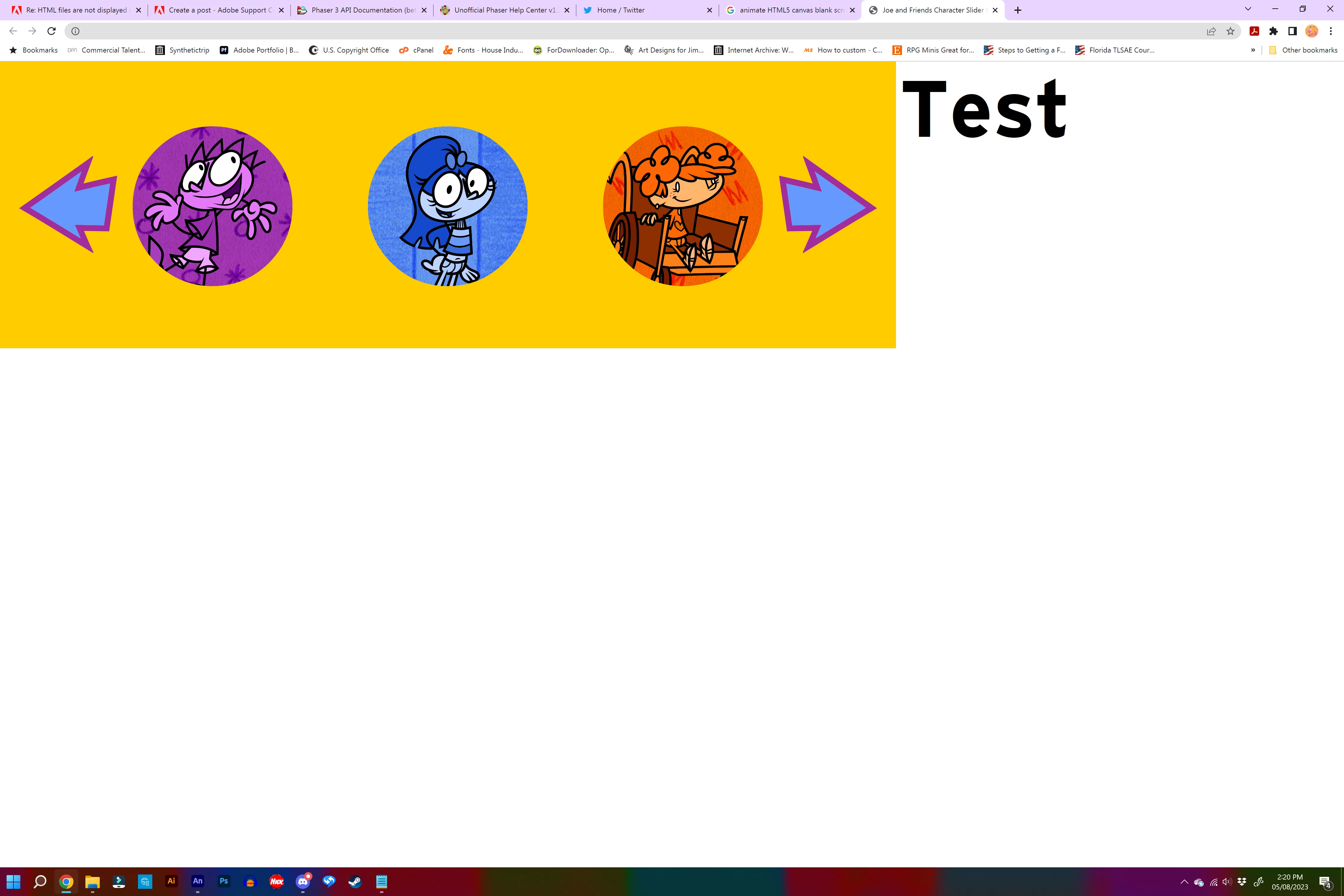


Image Assets - Video Evidence Files

https://drive.google.com/drive/folders/1_J3eETB4u78Aup4wDwzzwKJlmZ2CORL7?usp=sharing


The File itself is included, please figure out what went wrong

https://drive.google.com/file/d/1alN8ZHyF6AwtuSQgP7ujEYSepusU2xds/view?usp=sharing


This topic has been closed for replies.
Correct answer kglad

It didn't work, I just uploaded them to the File Manager and when I opened the HTML via website, it was still showing a blank screen


1. you have to upload to the correct location/folder


2. you have to use the correct url

1 reply

kglad
Community Expert
Community Expert
May 8, 2023

save your fla to a new folder. publish to that folder.


everything in that directory (except the fla) needs to be uploaded to a file server.


any problem?

JoeSnapAuthor
Participating Frequently
May 8, 2023

How do I upload to a file server? There's no specific tutorial about that

kglad
Community Expert
Community Expert
May 8, 2023

do you have a file server?,


what are/were your reasons for creating a canvas project?