Participant
April 10, 2023
Question

Layers change places when I use the bone tool to connect anchor points

  • April 10, 2023
  • 1 reply
  • 347 views

Hello,

I'm pretty new to Animate and having a very weird issue.

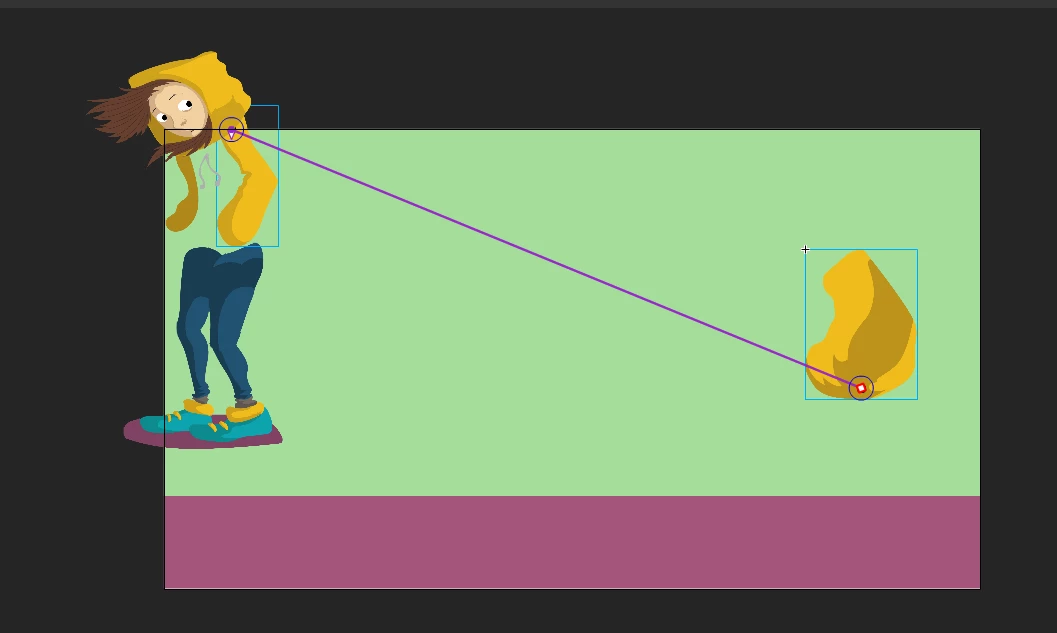
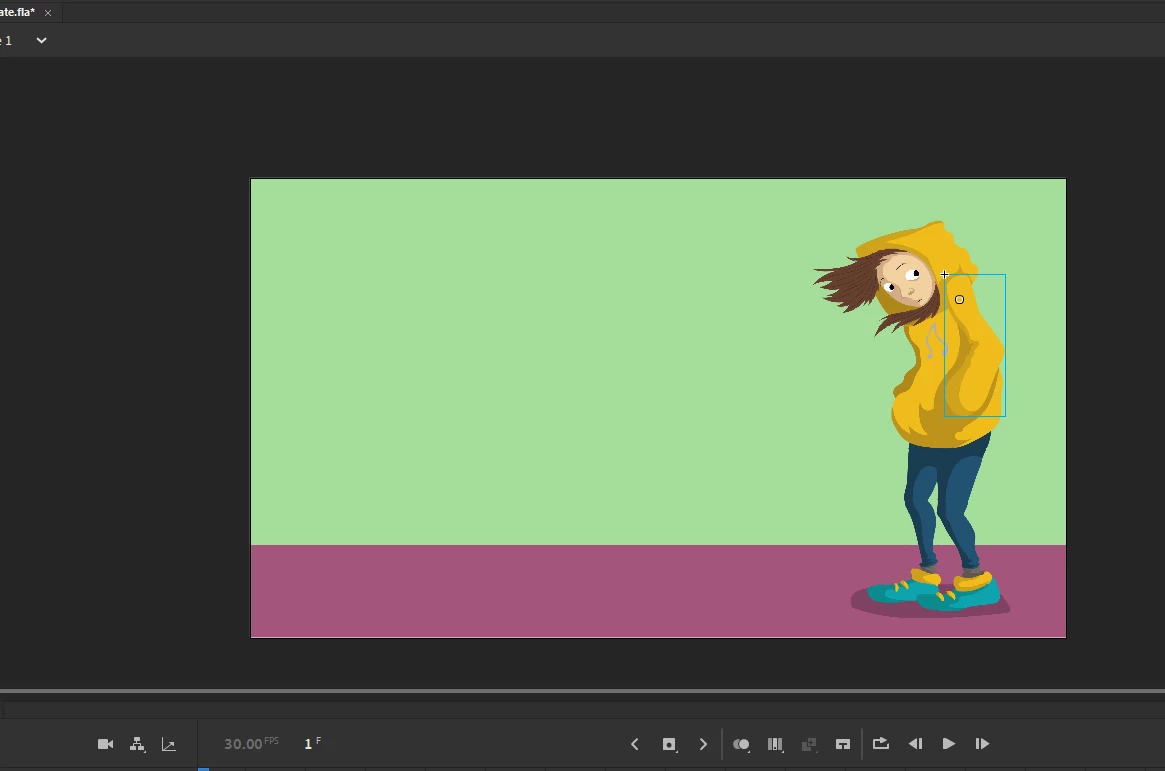
Anytime I try to connect two anchor points via bones, all the layers change places. They all end up on the upper left corner of the canvas. (image 3)

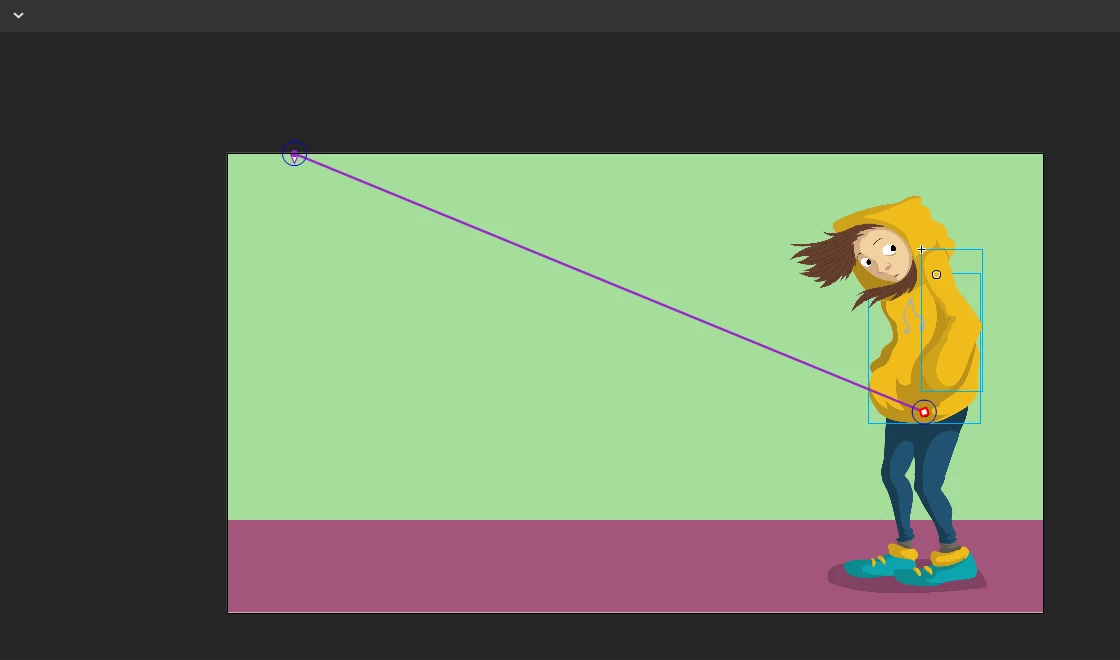
And not only that, as I draw a line between two anchor points with the bone tool, the other end of the bone transports to the upper left corner, where the layers eventually end up after I connect the anchor point. (image 2)

I have no idea why that's happening.

Please help.
 

    This topic has been closed for replies.

    1 reply

    Participant
    April 10, 2023

    Anyone?

    kglad
    Community Expert
    Community Expert
    April 10, 2023

    explain the steps you took.

    Participant
    April 10, 2023

    Auto set transformation point deselected.

    Anchor points of the torso and the arm are circled here:


    I try to drag a bone from A to the blue circle where the arm's anchor is. The second bone appears on the upper left side (B) of the canvas even though my cursor is inside the blue circle in this image:

    When I release the mouse button, all the layers relocate to point B, except for the torso whose anchor point is the starting point:

    All layers are warped bitmaps, if that counts for anything.

    I just migrated from Spine to Animate and I feel like a fish out of water. There's probably something very obvious here that I'm missing, but I couldn't find any tutorials or solutions that can help me.

    Hope to find some help here. I can attach the FLA document if need be.

    Thanks in advance!