
Participant
January 27, 2025
Answered

One eye masking error in adobe animate 2024

  • January 27, 2025
  • 1 reply
  • 266 views

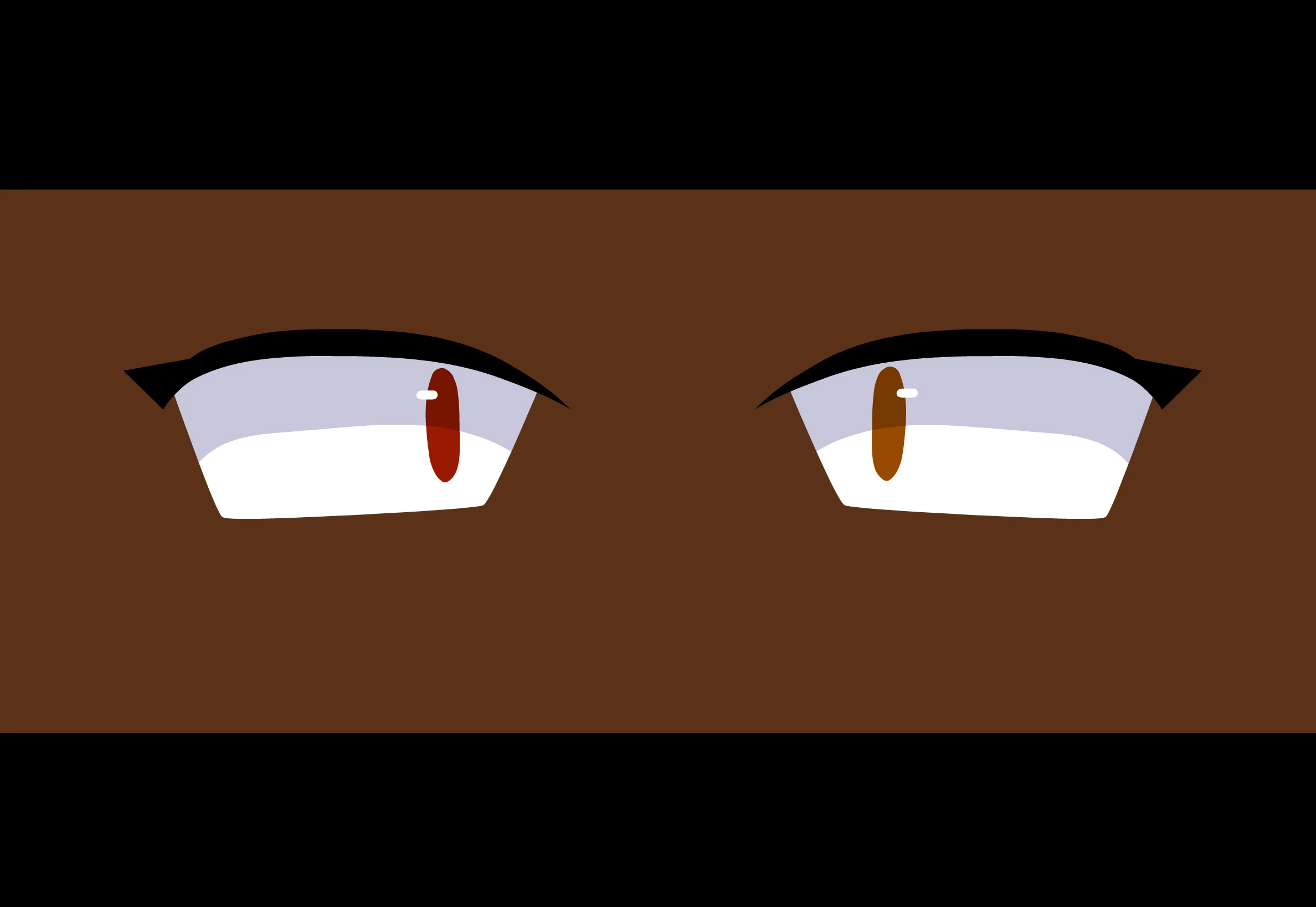
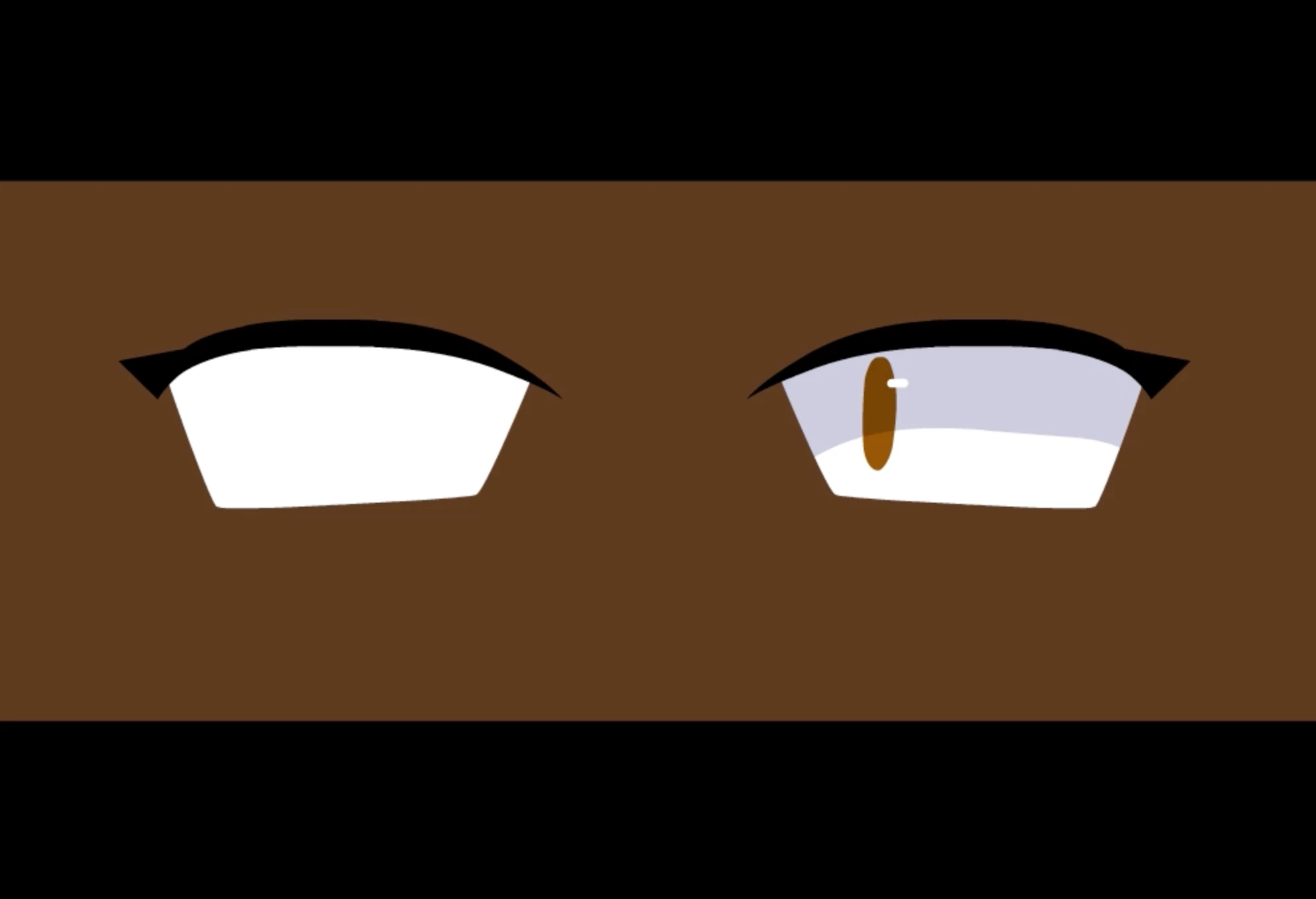
ok so basically im trying to use a masking layer to keep the pupils of multiple characters inside of the scleras, and it works perfectly fine on the timeline/in the program, but whenver i try to export it, it only shows half of the mask. 


here's and example of what it looks like in the timeline preview,
and here's what it looks like on test movie/export
I'm using adobe animate 2024, v24.0.4 fla is here 

Correct answer n. tilcheff

You cannot have multiple symbols or objects on a mask layer.


Separate the two eyes, so that each has its own layers structure and there is only one mask symbol on the mask layer.

OR

Merge them, so that both eye shapes and mask shapes are inside one symbol.


Good examples of eye masking here: https://flash-powertools.com/masking-the-irises-in-flash/


1 reply

n. tilcheff
n. tilcheffCorrect answer
Legend
January 27, 2025

You cannot have multiple symbols or objects on a mask layer.


Separate the two eyes, so that each has its own layers structure and there is only one mask symbol on the mask layer.

OR

Merge them, so that both eye shapes and mask shapes are inside one symbol.


Good examples of eye masking here: https://flash-powertools.com/masking-the-irises-in-flash/


Nick - Character Designer and Animator, Flash user since 1998 | Member of the Flanimate Power Tools team - extensions for character animation