Hwerner
Participating Frequently
January 12, 2018
Answered

Randomly change movement direction

  • January 12, 2018
  • 1 reply
  • 3408 views

Hello

I am working on a program that has several objects moving over the screen.

Every object is supossed to move differently from the other objects.

What i can´t figure out is how to make an object randomly turn and move the other direction.

Every object on stage now moves towards + X.

Here is my code

import flash.display.Sprite;

import flash.events.Event;

var circArray :Array = new Array()

var j = 0

function drawCircs() {

    for (var i = 0; i < 25; i ++) {

        var circ :Sprite = new Sprite();

        var fill :int = 0xffffff * Math.random();

        var alfa :Number = 0.99 * Math.random();

        var x0 :int = stage.stageWidth * Math.random();

        var y0 :int = 400;

        var radius :int = 20;

        circArray.push(circ = new Sprite())                //puts the circle sprite in an Array

       addChild(circArray);

        circArray.graphics.lineStyle(1);

        circArray.graphics.beginFill(fill, alfa);

        circArray.graphics.drawCircle(x0, y0, radius);

        circArray.graphics.endFill();

        circArray.addEventListener(Event.ENTER_FRAME, move)

        j += 1

    }

}

function move (evt:Event) {                                //moves every circle sprite individually

    var thisCirc = evt.currentTarget

    thisCirc.x += Math.random() * 5

    thisCirc.y -= Math.random() * 5

}

drawCircs()

This topic has been closed for replies.
Correct answer JoãoCésar17023019

Ive got a rough version of it working but im sure theres a better way to do it. Idealy id like it to happen randomly (say if a variable that changed everytime the circles moved was greater than a certain number).

Heres the way i got it working:

import flash.display.Sprite;

import flash.events.Event;

var circArray :Array = new Array()

var circXArray :Array = new Array()

var circX :int = 5

var circY :int = 5

var circCount :int = 300

var difFlip :int = 500

var div :int = 3

var j = 0

var k = 0

function drawCircs() {

    for (var i = 0; i < circCount; i ++) {

        var circ :Sprite = new Sprite();

        var fill :int = 0xffffff * Math.random();

        var alfa :Number = 0.99 * Math.random();

        var x0 :int = 400;

        var y0 :int = 600;

        var radius :int = 20;

        circArray.push(circ = new Sprite());            //puts the circle sprite in an Array

        addChild(circArray);

        circArray.graphics.lineStyle(1);

        circArray.graphics.beginFill(fill, alfa);

        circArray.graphics.drawCircle(x0, y0, radius);

        circArray.graphics.endFill();

        circArray.addEventListener(Event.ENTER_FRAME, move)

        circXArray.push(circX)

        j += 1

    }

}

function move (evt:Event) {                                //moves every circle sprite individually

    var thisCirc = evt.currentTarget

    var flip = Math.random() * difFlip

    if (flip < difFlip / div) {

        circXArray = -circXArray

    }

    thisCirc.x += circXArray

    thisCirc.y -= circY

    k += 1

    if (k == circCount) {

        k = 0

    }

}

I dont know how to add a preview of the program like you did either


Hi again.

I tried your approach but all the circles just kept moving in the same direction while shaking a bit.

Also, for better performance:

- Use vectors instead of arrays;

- Randomize the position of the object itself not the drawing parameters because it will be much harder for you to check for collisions, position the objects precisely, and so on;

- Try to always use only one enterFrame event for the sake of maintenance and performance;

- You used the new keyword when creating the circ object so there's no need to use it again when pushing this object to the array.

Here is an updated code.

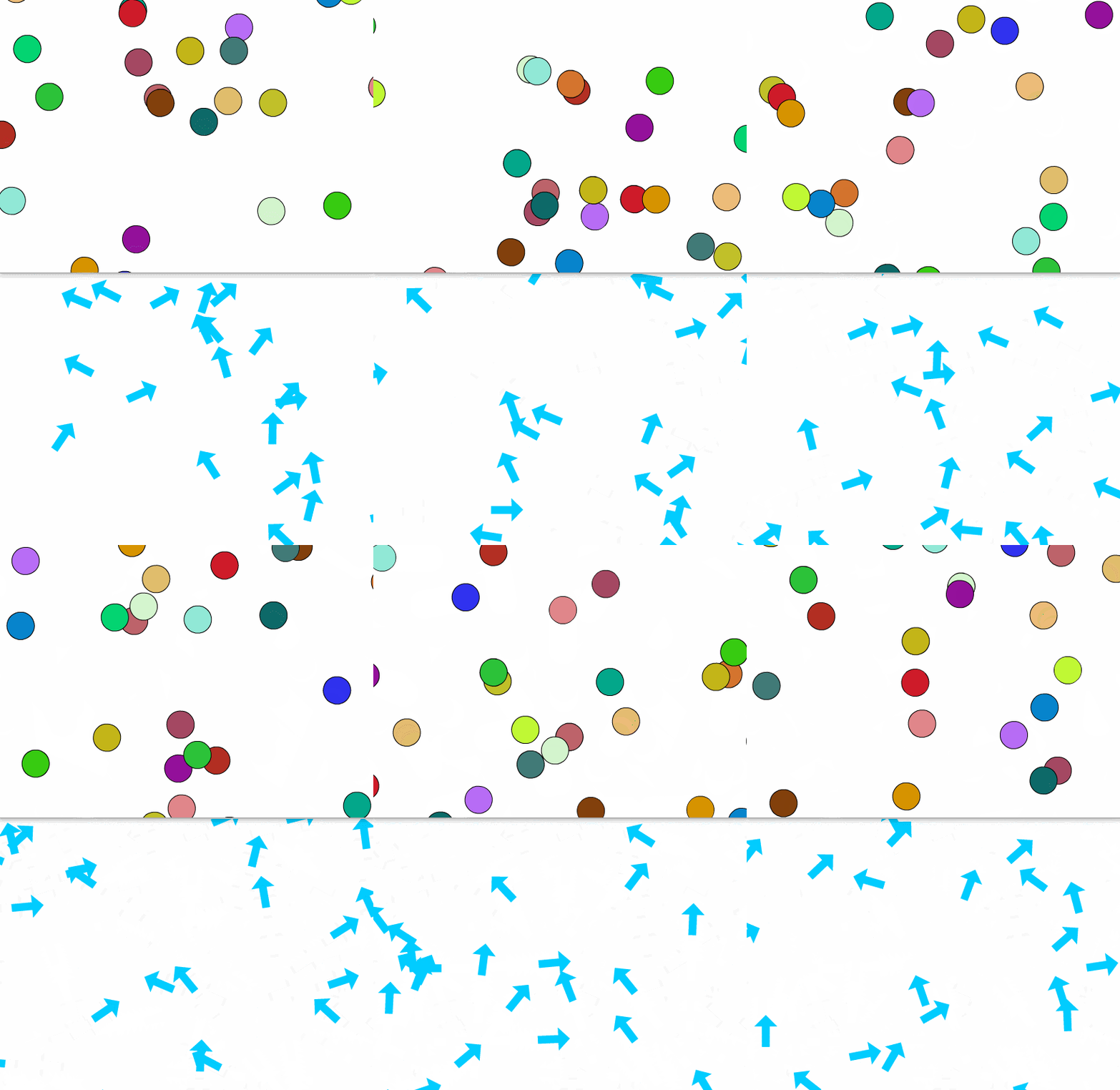
The shapes now move based on their rotation values. At every 2 seconds each shape change its direction. Notice that you can uncomment three lines and change the object to the arrow I used below.

Main code:

import flash.display.DisplayObjectContainer;

import flash.utils.setInterval;

//var objs:Vector.<Arrow> = new Vector.<Arrow>();

var objs:Vector.<Circ> = new Vector.<Circ>();

var interval:uint;

const DEGREES:Number = Math.PI / 180;

function generateObjects(total:uint, container:DisplayObjectContainer):void

{   

    for (var i:uint = 0; i < total; i++)

    {

        //var obj:Arrow = new Arrow();

        var obj:Circ = new Circ();       


        obj.x = stage.stageWidth * Math.random();

        obj.y = stage.stageHeight;

        obj.rotation = -180 + Math.random() * 180;

        obj.direction = obj.rotation;

        obj.speedX = 2 + Math.random() * 3;

        obj.speedY = 2 + Math.random() * 3;

        obj.friction = 0.85;

        container.addChild(obj);

        objs.push(obj);

    }

}

function enterFrameHandler(event:Event):void

{   

    for (var i:uint = 0, total:uint = objs.length; i < total; i++)

    {       

        //var obj:Arrow = objs;

        var obj:Circ = objs;


        if (obj.x < -obj.width * 0.5)

            obj.x = stage.stageWidth + obj.width * 0.5;           

        else if (obj.x > stage.stageWidth + obj.width * 0.5)

            obj.x = -obj.width * 0.5;


        if (obj.y < -obj.height * 0.5)

            obj.y = stage.stageHeight + obj.height * 0.5;           

        else if (obj.y > stage.stageHeight + obj.height * 0.5)

            obj.y = -obj.height * 0.5;           


        obj.rotation = lerp(obj.rotation, obj.direction, obj.friction);


        obj.x = obj.x + obj.speedX * Math.cos(obj.rotation * DEGREES);   

        obj.y = obj.y + obj.speedY * Math.sin(obj.rotation * DEGREES);       

    }

}

function changeDirection():void

{

    for (var i:uint = 0, total:uint = objs.length; i < total; i++)

        objs.direction = -180 + Math.random() * 180;       

}

function lerp(v1:Number, v2:Number, f:Number):Number

{

    return f * v1 + (1 - f) * v2;

}

generateObjects(25, this);

stage.addEventListener(Event.ENTER_FRAME, enterFrameHandler);

interval = setInterval(changeDirection, 2000);

Circ.as code:

package

{

    import flash.display.Sprite;

    public dynamic class Circ extends Sprite

    {

        public function Circ()

        {

            graphics.lineStyle(1);

            graphics.beginFill(0xffffff * Math.random(), 0xffffff * Math.random());

            graphics.drawCircle(0, 0, 20);

            graphics.endFill();

        }

    }

}

Preview:

(The preview is just a GIF. Please ignore the framerate.)
FLA download: animate_cc_as3_move_shapes.zip - Google Drive .

Please don't hesitate to ask if you have any further questions.

Regards,

JC

1 reply

JoãoCésar17023019
Community Expert
Community Expert
January 12, 2018

Hi.

It's because you are setting random x and y values at every tick for the movement. You have to predefine this values before you start moving your shapes.

I have a suggestion for you where I made some tweaks that I think that will greatly improve performance and achieve the result you want.

You only need to create an extra ActionScript class outside of your FLA. I did this because I wanted every circle to be a Shape, which is lighter than a Sprite. But Shapes are static classes, so we can't add properties to it dynamically. That's why I created a class called Circ to extend Shape but being able to receive dynamic properties.

Main code:

import flash.display.Shape;

import flash.display.DisplayObjectContainer;

var circles:Vector.<Circ> = new Vector.<Circ>();

function generateCircles(total:uint, container:DisplayObjectContainer):void

{  

    for (var i:uint = 0; i < total; i++)

    {

        var circ:Circ = new Circ();      

        circ.graphics.lineStyle(1);

        circ.graphics.beginFill(0xffffff * Math.random(), 0xffffff * Math.random());

        circ.graphics.drawCircle(0, 0, 20);

        circ.graphics.endFill();

        circ.x = stage.stageWidth * Math.random();

        circ.y = stage.stageHeight;

        circ.moveX = -5 + Math.random() * 10;

        circ.moveY = -5 + Math.random() * 10;

        container.addChild(circ);

        circles.push(circ);

    }

}

function enterFrameHandler(event:Event):void

{  

    for (var i:uint = 0, total:uint = circles.length; i < total; i++)

    {

        var circ:Circ = circles;


        if (circ.x < -circ.width * 0.5)

            circ.x = stage.stageWidth + circ.width * 0.5;          

        else if (circ.x > stage.stageWidth + circ.width * 0.5)

            circ.x = -circ.width * 0.5;


        if (circ.y < -circ.height * 0.5)

            circ.y = stage.stageHeight + circ.height * 0.5;          

        else if (circ.y > stage.stageHeight + circ.height * 0.5)

            circ.y = -circ.height * 0.5;


        circ.x += circ.moveX;

        circ.y += circ.moveY;

    }

}

generateCircles(25, this);

stage.addEventListener(Event.ENTER_FRAME, enterFrameHandler);

Circle.as:

package

{

    import flash.display.Shape;

    public dynamic class Circ extends Shape

    {

        public function Circ()

        {

        }

    }

}

Preview:

I hope it helps.

Regards,

JC

Hwerner
HwernerAuthor
Participating Frequently
January 12, 2018

Hello

Thank you for the answer!

Yes this is almost what i want to do.

To explain my problem better:

Im working on a bigger program or game rather where this code is supossed to be characters moving around on the screen so this is just a test to see how that is done before i put it into my bigger program.

I want the circles to start at y400 and move upwards (At this state they only move towards + X).

Correct me if im wrong but it seems like the program you made they do go both ways but ONLY that way (Either + X or - X) until theyre off screen.

What im looking for is how to make the circles randomly switch what way they are going and continue that way until the direction is changed again.

Im not very good at explaining my problem but I hope you understand

and again Thank you for the help

JoãoCésar17023019
Community Expert
Community Expert
January 12, 2018

Got it.

But what rule should we apply to make the char change direction? Time, distance travelled, collision?