BStudios2603
Participant
January 4, 2023
Question

Shape Tweening Issues with Spirograph

  • January 4, 2023
  • 3 replies
  • 504 views

Hello there! For starters: I use Adobe Animate 2019 CC! 


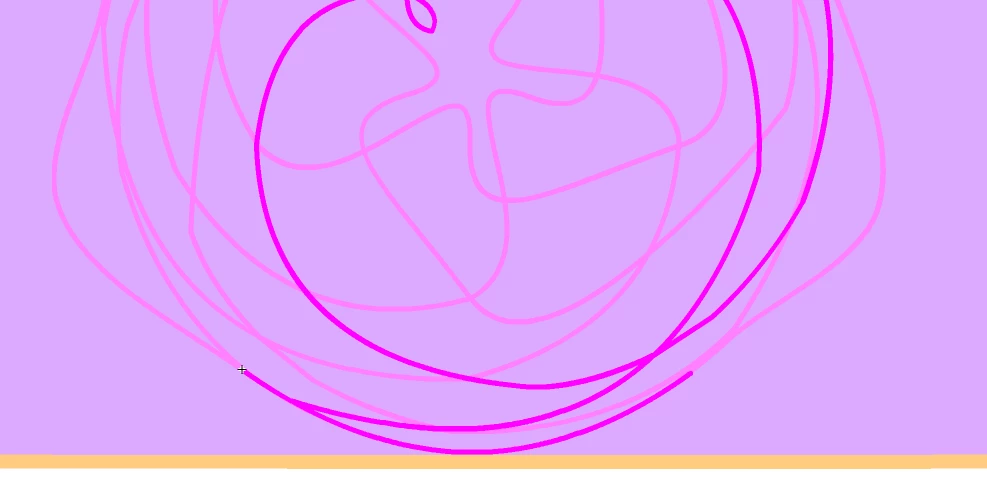
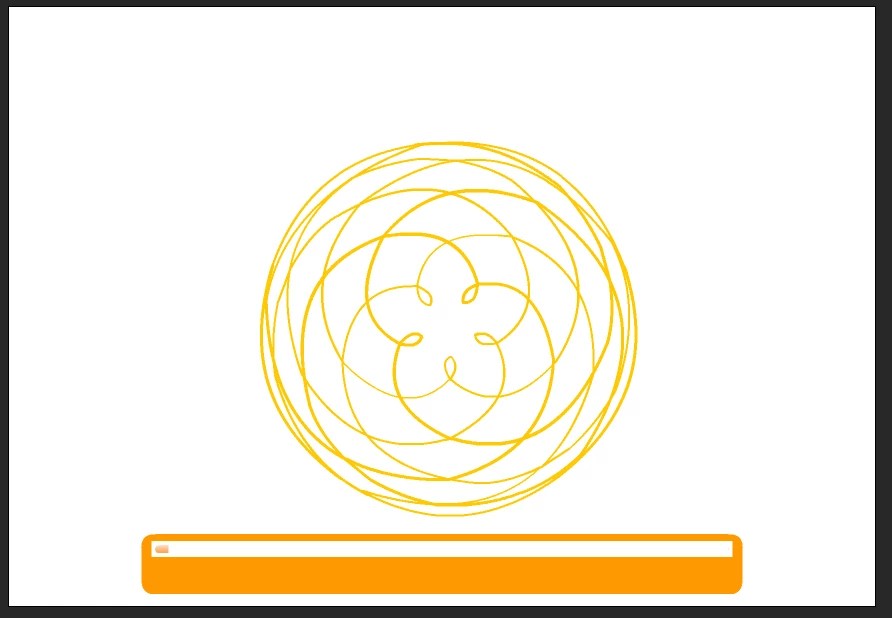
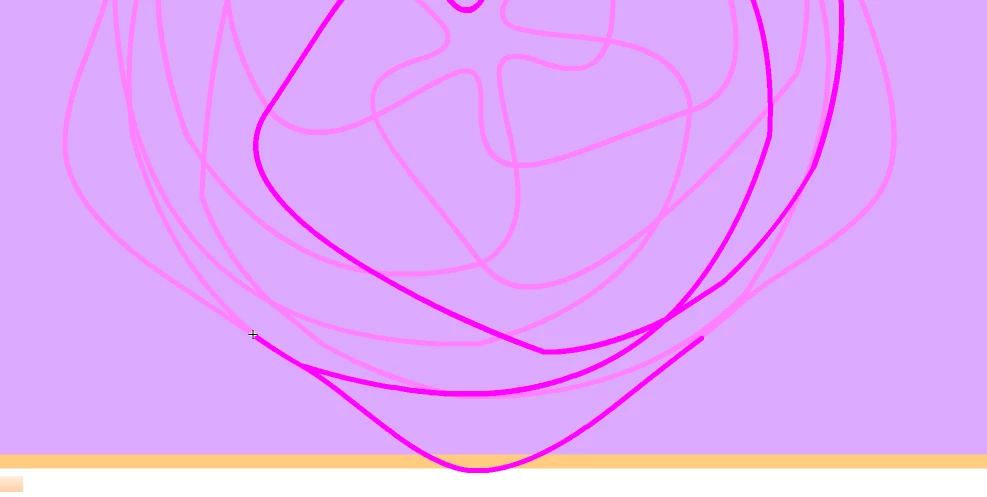
Beyond that, however, I've been having issues with shape tweening. Using copy and pasting of a curve, I've had it so that when I move one segment of this curve, it moves it's other segments, to give the illusion of a moving spirograph that's changing shape constantly. However-- the big issue I've had is that when this is moving, a bunch of random lines suddenly appear between points? And then vanish as soon as the tween reaches the last keyframe.


I've got no idea how to fix this. Included below are snapshots of the issue, as well as my project file. So hopefully this can help anyone figure out what the problem is. 


Forgive any slop within' the file- I'm a newcomer and still trying to learn the tricks of this program. Many thanks to any who help!
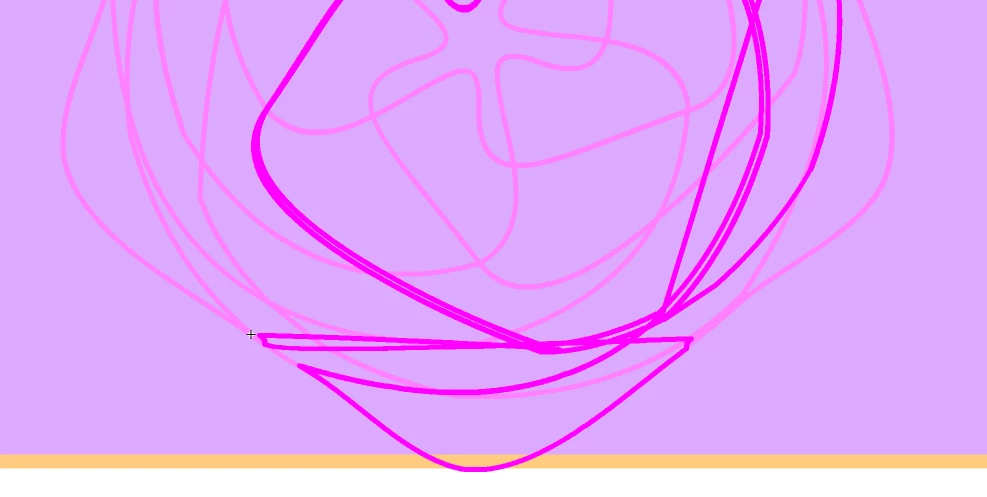


And for the project itself. 

    This topic has been closed for replies.

    3 replies

    kglad
    Community Expert
    Community Expert
    January 5, 2023

    the only way to "tween" that in animate is with code.  it's just way to complex for timeline tweening.

    BStudios2603
    Participant
    January 5, 2023

    I don't really know code- so I may be out of luck here.

    kglad
    Community Expert
    Community Expert
    January 5, 2023

    it's actually easier (but still not easy) to create your own spirographs in animate with code.  they could then be more easily tweened (with code).  but that wouldn't be easy, either.  here's a sample:


    https://www.kglad.com/Files/forums/spiro.mp4


    p.s. on my landing page, i have an js spirograph, https://www.kglad.com/

    Community Expert
    January 5, 2023

    This is a tough one. Have you tried shape hints?


    BStudios2603
    Participant
    January 5, 2023

    I have, indeed, tried! And much to my glee, they seem to just as well mess up the lines even moreso then they were originally messed up. I suppose there was a certain naivete in believing this would be a simple fix, unfortunately.


    Thank you for the reply!

    _keyframer
    Community Expert
    Community Expert
    January 5, 2023

    Welcome to the very unpredictable world of Shape Tweening in Animate! For decades, the shape tweening tools has been very unpredicatble and unfortunately, very ignored. It has never received an update or an improvement. It's finicky and the simpler the vectors, the better chance of success. But I've seen epic failures with just 2 point segments. 

    In your case, you may need to simply address this animation in a different way. Hard to suggest a technique without seeing your intended animation/motion. Do you want it to simply retain the design as you have it in frame 125 of your document?

    Animator and content creator for Animate CC
    JoãoCésar17023019
    Community Expert
    Community Expert
    January 5, 2023

    It would be awesome if we could choose more algorithms for shape tweening or even create our owns.