// UPDATE (10/26/2018): improved version that takes into account responsive settings, drag offset and frame to position precision.
The download link is the same.
this.button.on("mousedown", function(e)
{
e.target.offsetX = (e.stageX / stage.scaleX) - e.target.x;
}.bind(this));
this.button.on("pressmove", function(e)
{
e.target.x = this.clamp((e.stageX / stage.scaleX) - e.target.offsetX, this.bar.x, this.bar.x + this.bar.nominalBounds.width);
this.setProportion();
}.bind(this));
this.setProportion = function()
{
var prop = (this.button.x - this.bar.x) / this.bar.nominalBounds.width;
this.txt.x = this.button.x;
this.txt.text = Math.round(prop * 100) + "%";
this.bar.gotoAndStop(Math.floor(this.bar.timeline.duration * prop));
}.bind(this);
this.clamp = function(value, min, max)
{
if (value < min)
return min;
else if (value > max)
return max;
else
return value;
}
setTimeout(this.setProportion, 0);
// UPDATE END
Hi.
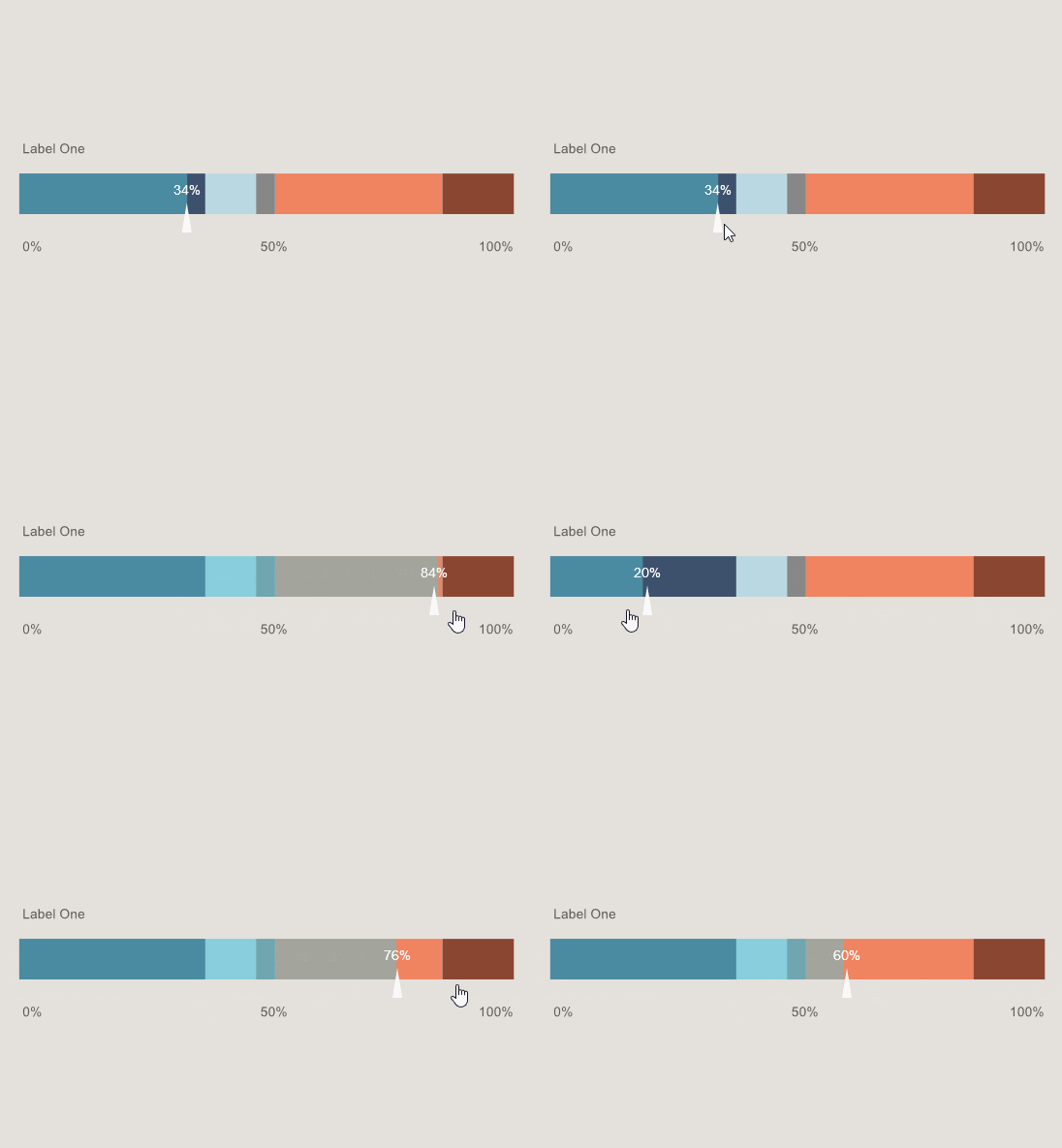
This is the simplest slider I can think of. Please notice two things:
- The highlight is a timeline animation so it won't necessarlity match the position of the slider button. But the frames are set proportionally as expected.
- I used setTimeout to call the proportion function in the beginning to make sure the bar timeline will be ready when needed.
Preview:
JavaScript code:
this.button.on("pressmove", function(e)
{
e.target.x = this.clamp(e.stageX, this.bar.x, this.bar.x + this.bar.nominalBounds.width);
this.setProportion();
}.bind(this));
this.setProportion = function()
{
var prop = (this.button.x - this.bar.x) / this.bar.nominalBounds.width;
this.txt.x = this.button.x;
this.txt.text = Math.round(prop * 100) + "%";
this.bar.gotoAndStop(Math.floor(this.bar.timeline.duration * prop));
}.bind(this);
this.clamp = function(value, min, max)
{
if (value < min)
return min;
else if (value > max)
return max;
else
return value;
}
setTimeout(this.setProportion, 0);
FLA download:
animate_cc_html5_simple_slider.zip - Google Drive
I hope it helps.
Regards,
JC



 AdChoices