

Spritesheet Sprite Pivot throwing sprite grid off on export.
Hello,
I am trying to export a spritesheet from a movieclip/object, and the preview looks great in animate cc;
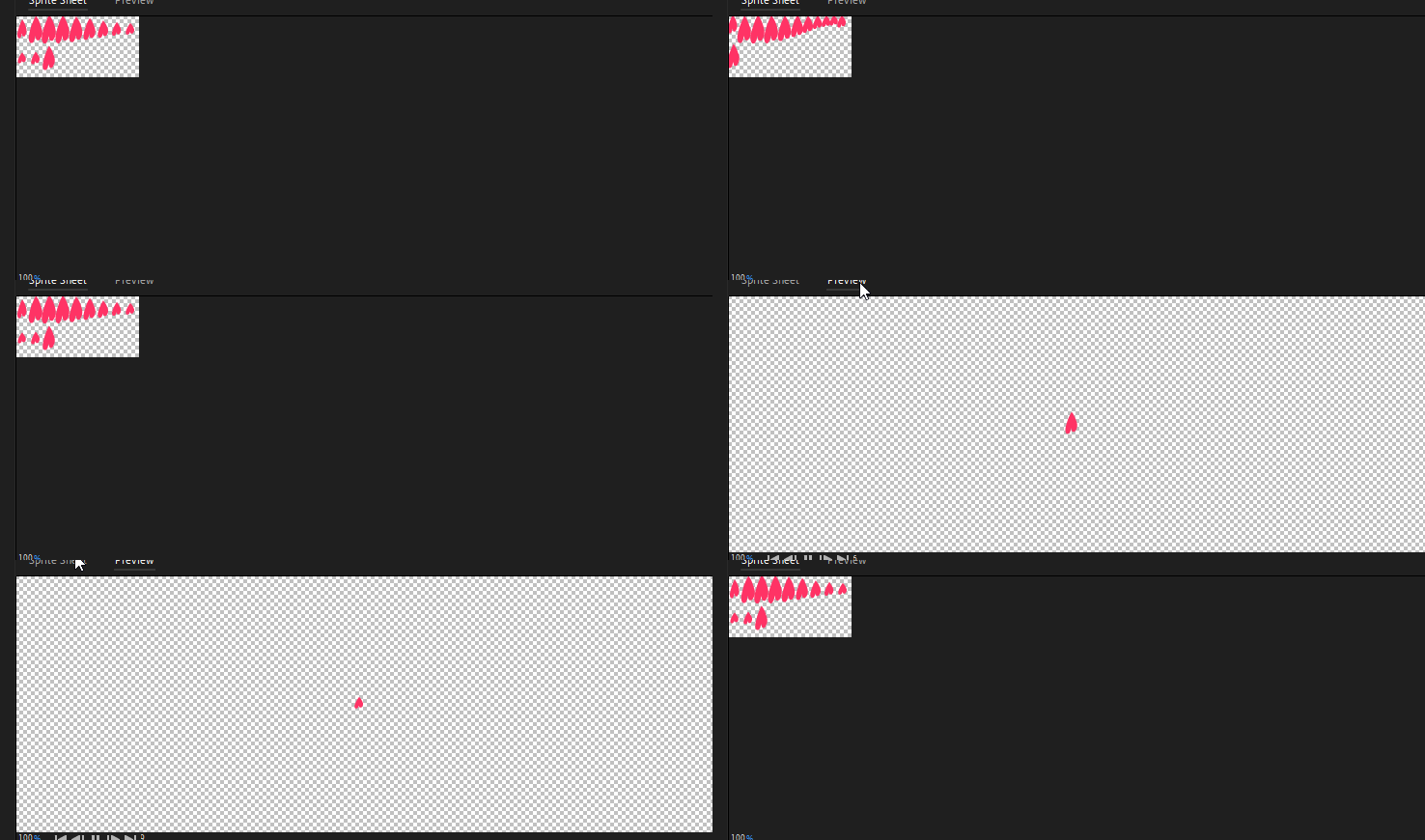
However, the sprite pivot / anchor looks off. The grid is asymmetrical. Which makes it unreadable in any other program so far as I know. It looks like it is trying to account for the cropping fromthe top left. I thought this might be due to the movieclip's anchor registration but I can confirm it is set to the center. And the animation is also center stage.
And so when importing the sprite into Unity the animation's position is offset incorrectly due to the way the sprite is rendered ;

I thought that sprites normally have a sprite pivot that is centered, like this;

This symmetrical grid produces a fluid animation in any other program.
I added a bounding box to the heart animation just to see where things are going wrong when it auto-crops the spritesheet and I believe the problem arises from this uneven extra pixel spacing around the borders of the object;
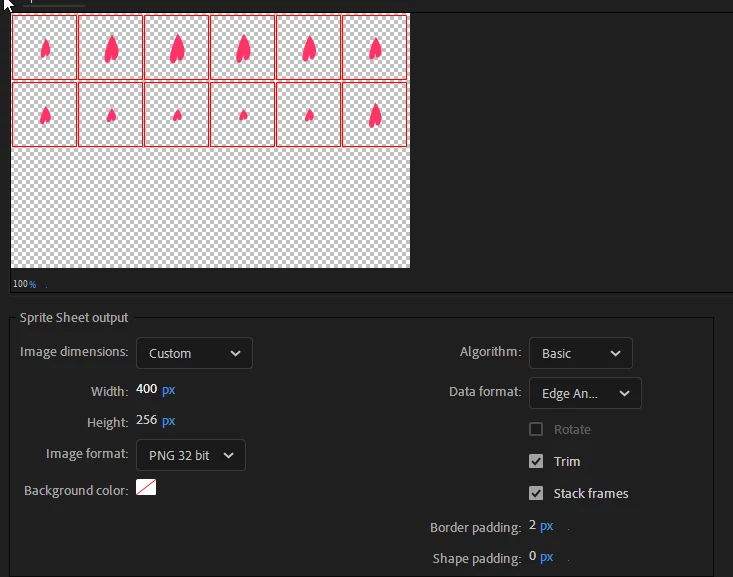
No matter what option I change in the exporting options, I can't seem to get an even, symetrical grid. I've tried every single feature in the exporting options now. Has anyone had this problem before?
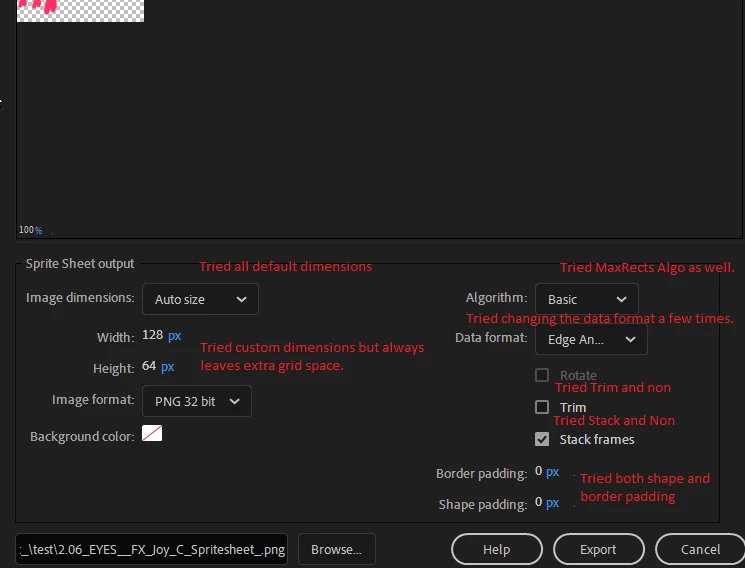
Why won't it export with a symetrical grid? Is animate cc the right tool for this?
Thanks for your time


 AdChoices