
Symbol disappears for a few frames
Here's the problem I'm having, please help if you can (thank you!)
I bring in an .AI with multiple layers to a blank stage.
When I import I convert them all to one bitmap in the import window.
Place in top left corner of screen and convert to symbol.
Add frames up to the 5 second mark, then add keyframe (and have tried this both ways, just adding keyframe instead of adding frames first)
On keyframe move symbol to bottom corner 3/4 of the way to the right of the screen, englarge size 3x.
Add classic tween.
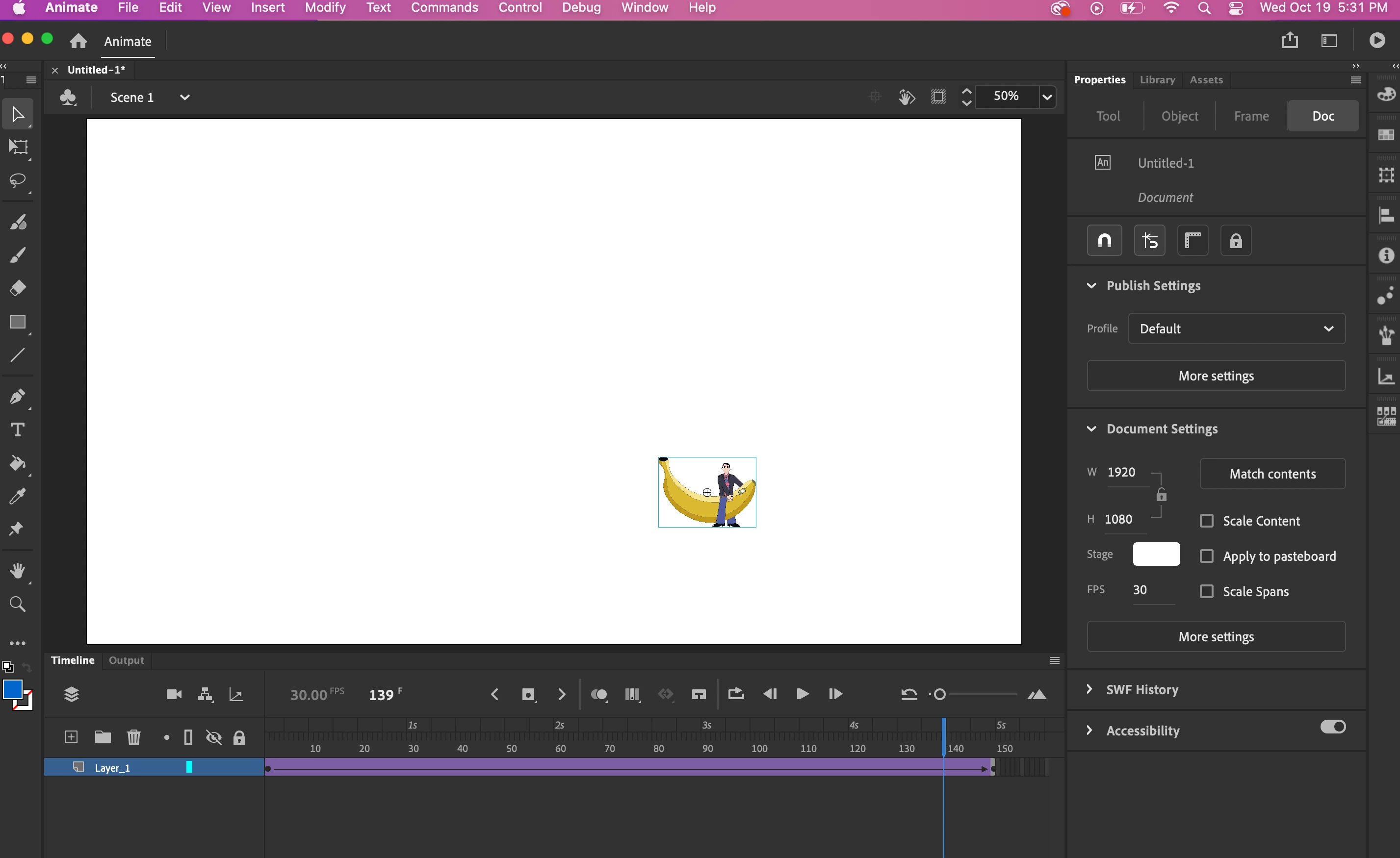
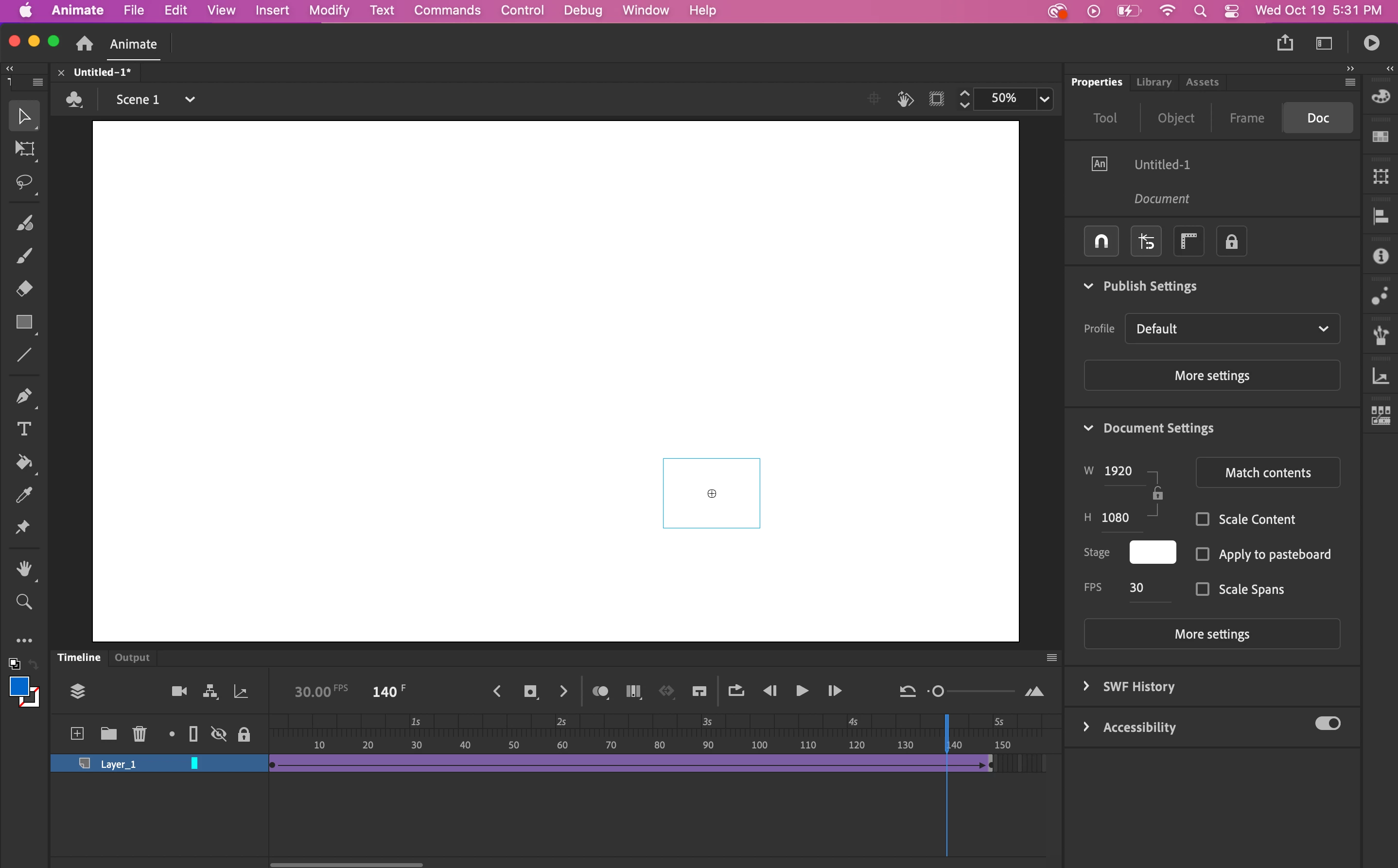
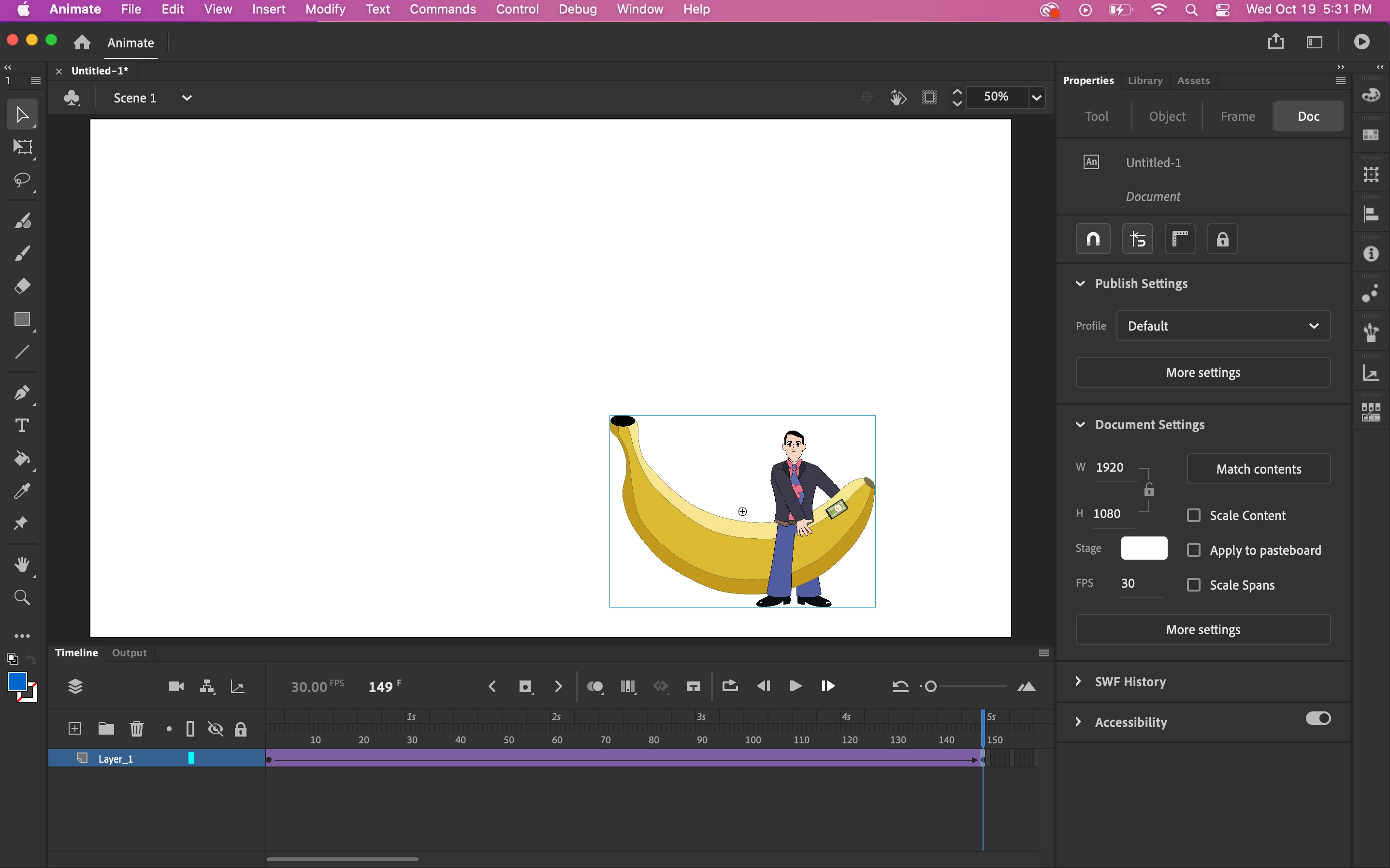
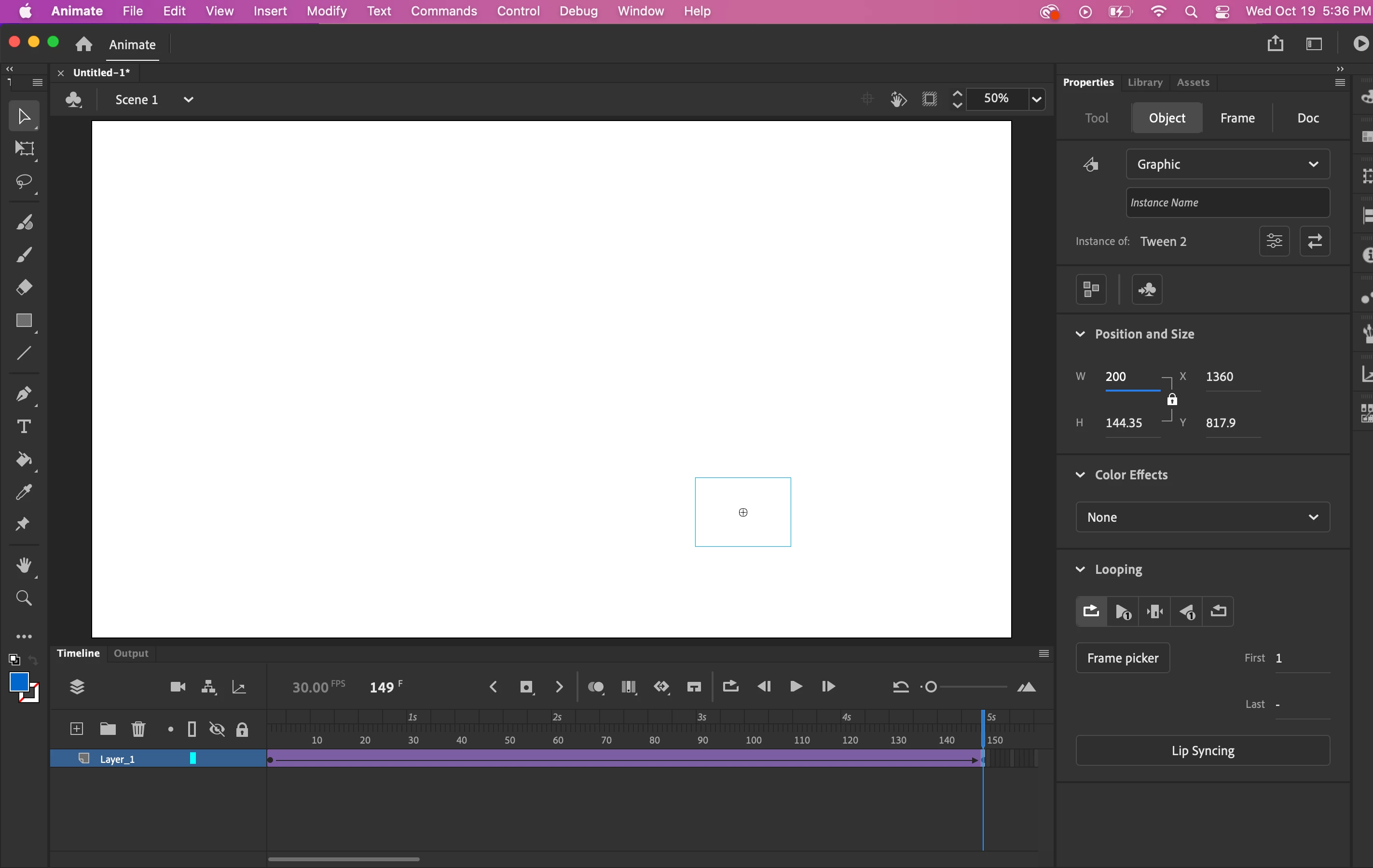
When I go to play everything is fine except 4-5 frames before the keyframe go blank.
Also very strange - if I leave the playhead on the keyframe and change from the original size to the 3x enlargement the symbol completely disappears (see screenshots labeled Figure A and Figure B).
Can anyone please help? Thank you!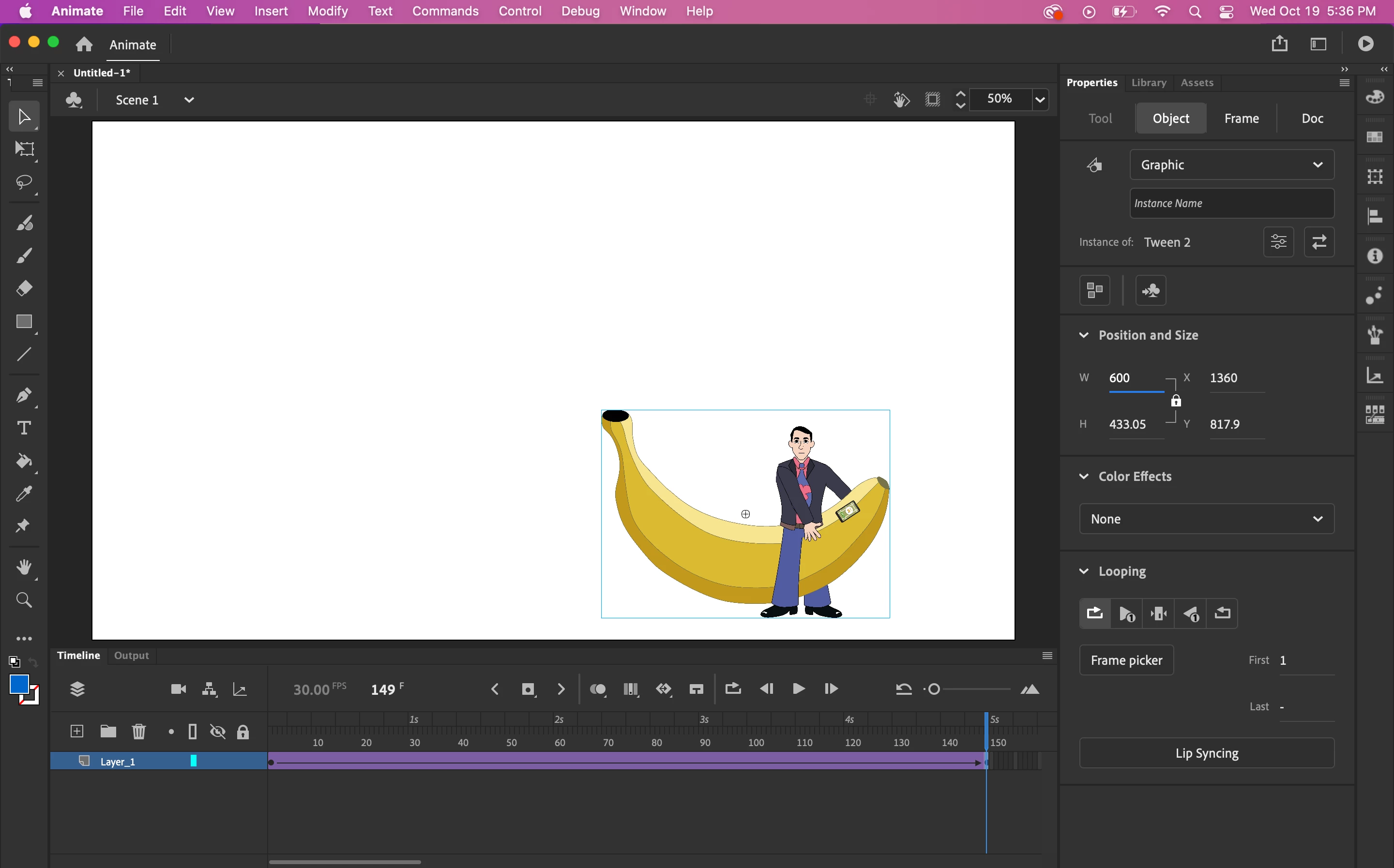


 AdChoices