
Participant
December 17, 2024
Question

Tint Not showing when converting sprites into spritesheet

  • December 17, 2024
  • 2 replies
  • 265 views

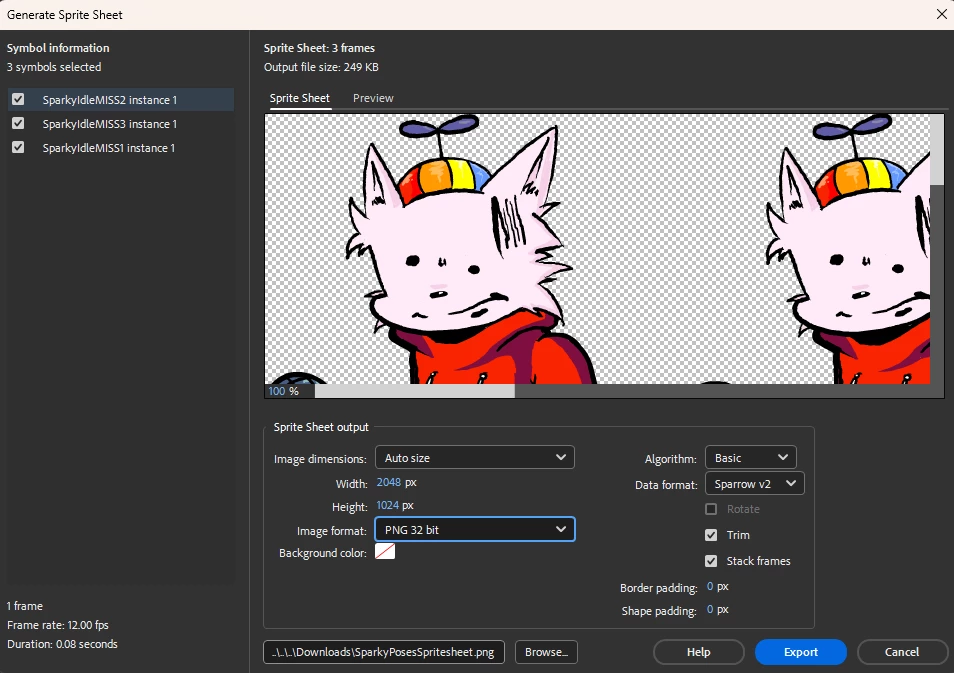
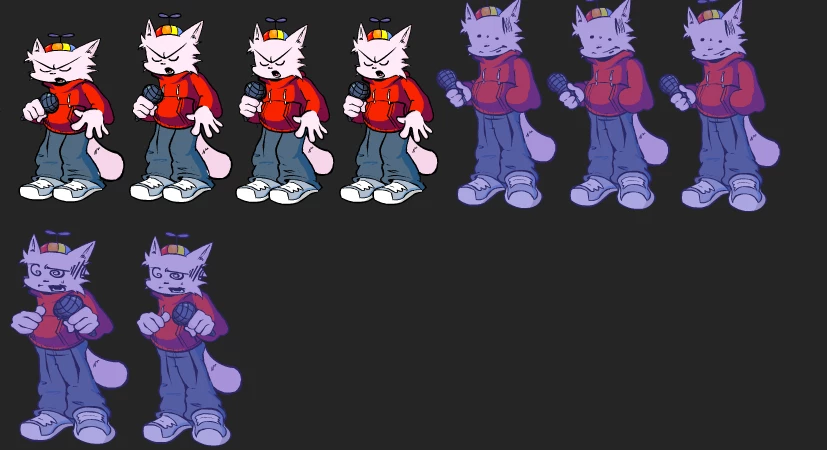
im having issues reguarding the tint feature in adobe animate not showing up on my spritesheet previews, hopefully there is a workaround that i just dont know exitsts. i would hate to have to manually draw over each and every sprite to get the tint effect. ive already eported the spritesheets to see if it was a visual error but no, it still has no tint after exporting. any help with this would be much appreciated!
    This topic has been closed for replies.

    2 replies

    Mario_CR
    Community Expert
    Community Expert
    December 18, 2024

    Do not use frame effects, apply the tint color on the symbol itself. Frame effects, filters and blend modes won't export on spritesheets.

    n. tilcheff
    Legend
    December 18, 2024

    You can try to wrap the tinted symbol into another one and export that.


    If that does not work, a quick workaround would be to use Symbol Palette Control to create a new tinted palette for the character and color swap. 

    It will take only a few clicks.


    Nick - Character Designer and Animator, Flash user since 1998 | Member of the Flanimate Power Tools team - extensions for character animation
    Participant
    December 18, 2024

    Unfortunately that did not work for me... anything else i can try out?