

Vector graphics are distorting dimensions
Hello,
I'm having trouble maintaining locked dimensions on graphics after I close, and then reopen an Animate file, or when copy/pasting to another frame.
-Using vector graphics only.
-All snapping is turned off.
-Only using increments of 0.05
-frequently, the same graphic will change dimensions when placed in different locations
-I am looking for precision dimensions
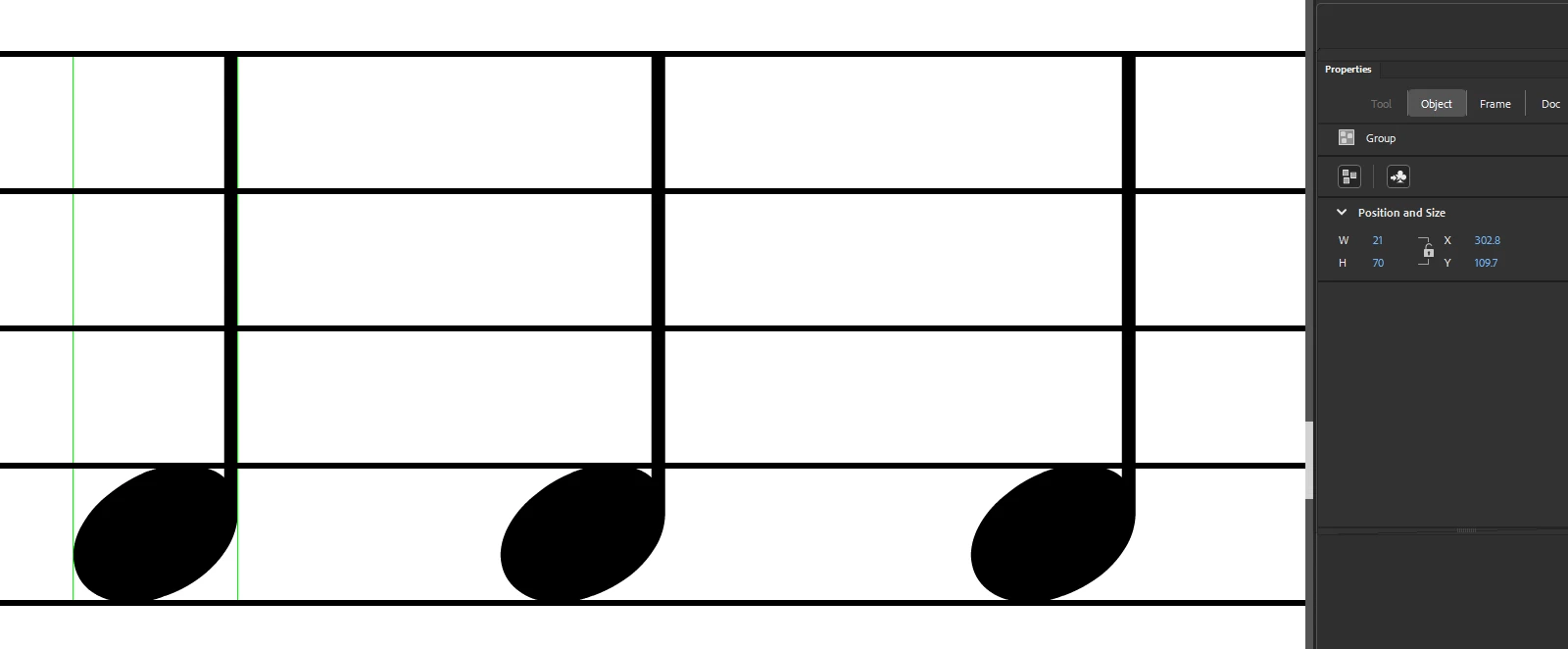
For example, I have a vector graphic set to: 21.00 px wide x 70.00 px high
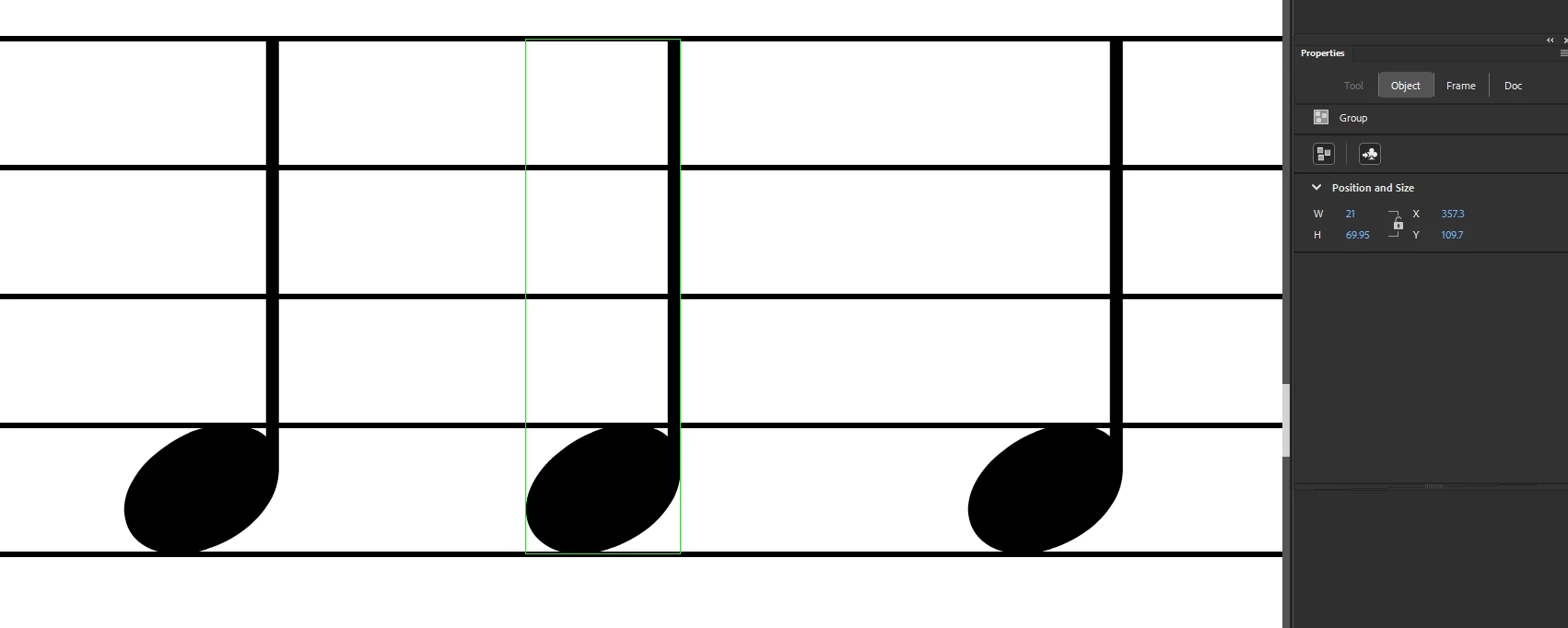
When I close the file and reopen it or copy/paste the vector graphic changes to:
21 x 69.95
21 x 70.05
20.95 x 69.95
20.95 x 70
or any variation of these. The width and/or height on some of the very same vector graphics will maintain dimensions and others will shift by 0.05 increments.
I can manually force/input the dimensions I want but they may not stay. For example: I input 21 x 70 and it changes to 21 x 69.95. The new dimension will not hold.
I get very inconsistent results. Also, when copy/pasting a group of vector graphics, lock width and height, I end up with different results for multiple objects within the group that all started with the same measurements. For instance:
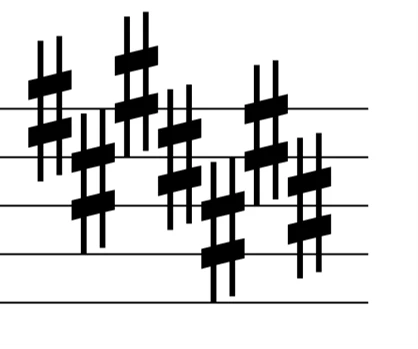
Copy/paste the exact same vector graphic, for example 7 sharps (hashtag symbols):
Some end up: 7.45w x 25h px
Others end up: 7.4w x 25h px
I am attaching a couple screenshots. Is there a snapping (all snapping is off), preferences, or advanced editing setting that I can adjust? I do not want to run a script, I have hundreds of elements throughout an animation and don't want a blanket change, I need precision dimensions based on each vector graphic.
Thank you


 AdChoices