Participant
Nov 24, 2022 10:51 AM UTC
Answered

Visemes only showing one mouth

Hello!

I am currently working on a project and using the lip sync option for the first time. I have looked on the message board but can't find the answer to my question except there was a bug 2 years ago relating to my issue. But thought it would have been fixed by now so guessing its human error here! 


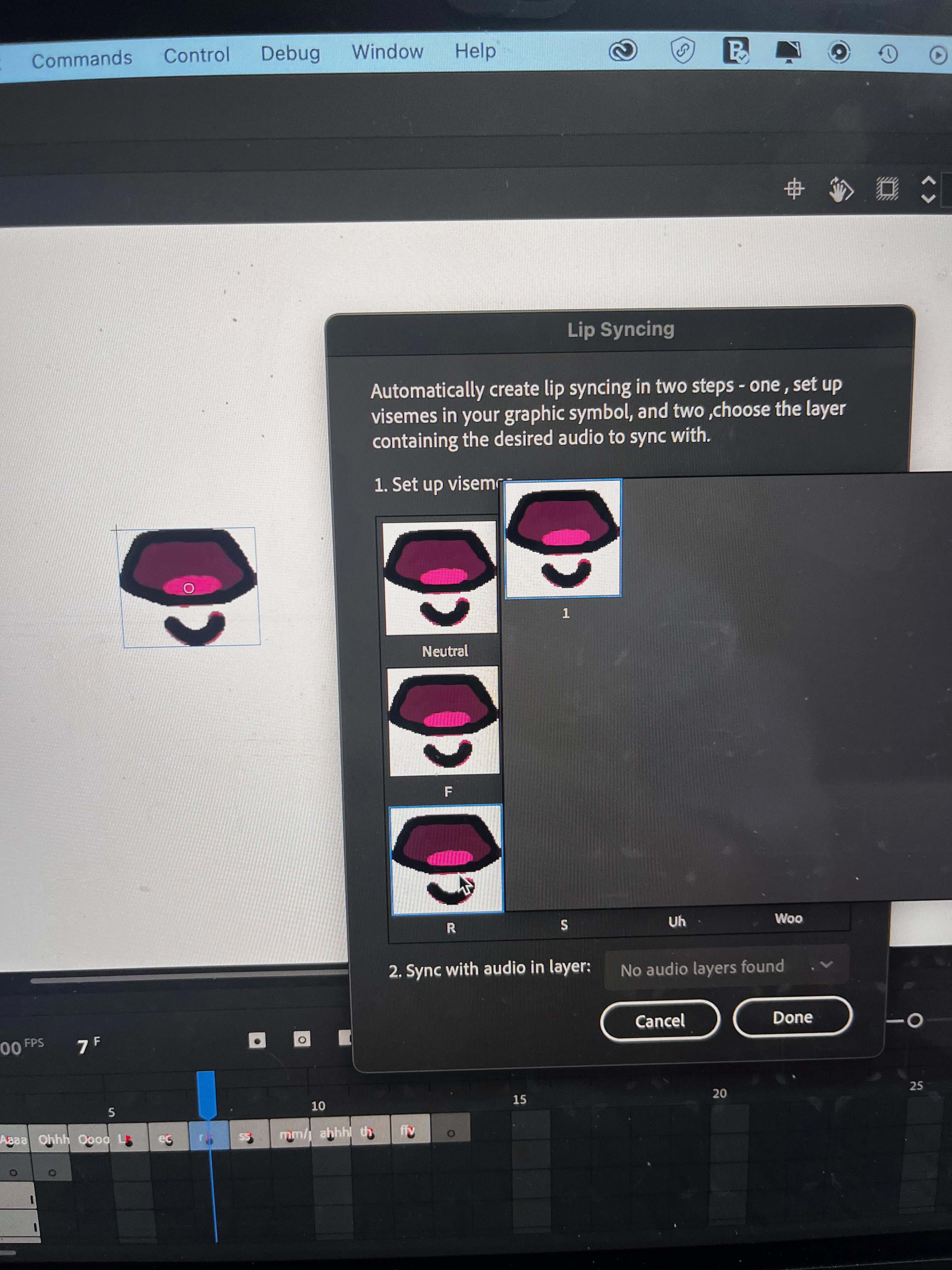
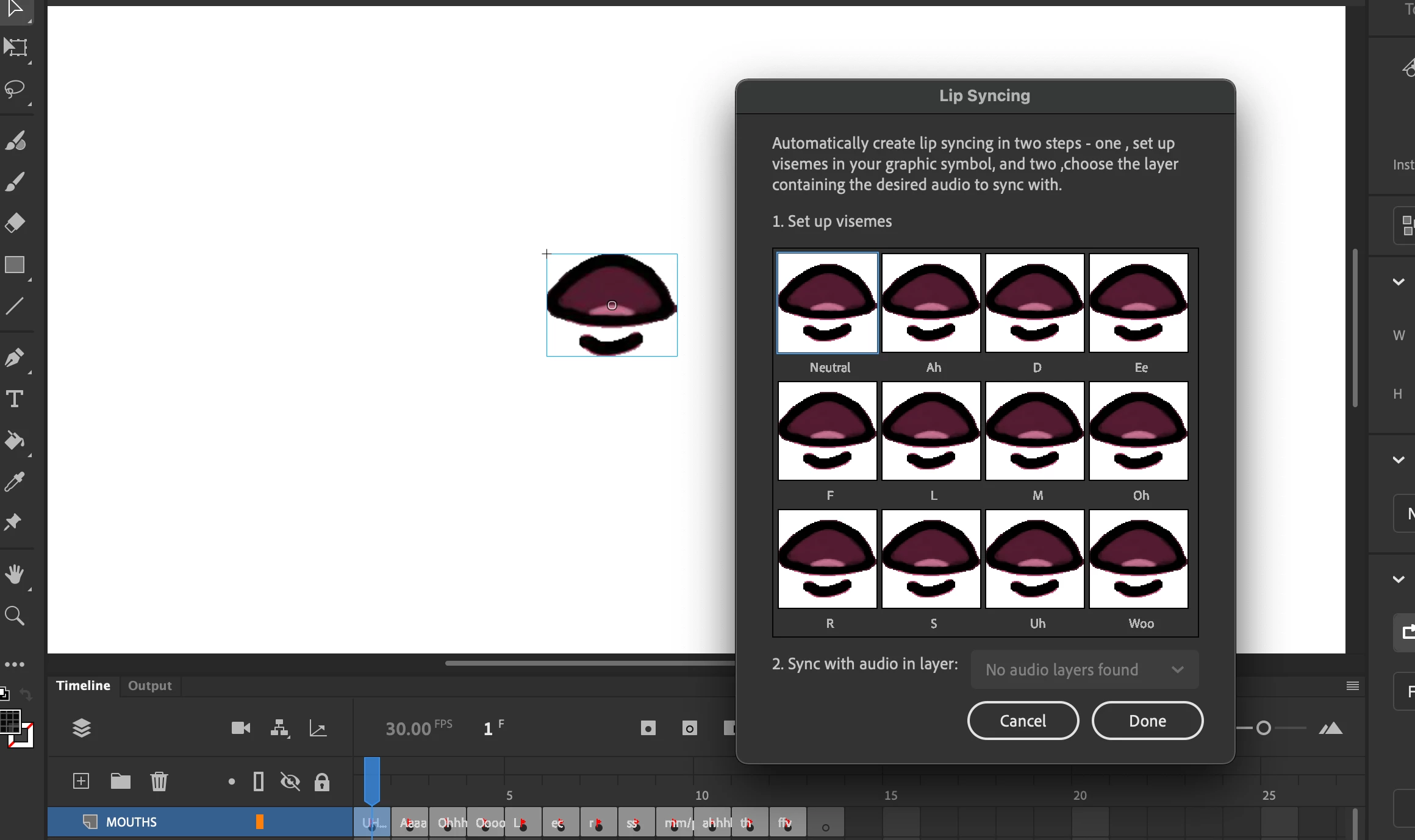
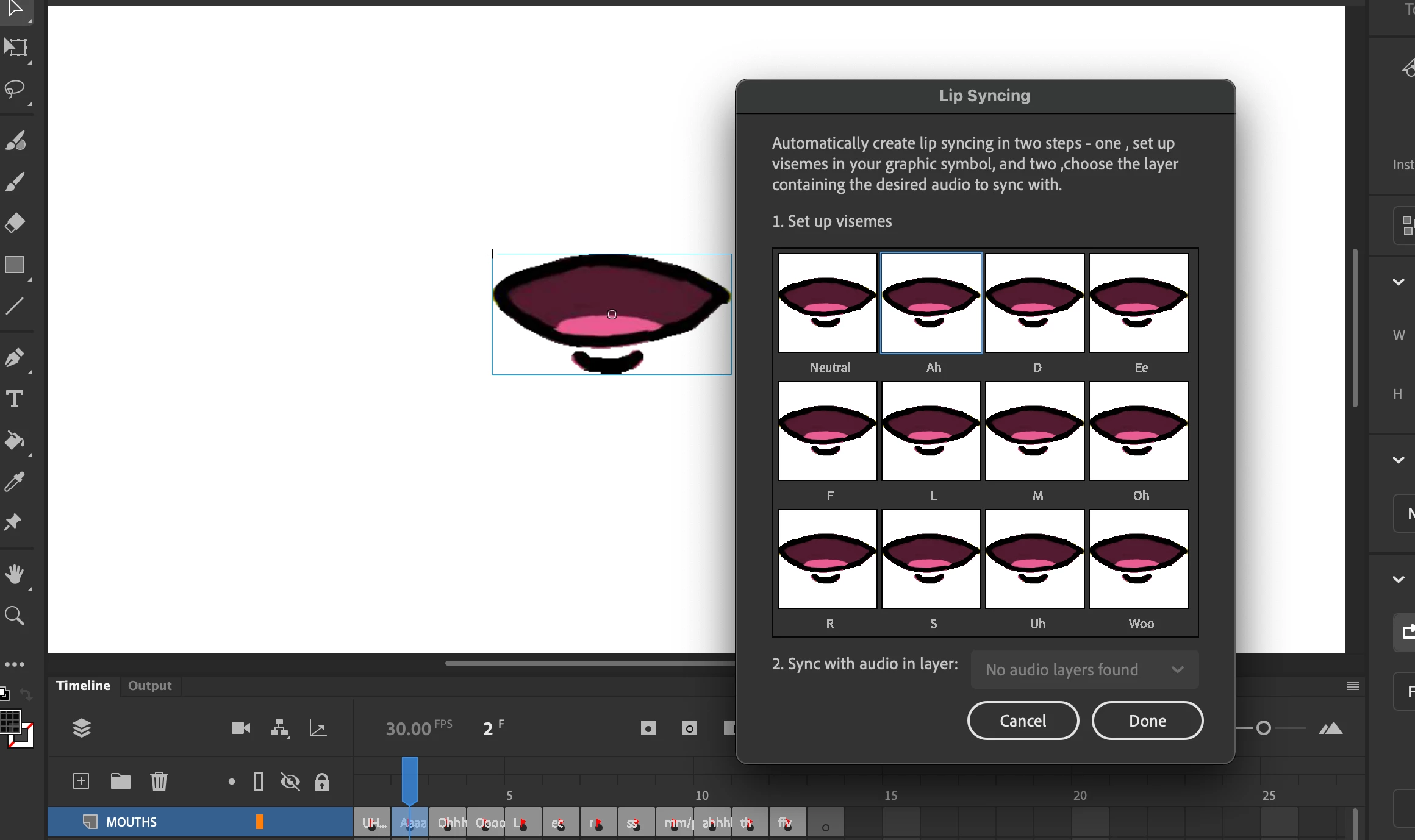
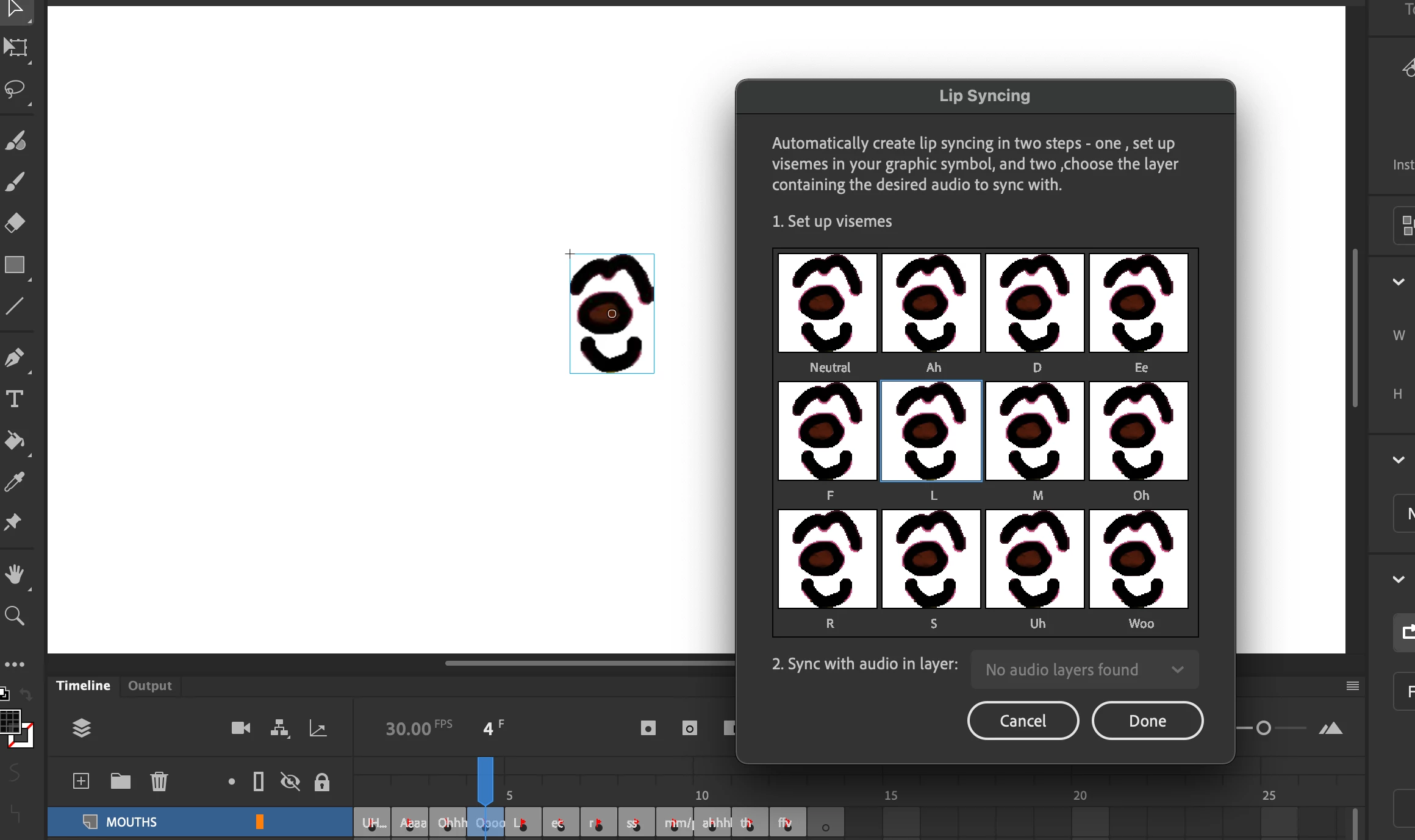
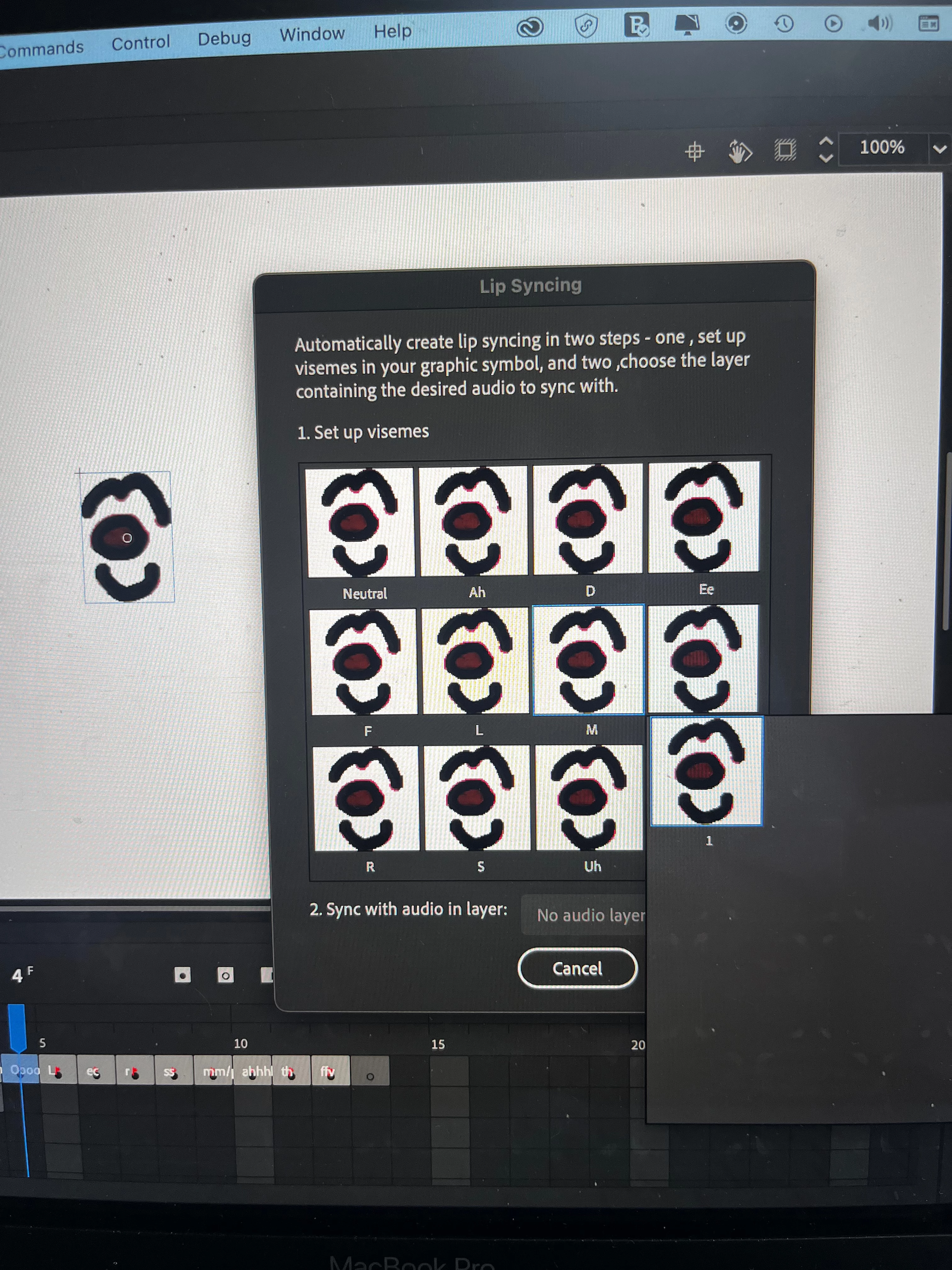
I am trying to set up my visemes. They are all set up in each key frame and as a graphic symbol. However when I go to select the right mouth for the sound made it only shows the current frame that I am on.


I have attached screenshots! Any help would be amazing! 


Thank you 🙂 
This topic is closed to new replies. Start a new post to keep the conversation going.
Mario_CR
Mario_CRCorrect answer
Community Expert
Nov 24, 2022 5:43 PM UTC

The visemes need to be nested inside a graphic symbol first.

Select the MOUTHS layer, right click and choose Convert Layers to Symbol. Once done try using the Frame Picker again.

3 replies

Mario_CR
Community Expert
Mario_CRCommunity ExpertCorrect answer
Community Expert
Nov 24, 2022 5:43 PM UTC

The visemes need to be nested inside a graphic symbol first.

Select the MOUTHS layer, right click and choose Convert Layers to Symbol. Once done try using the Frame Picker again.

Translate
Participant
Nov 24, 2022 6:42 PM UTC

Hello! Thank you for the quick response! They were in seperate graphic symbols before...now that they are merged I can choose from any of them. 

Thank you so much, you have saved me and the project!!

Translate
Mario_CR
Community Expert
Community Expert
Nov 24, 2022 7:18 PM UTC

You're welcome.

Translate