
Participant
October 6, 2021
Question

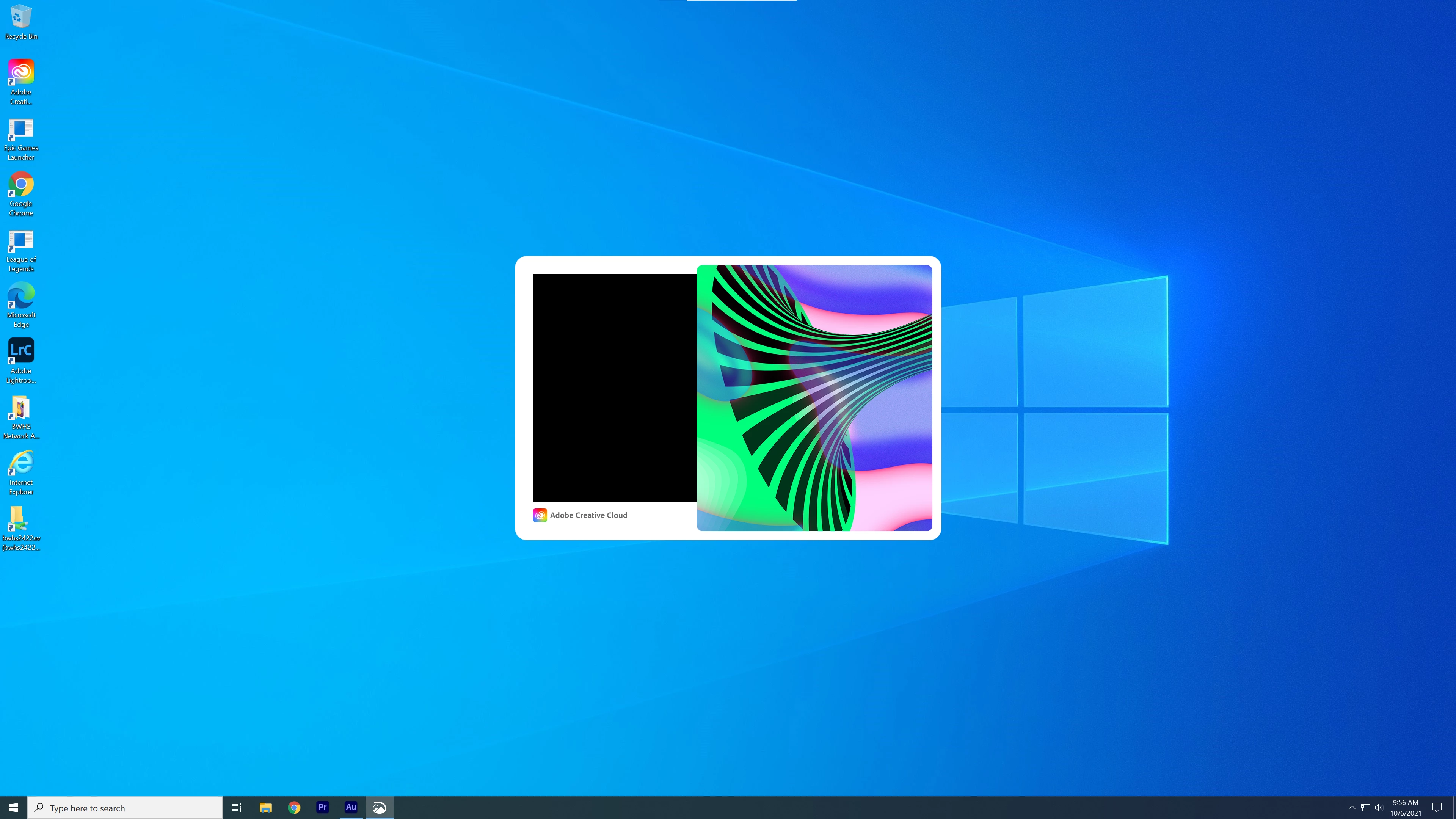
Adobe Audition not opening

  • October 6, 2021
  • 1 reply
  • 872 views

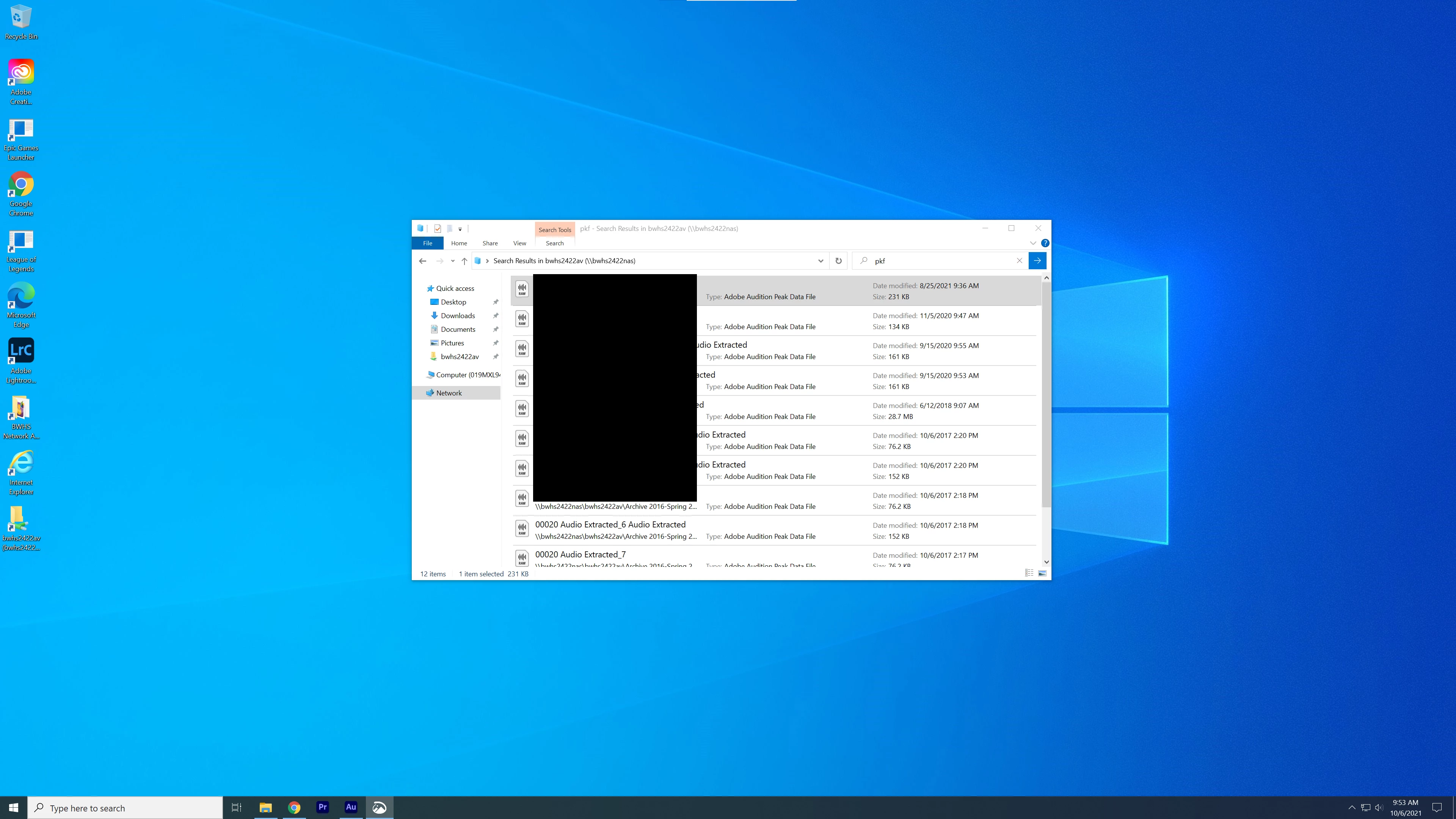
When I try to open Adobe Audition, all I get is a black screen. Premiere opens just fine. I'm on a school-managed Windows 10 desktop, that was recently updated and C drive cleared. I've tried to open it by opening a .pkf file, but nothing really works. I haven't seen anything similar to this on help forums.
This topic has been closed for replies.

1 reply

SteveG_AudioMasters_
Community Expert
Community Expert
October 6, 2021

Try uninstalling Audition using the Adobe Adobe CCcleaner  app, and then reinstalling it.

Participant
October 7, 2021

Like I said, I'm using a school-managed computer, so I won't be able to install or uninstall any programs without a master password (and I don't think I'll get permission to do that)

SteveG_AudioMasters_
Community Expert
Community Expert
October 7, 2021

Then you will have to return it to whoever manages it and get them to sort it out - there's nothing at all we can do about an unidentified start failure - with the possible exception of having a look at the fault log file (see details of how to get at that here (see last paragraph). But whatever that indicates, some sort of app rebuilding process is going to have to take place and it sounds as though you are going to need external help with that.


As an aside, the other thing to note is that Audition specifically doesn't like running on machines where you don't have Administrator privileges - all sorts of odd things can occur.