


Daleg94
Known Participant
July 3, 2019
Question

Need help finding AUX input for recording

  • July 3, 2019
  • 1 reply
  • 799 views

Hi,

I've got an aux cord coming from my MacBook into a Rode Videomic which I want to use to record within Adobe Audition

The issue is I don't seem to be able to select it anywhere when going to the default input
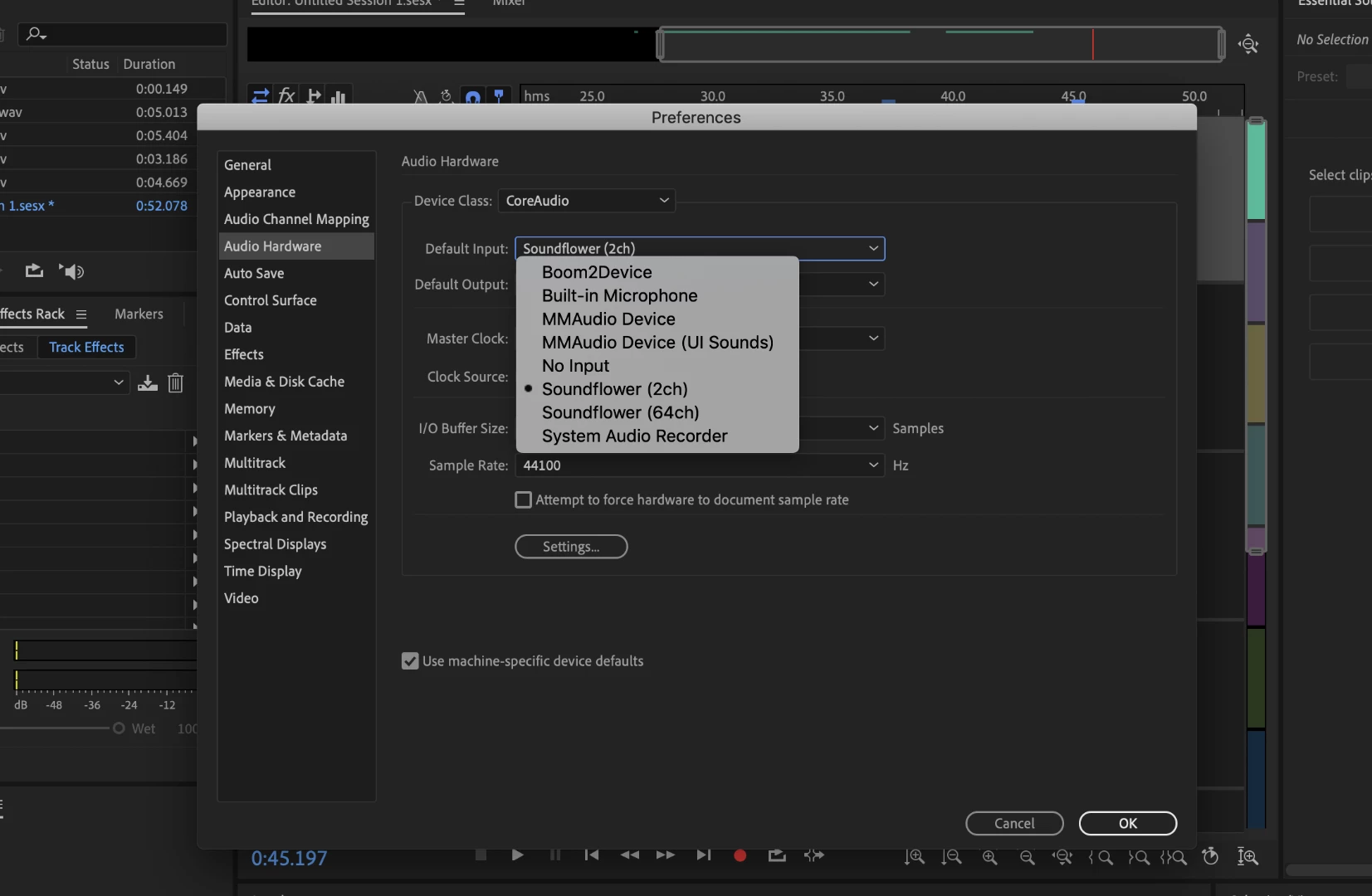
help!

This topic has been closed for replies.

1 reply

ryclark
Participating Frequently
July 4, 2019

wi1dtree  wrote

Hi,

I've got an aux cord coming from my MacBook into a Rode Videomic which I want to use to record within Adobe Audition

Surely it's the other way around with a connecting lead coming out of the Videomic into the mic input of your Mac? So I hope you have the mic plugged into the Mic input of your computer not the headphone output.

Any way you need to go into the Mac's Audio/MIDI sound setup page to make sure that the mic input is selected and working first before trying to find it in Audition.

Microphone Not Working In Mac OS X? | OnlineMicTest

Also depending on what type of Videomic it is it might require mic power which the Mac mic input doesn't supply. Is there a battery in the mic?