
Participant
May 23, 2024
Question

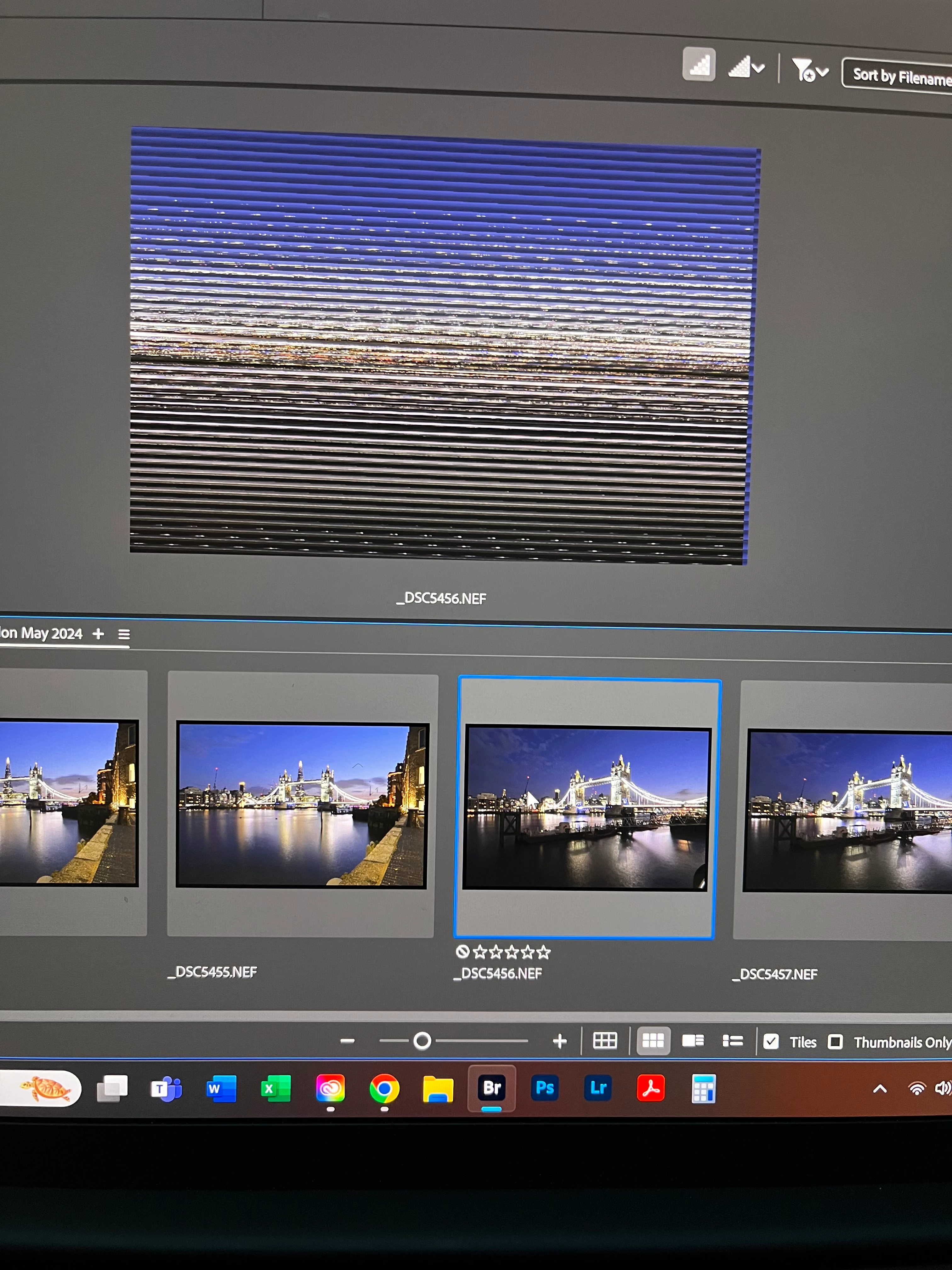
2024 Bridge Photo Previews Appear But Then Appear Corrupted

  • May 23, 2024
  • 1 reply
  • 229 views

I see the photos on the flipstrip, but then when I go to click on the image, the preview window is all streaked. The same occurs when in review mode.  See photo below.  Images are shot on Nikon Z8, 8256x5504. Files are on external 4TB drive.
This topic has been closed for replies.

1 reply

gary_sc
Community Expert
Community Expert
May 23, 2024

Hmm, OK, here's what should work: Next to Bridge's Preferences, you'll see Adobe Camera Raw's Preferences. From there, go to the Performance tab.


Your options will probably look different because I'm on an M1 Mac, but either turn "Use Graphics Processor" off, or if Custom, uncheck "Use GPU for Image Processing."


Let us know if that worked or not. (I'm about to leave for the rest of the day so I'll not be able to respond, but someone else should.)

6771
Participant
May 25, 2024

Tried the above work arounds and cannot seem to stop the problem.  Used the Apple M1 Max slot and also a card reader attatched directly to the M1 not though a secondard device.  Preview still shows corrupted files.  I also bought a new card reader thinking that was the problem.  Bridge is 14.1.0.257 ver.