


Accessing External drives on Bridge 11.0.1
I have the latest version of Bridge 11..0.1.109 and i am having a problem accessing my external drives
to view images. All of the drives contain folders of images but Bridge will not open them which i find strange becasue if i open the drives via the desktop i can view all of the files.There is a constantspinning circle on the bottom left side of the panel where i assume it is trying to access the drive but this is happening on all of the drives and nothing opens. I can access the drives in any other way eg LR PS or from the desktop and the Photos App.Everything else barring Bridge by the looks of things. I had no issue with other versions.I have done a restart,unplugged the drives but no remedy.
I am running Big Sur 11.2.3 on a Late 2015 Imac
3.3 GHz Quad-Core Intel Core i32 GB 1867 MHz DDR3
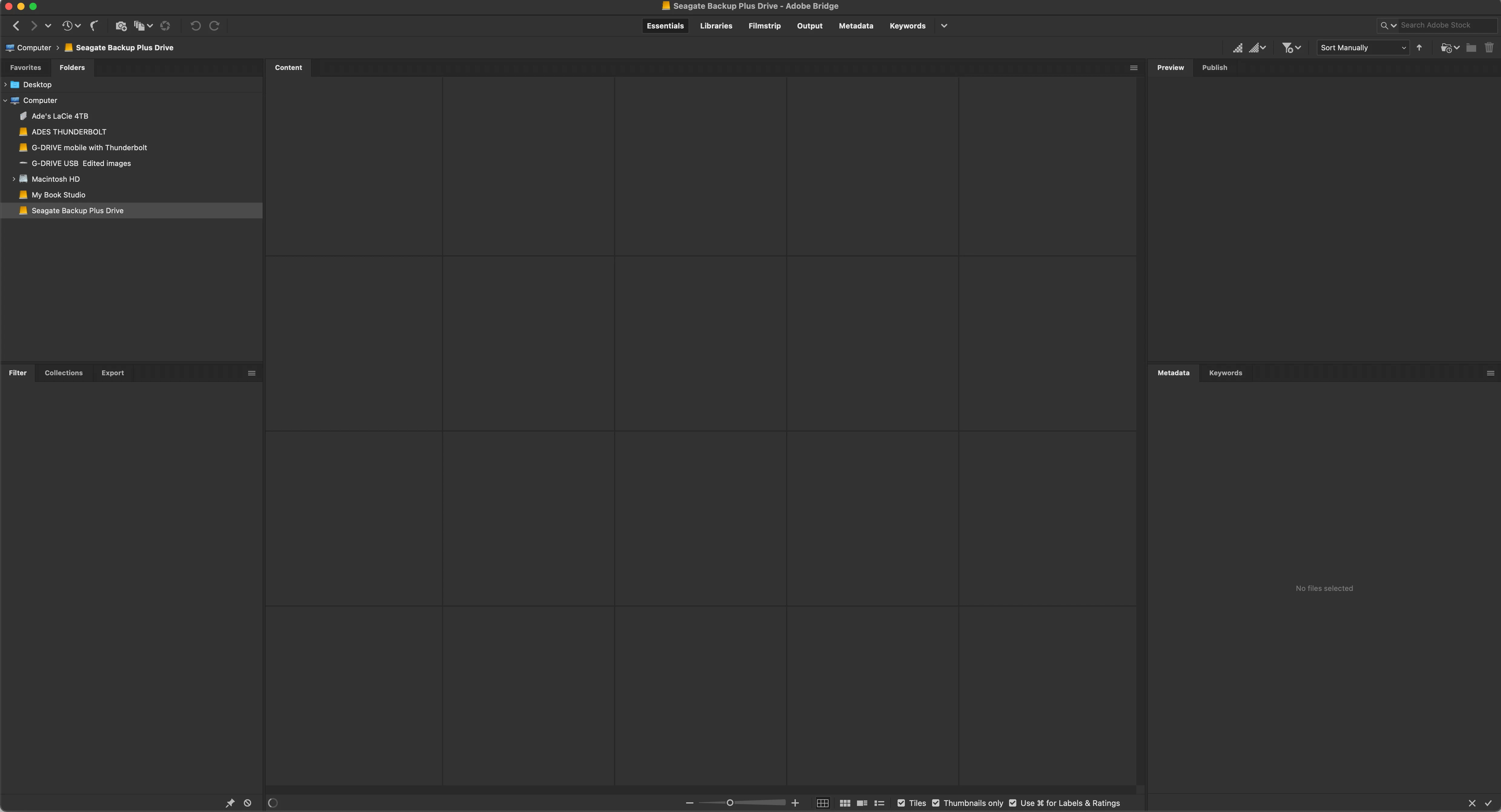
I am hoping i have missed something in the settings and any advice will be gratefully recieved.
 AdChoices