
Participant
November 19, 2020
Question

Adding Keywords as Lists

  • November 19, 2020
  • 3 replies
  • 295 views

Hi,


I am trying to move from MediaPro to Bridge and running into problems with the keywords. In MediaPro, I was able to have a list of keywords separated by commas in the controlled vocabulary so all the keywords would be added at once. When I import the keywords to Bridge, it does not recognize them as separate values and puts a quotation mark around them. Is there some way to accomplish this in Bridge with it recognizing each item separated by a comma or semicolon as a unique keyword? I have tried both commas and semicolon with the same result.


This is what my import file looks like:
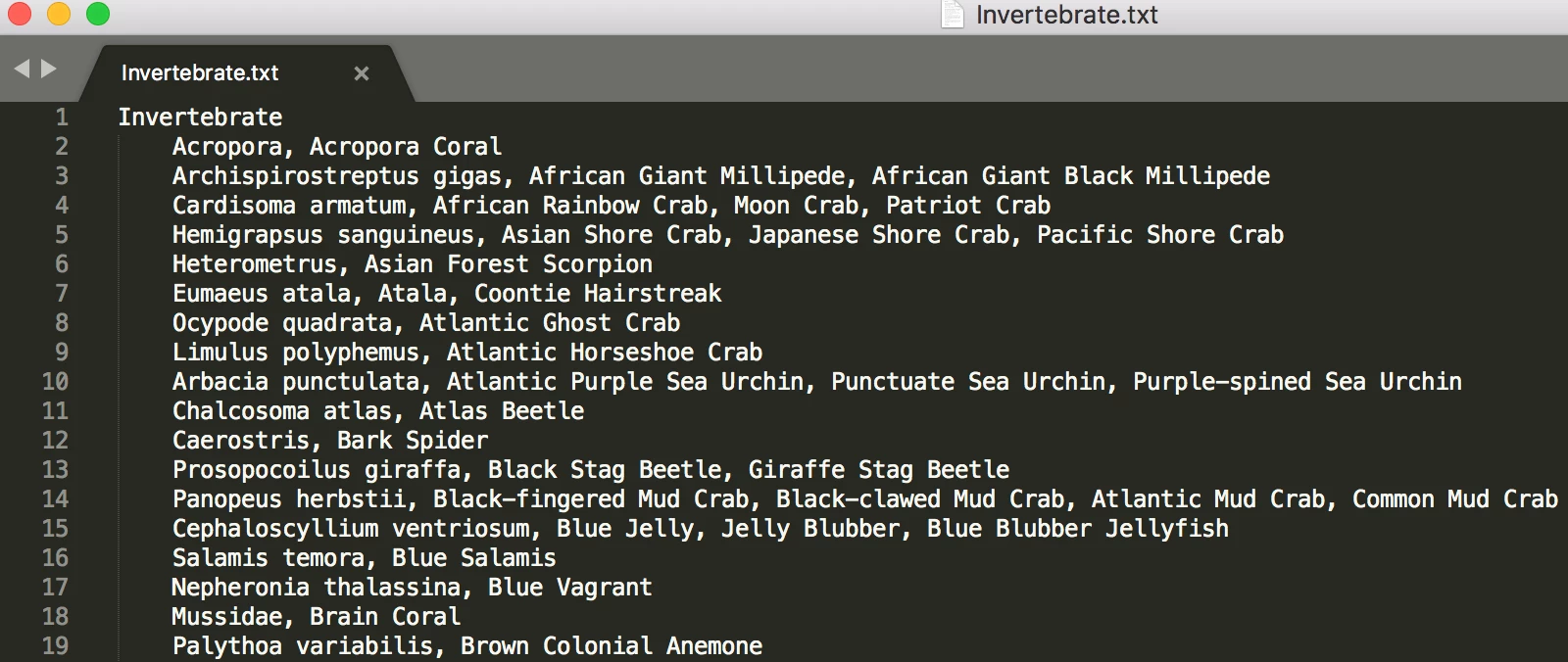
I need to be able to attach the scientific name along with the common names easily like this.

It looks fine in the Keywords panel:
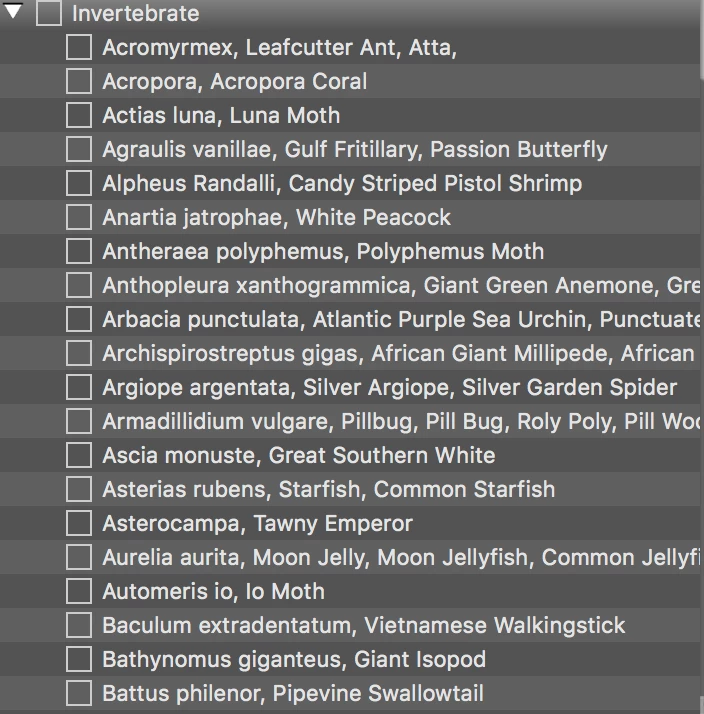
But then the quotes are added in the metadata panel:
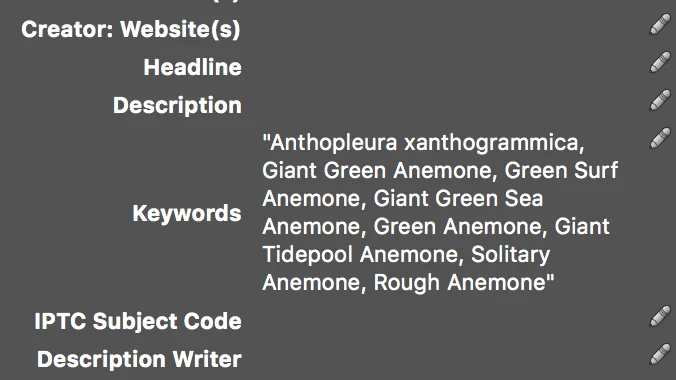
I've been trying to find any solution to this and unable since this isn't a typical nesting situation of keywords but needs to be a specific list like this. Any insight is appreciated!

Thank you!

This topic has been closed for replies.

3 replies

Stephen Marsh
Community Expert
Community Expert
May 2, 2021

Some clues for text wrangling here:


https://prepression.blogspot.com/2016/11/bridge-restoring-lost-keyword-xml-file.html


Use Bridge/Preferences/Keywords and enable the read/write of hierarchal keywords.


Setup a small test/dummy structure of at least two sets of keywords to see how it should be constructed when exported to plain text (nesting with tab characters etc). Then use the Keywords panel options menu to export out the plain text file. Use a text program that shows invisible characters such as tab and line endings. It's also good if it offers "grep/regular expression" find and replace.


Then try a small test from your other program, using find/replace to restructure it's format into the format required by Bridge.

Participant
April 30, 2021

Came to this site to try to find a faster solution for this same issue.

But I do have a workaround if you're interested. It's a bit lengthy to explain, but the process only takes about 20 minutes to complete. Let me know!

Legend
November 19, 2020

This is not possible as far as I can tell. You might look at the help and see what options you have.

https://helpx.adobe.com/bridge/kb/nested-hierarchal-keywording-bridge.html