

Question
Adobe Bridge Metadata Order
Hi,
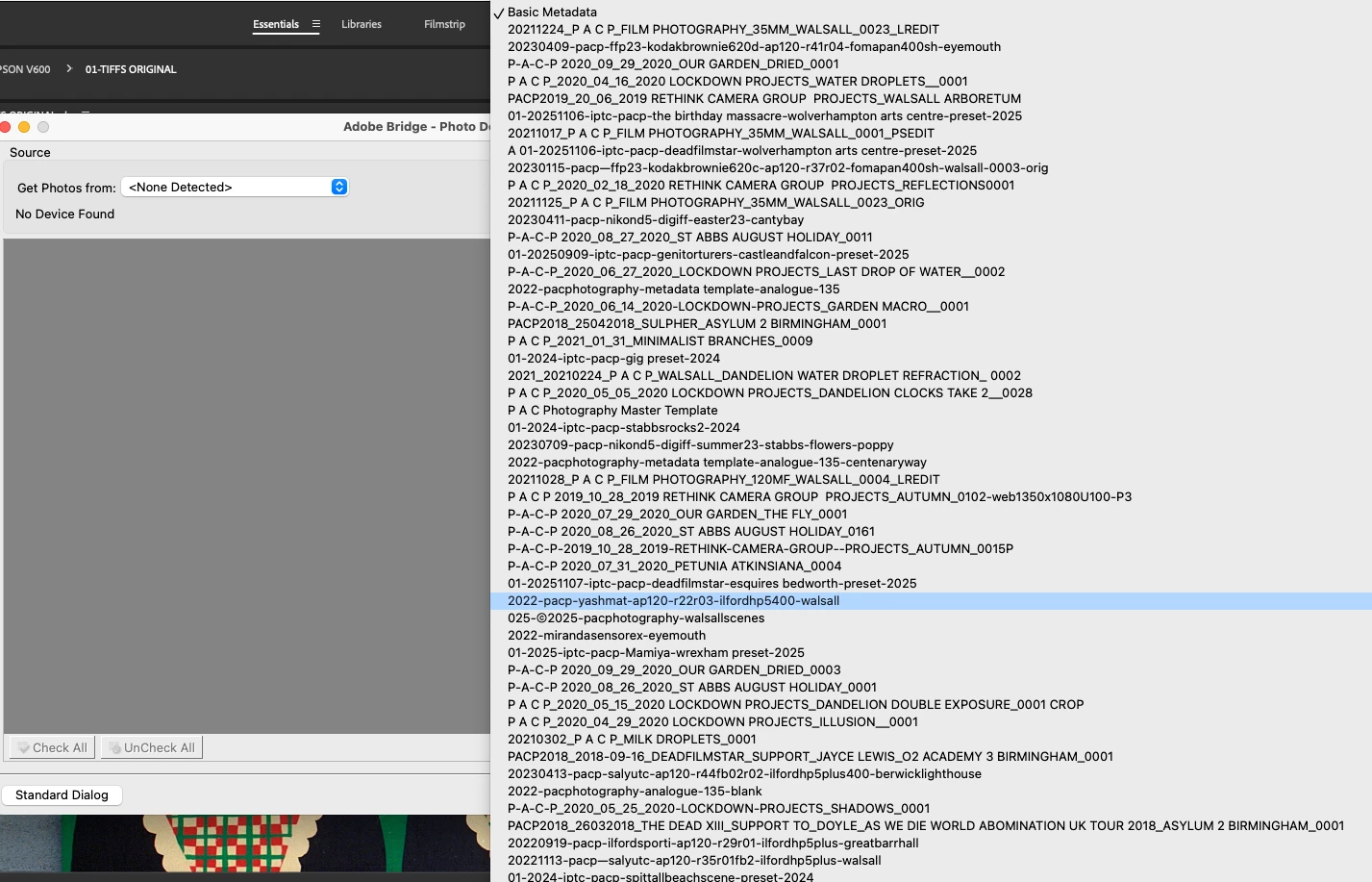
I wonder if anyone can help me. I want to know if you can view the metadata list in a logical order when you are trying to add metadata when using the Get Photos From Camera. My first photo attached shows my metadata in a logical order when you go through the Edit Metadata Template. But when I try and apply metadata through the Get Photos From Camera "Template to use" (my second photo attached), it loses it's logical order, then I have to scroll through to find the metadata template I want to use. Any way around this? Just trying to make my workflow more efficient. Thank you.
Best regards Paul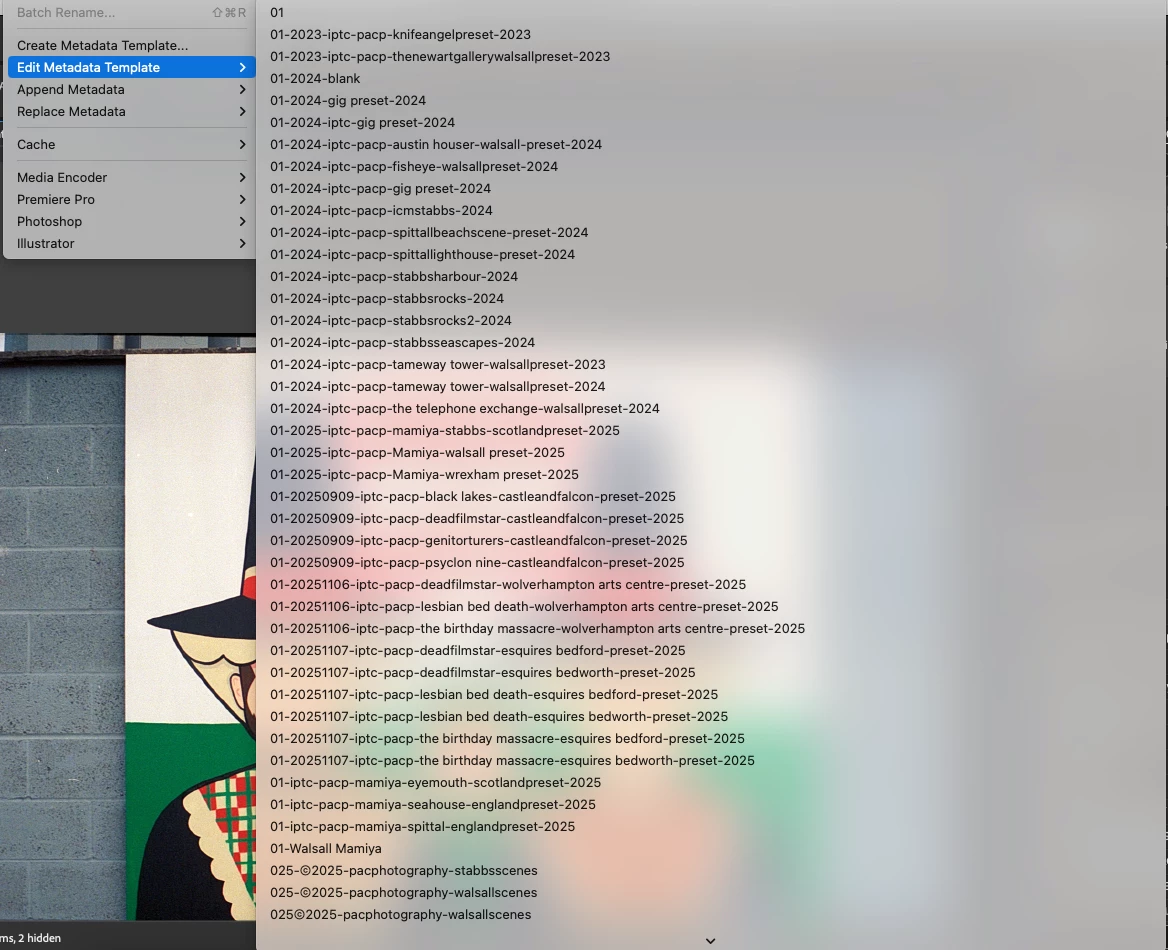


 AdChoices