
May 16, 2017 5:07 PM UTC
Answered

Adobe Bridge .MP4 preview just shows green
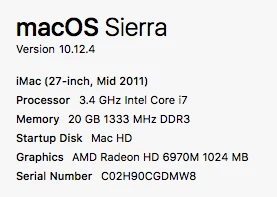
Many files dowloaded from youtube show green thumbnails and have a green or white noise image when previewed. But when double clicked and played in QT or finder they play fine. 

I've tried:
- clearing the cache
- moving the cache
- moving the file to my main HDD
- enabling / disabling full screen preview
- enabling / disabling software rendering
- setting all mp4 and quicktime extensions to play with QT
- restarting Bridge
- re-installing Bridge
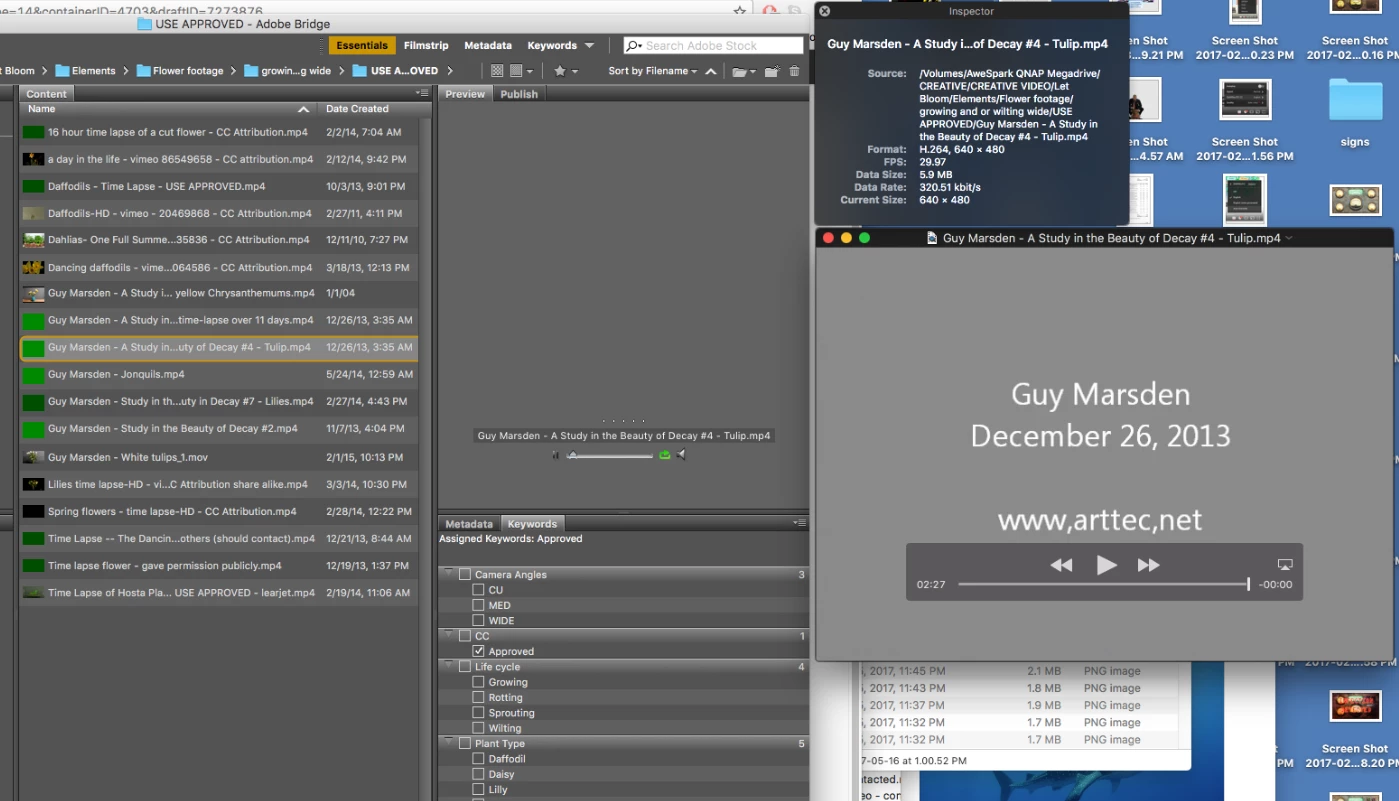
Any suggestions?

Thanks

This topic is closed to new replies. Start a new post to keep the conversation going.
Sahil.Chawla
Sahil.ChawlaCorrect answer
Adobe Employee
May 31, 2017 4:20 PM UTC

Hi Alexeyzorsky,

The issue might be occurring due to some unsupported codecs causing conflict with Adobe Bridge, could you try converting your video to a different format and let us know if that helps?

Regards,

Sahil

1 reply

Sahil.Chawla
Adobe Employee
Sahil.ChawlaCorrect answer
Adobe Employee
May 31, 2017 4:20 PM UTC

Hi Alexeyzorsky,

The issue might be occurring due to some unsupported codecs causing conflict with Adobe Bridge, could you try converting your video to a different format and let us know if that helps?

Regards,

Sahil

Translate