

Adobe Bridge not displaying thumbnails of Canon
I've been 2 hours reasearching why Adobe Bridge won't display thumbnails of my photos (JPG and RAW) of my Canon Rebel T7 that is connected in my PC via Mini-USB cable with a 16GB Micro SD card inside an Micro SD card Reader. For some reason Adobe Bridge will display the thumbnail of images and videos in any other device, external hard drive and internal hard drive (HD or SSD). I've tried resetting all preferences and cleaning the cache (Ctrl + Alt + Shift), changed the max file thumbnail size to 5000 MB, changed quality of thumbnail to standard. I've used 2 different SD cards and both of them have the same issue.
One strange thing I've noticed it's an icon of a locker in the top left corner (I think it means it's read only) as you can see in the printscreen:
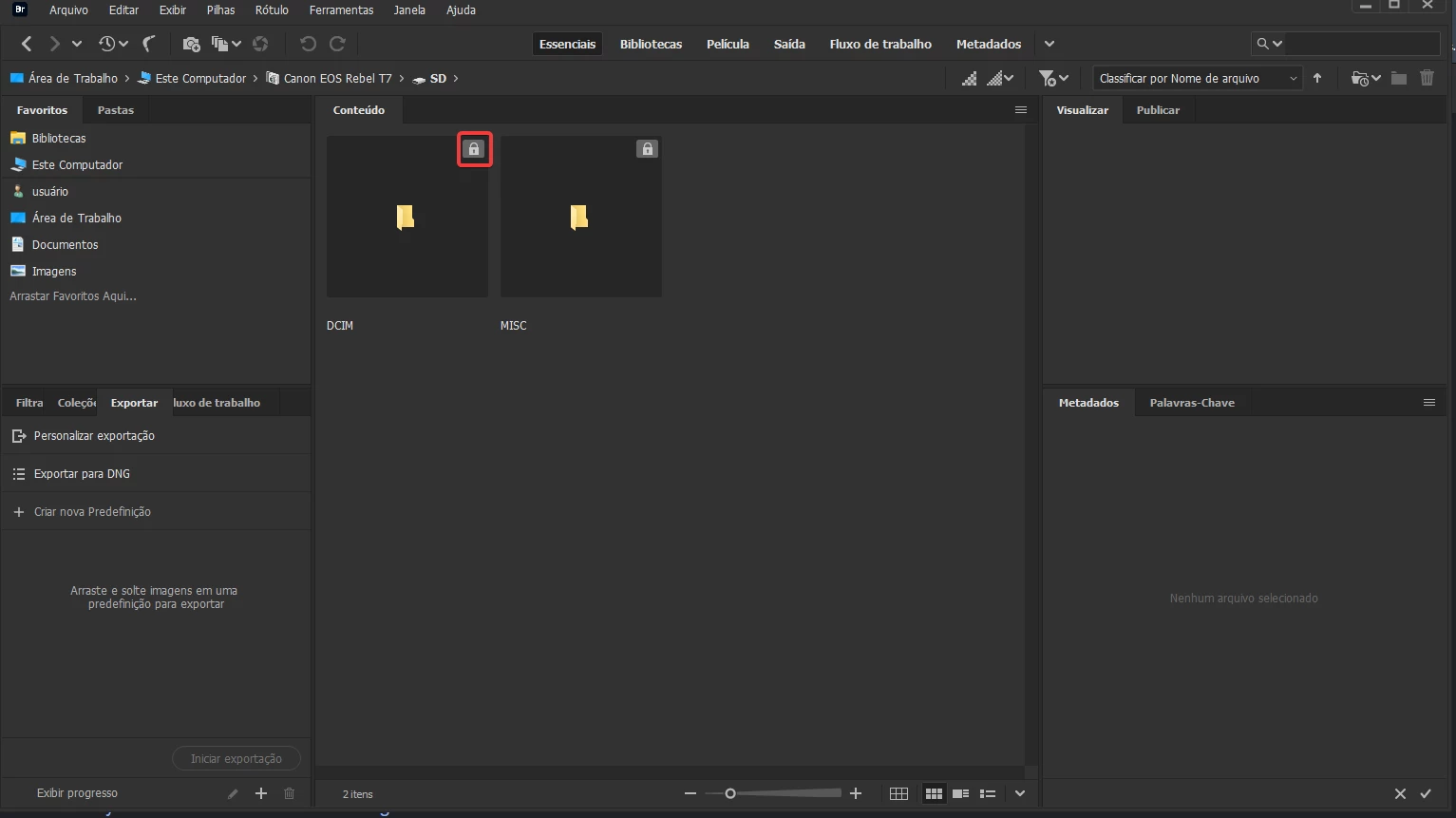
I couldn't find a way to make it disappear, yet I don't think this should be an issue.


 AdChoices