Known Participant
January 30, 2020
Question

Adobe Bridge preference is locked/ PS batch process menu is gone

  • January 30, 2020
  • 1 reply
  • 1640 views

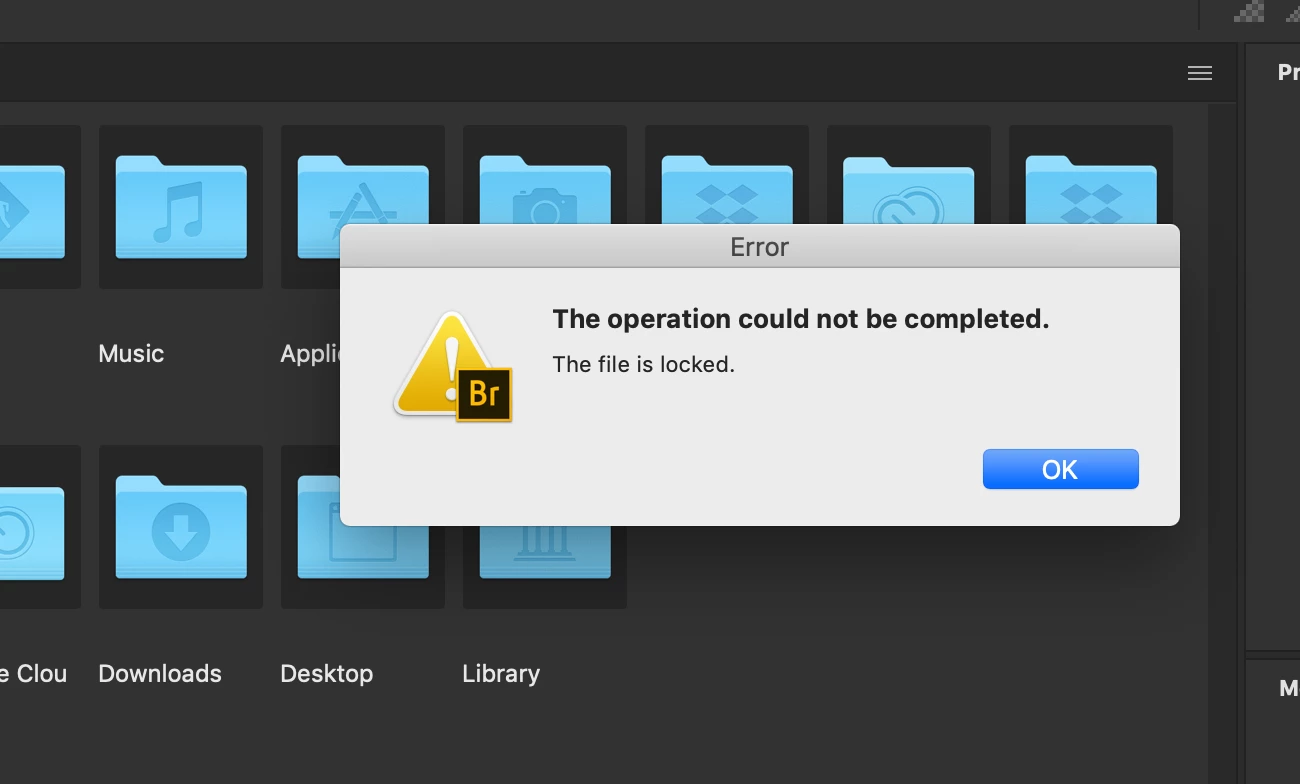
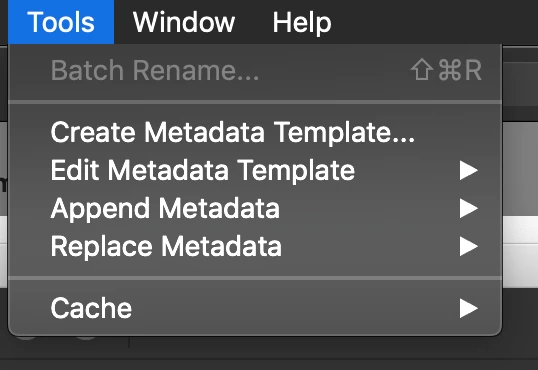
I attached the screenshots. Whenever I click on "preference", I get this dialogue box that says the file is locked. I've never seen this before. Also "Photoshop" menu under "Tools" is gone forever. I can't find answers on this anywhere. Is there anyone from Adobe here? Can anyone help me out on this? By the way, I'm using the latest verion of Photoshop & Bridge together, so they should be compatible together. 


This topic has been closed for replies.

1 reply

Legend
January 30, 2020

Are you using Catalina? If so, be sure to install the latest update, apparently it has fixes for Adobe issues.

w0n_k1mAuthor
Known Participant
January 30, 2020

Thanks for your reply, but I'm using the latest version. I erased and re-installed the app more than 20 times. It's just not working. I feel like I've found an error that even Adobe cannot solve.  

gary_sc
Community Expert
Community Expert
January 30, 2020

Hi W0n,


If you are reinstalling Bridge, that's the wrong direction. Photoshop (and Illustrator) install these menu items, not Bridge. What you need to try is to uninstall PS, and then re-install it.


Please let us know if that works,