


Adobe Bridge search and other functions not working
Bridge version: 2017 release 7.0.0.93
iMac 2017 4.2 GHz i7 - 32GB RAM
Mac OS 10.13.2
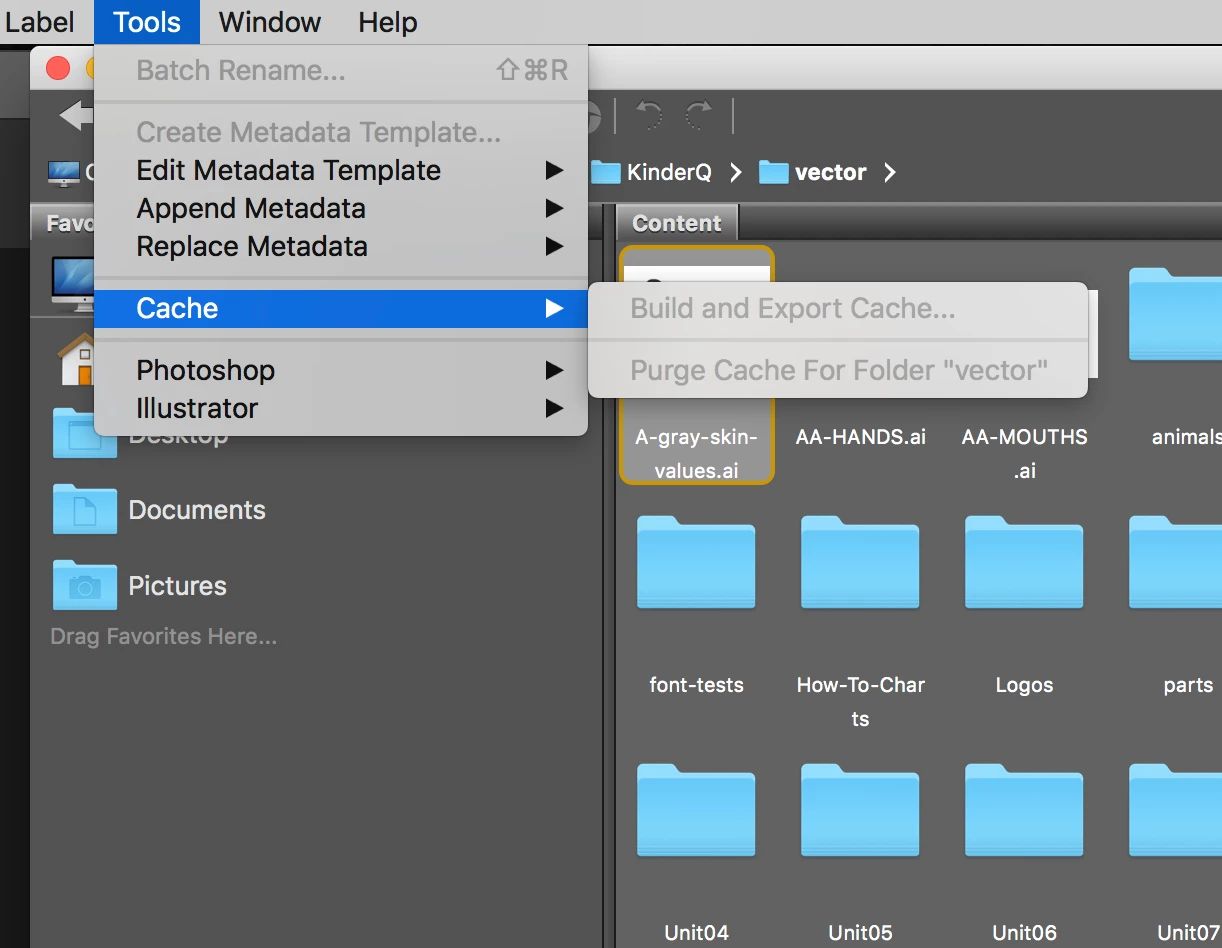
Bridge has been "forgetting" the keywords for a library of vector files that I've been searching in for years. These days, when I search, it returns zero results. I have had to rebuild the cache every time I go into Bridge, which is a huge hassle. But now, I can't even rebuild the cache!
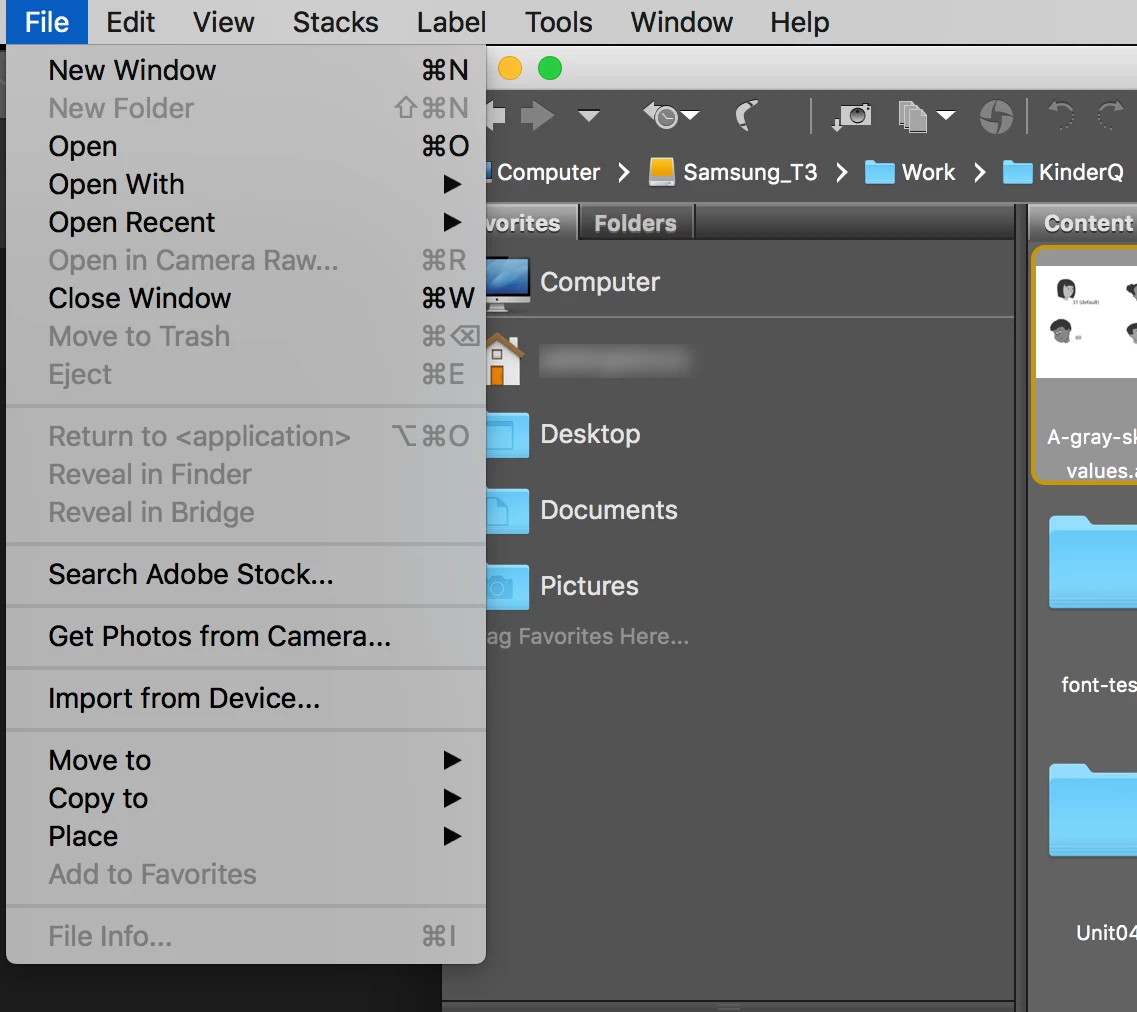
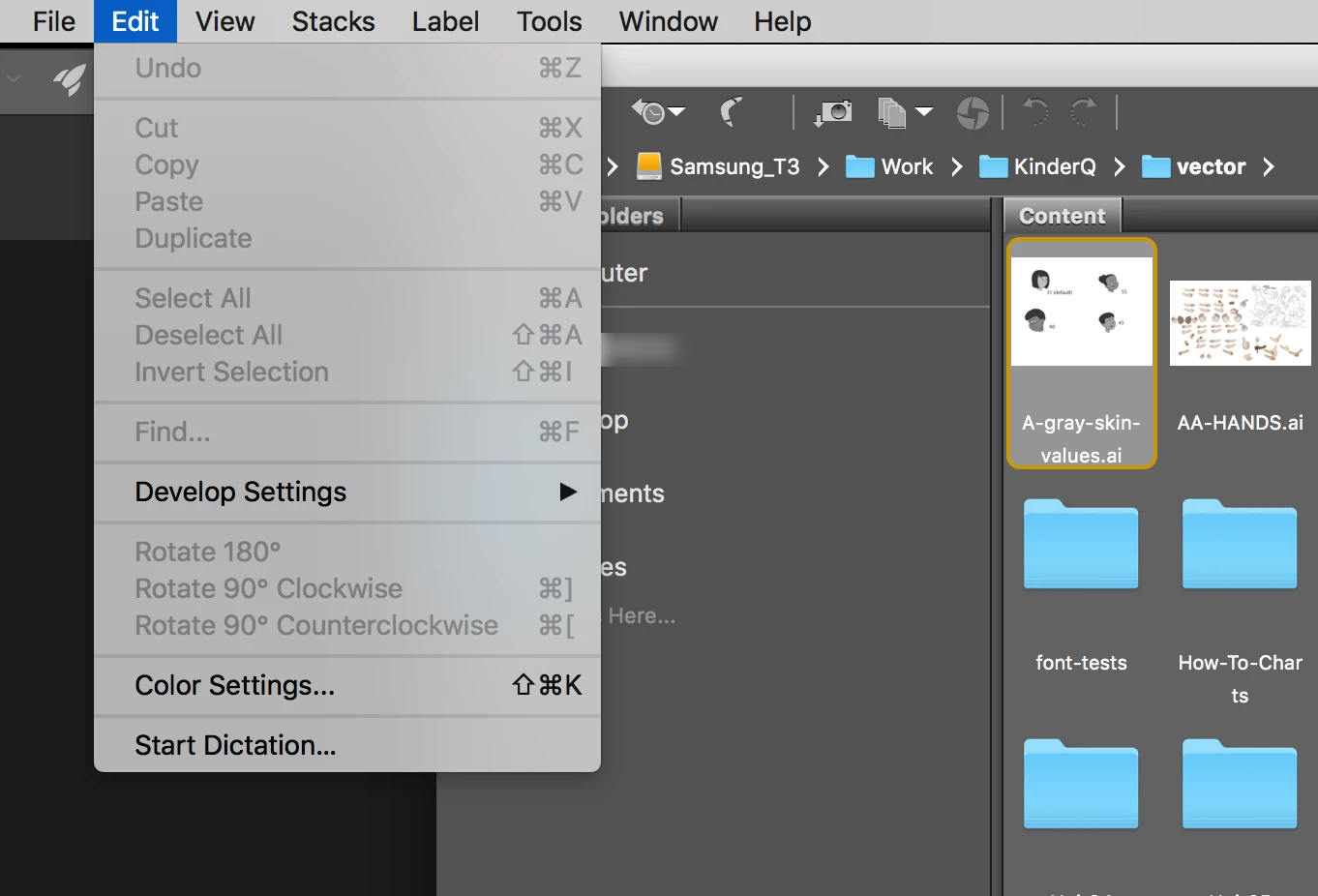
Plus, I can no longer use spacebar to view full screen previews. In fact, there are several functions that are not available in the menus and should be, such as Move to Trash, Select All, open any of the panels, Full Screen Preview, Build and Export Cache, and others. Screen shots of menus attached.
This is happening whether I'm trying to navigate either my external hard drive or my internal drive.
I have searched the forums and aside from rebooting as well as resetting Bridge's preferences (Command-Option-Shift on Bridge launch), which doesn't seem to help, I could not see any ideas. These issues are severely affecting my work flow on more than one project.
Ideas anyone?
Thanks,
: p
 AdChoices