


Participant
February 18, 2023
Question

Adobe Bridge won't preview/open Canon R5 .CR3 files

  • February 18, 2023
  • 1 reply
  • 2133 views

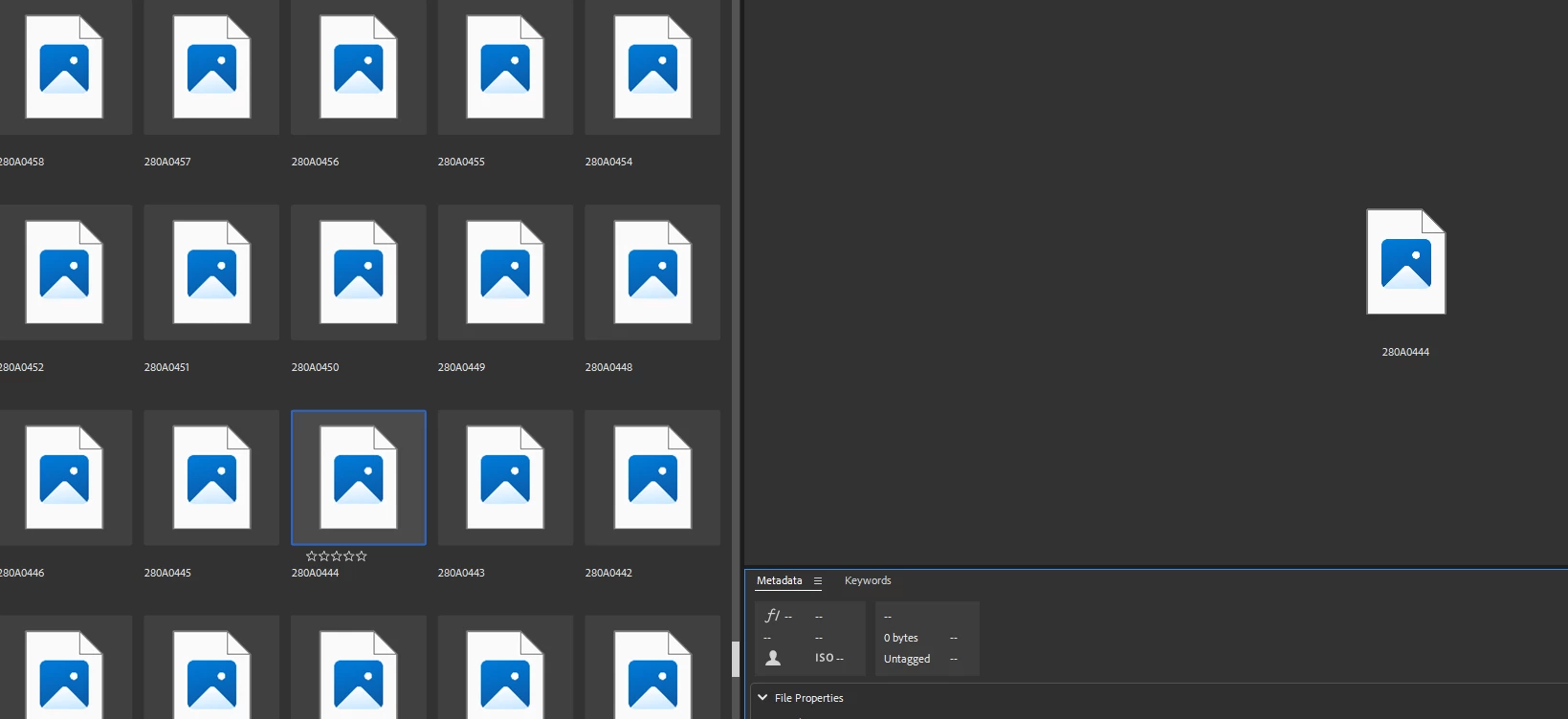
I just got a Canon R5 and Bridge won't show any thumbnails nor open the files (in ACR or PS). I have all the latest versions of Bridge/ACR/Photoshop.


Windows 11 sees the files fine with thumbs but that's not how I process my images. Any ideas?


This topic has been closed for replies.

1 reply

Legend
February 20, 2023

According to this page, you need at least Camera RAW 12.4 to open R5 RAW files.

https://helpx.adobe.com/camera-raw/kb/camera-raw-plug-supported-cameras.html

Are you using full-size RAW or saving as sRAW or mRAW?

Participant
April 20, 2023

I cannot view .CR3 files created on my Canon R5 using Adobe Bridge.     I was able to open them on my 2018 macbook pro, but unable to open them on my new M2 Max macbook pro.    I suspect Ventura 13 OS is the problem.