


Participant
August 7, 2023
Question

AEM tags in Bridge

  • August 7, 2023
  • 1 reply
  • 301 views

I'm working with Bridge and AEM managing photos, and I'm looking for a way to streamline the tagging process. Currently I add the metadata, keywords etc in Bridge, then upload them to AEM, then add tags manually. 


I've found this extension for Bridge but I can't seem to log in. This panel comes up, but when I click 'sign in with adobe' it won't allow me to type anything and takes me straight back to the previous page.

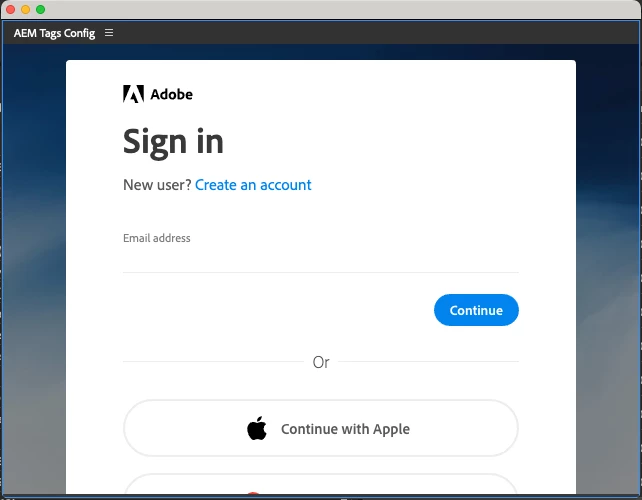


I have two questions - has anyone had this problem with the extension, and if so did you manage to solve it?


Alternatively, is there another way to integrate tags into Bridge?

This topic has been closed for replies.

1 reply

gregreser
Legend
August 8, 2023

There is an excellent custom metadata panel that includes support for AEM tags. You can set up a panel with just the fields you want, wich might be a time saver overall.

User guide:  https://github.com/adobe-dmeservices/custom-metadata/wiki

Installation instructions: https://github.com/adobe-dmeservices/custom-metadata/wiki/Adding-the-Custom-Metadata-Panel-to-your-Application


You will have to set up your AEM tags. The panel custon view editor indicates that you can download your tags from AEM and import them to the panel.