
Batch Rename File Skip
Hello all,
I am encountering a rather frustrating problem with batch renaming in Adobe Bridge. I'm currently doing 360 degree photographs and I need to use 72 images per item and they all need to be in logical order . For about 3 months when I batch rename all files in a folder in Adobe Bridge it seems to pick a photo at random and not re-name it. Photos are attached before and after batch renamed for proof.
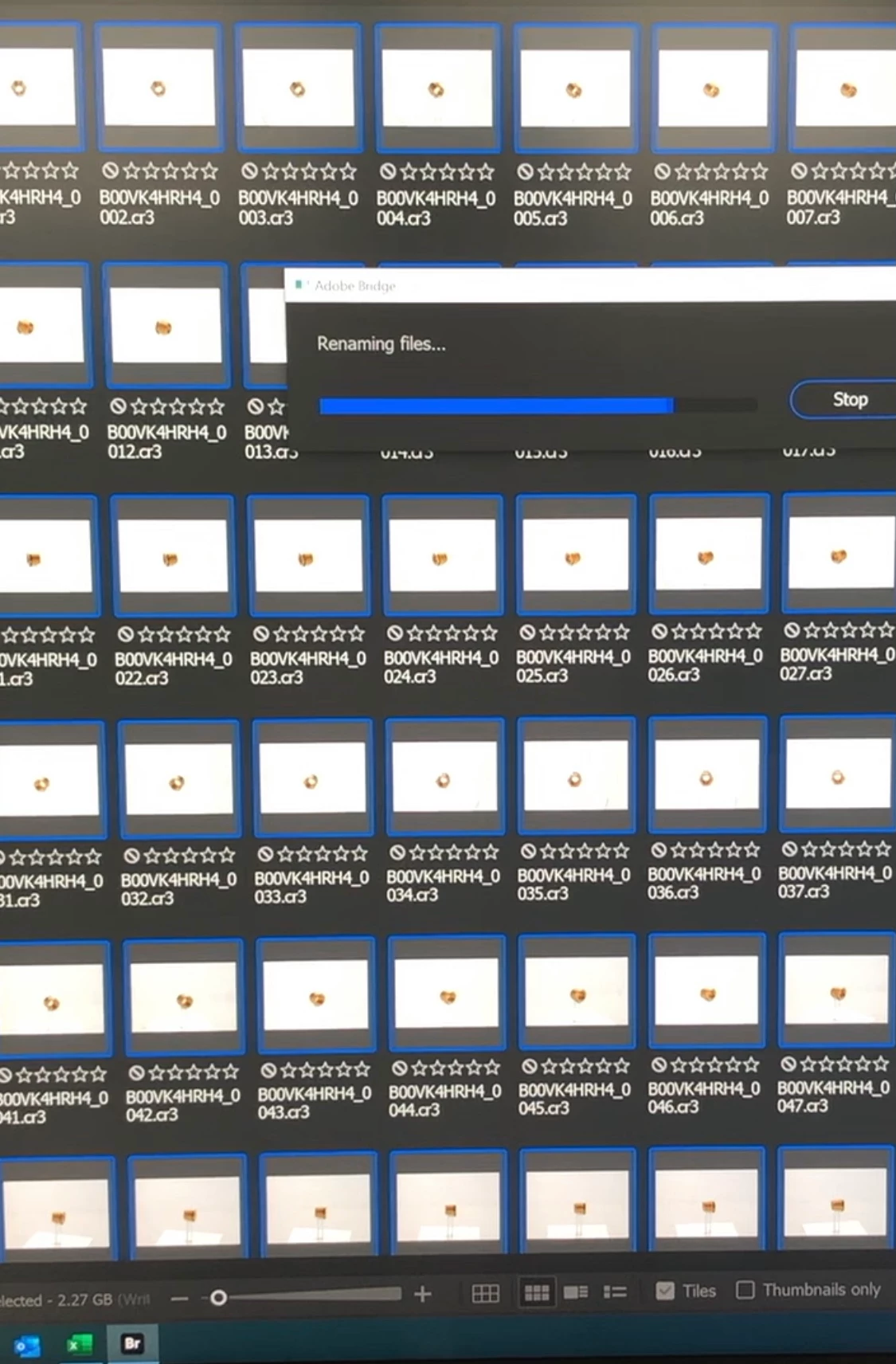
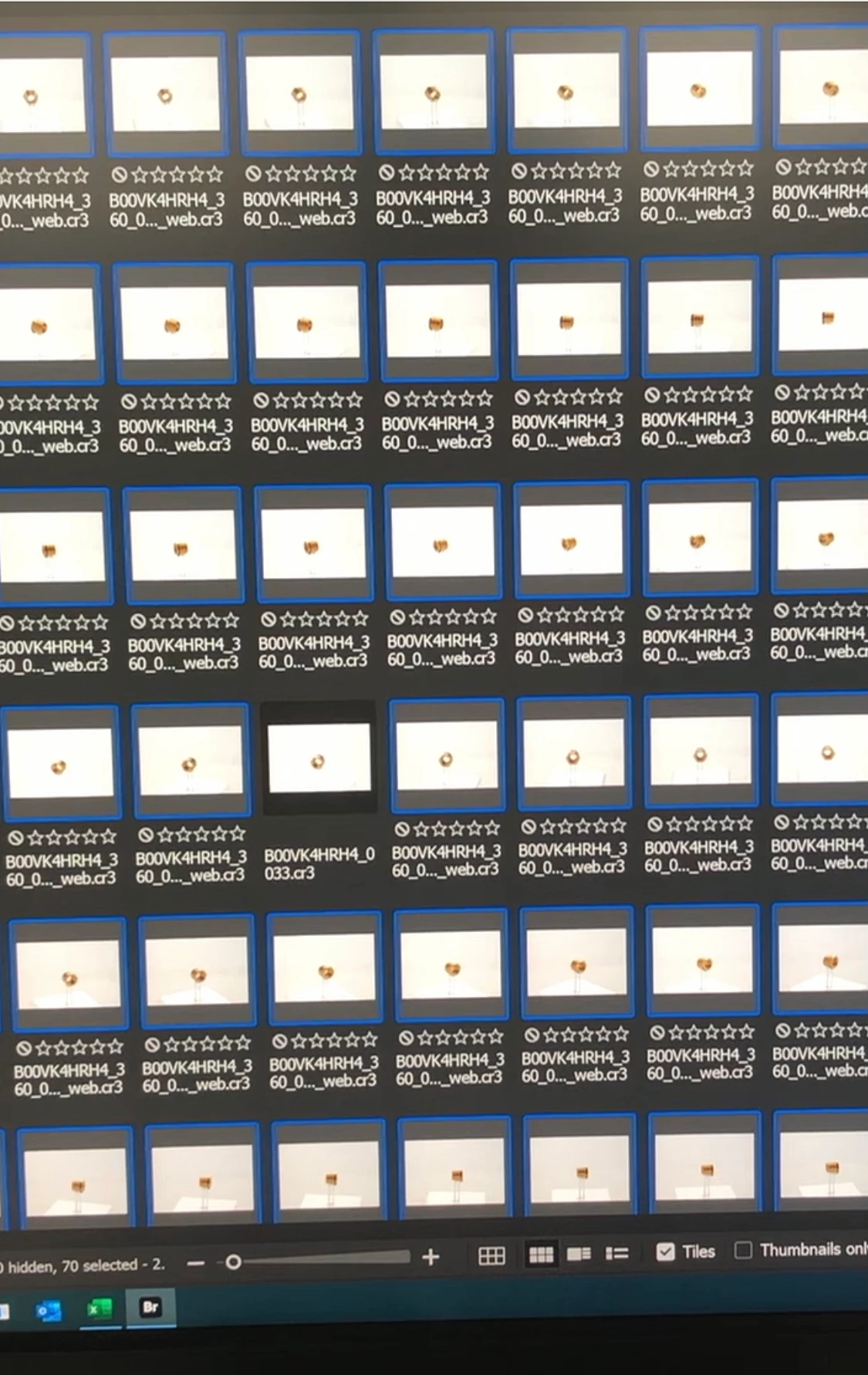
(Example Process) selects all 72 images for batch renaming. Right clicks "batch rename" fills out prompts to rename. Then it goes through the process. Find 1-2 images unselected after process which were selected before.
Im sure this is a bug with the software... I've been keeping up on updates hoping it has been fixed but it's not. Any insight or help would be appreciated.


 AdChoices