


Participant
January 11, 2023
Question

Bidge not working after last update

  • January 11, 2023
  • 3 replies
  • 897 views

After todays update i cant use bridge. 

Already tried uninstal and reinstal and is still giving this error and if i click dismiss it closes the app.

How can I adress this issue? 

System: Macbook pro 16 Intel i9 with MacOS Big Sur v11.7.2 
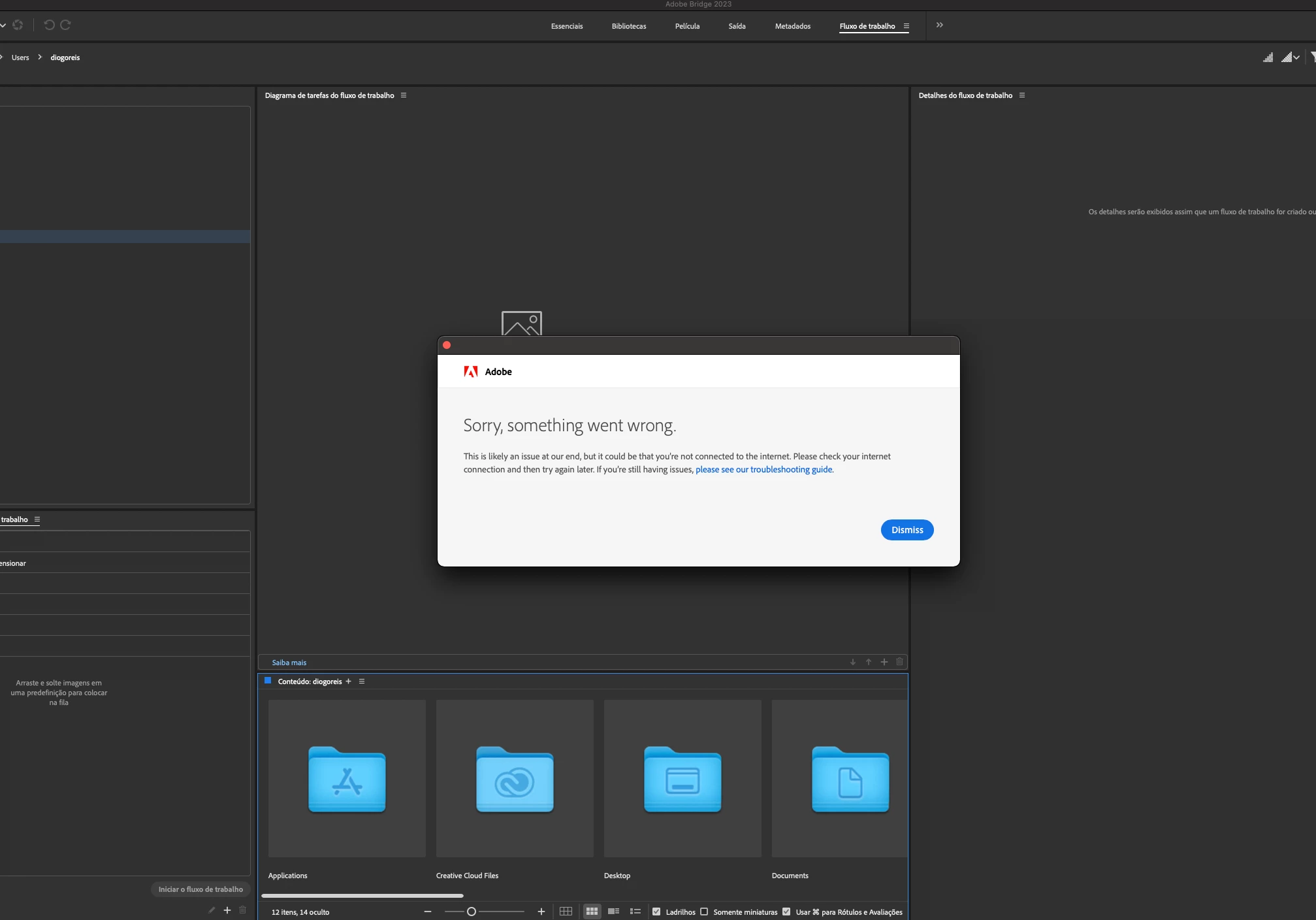
error 

This topic has been closed for replies.

3 replies

Melankaya
Known Participant
January 20, 2023

I know I should move over to LRC but old habits die hard. Stop making me trying to give up Bridge you guys, glitch renaming my masks before and after update, restart, etc

Don't be mean, Adobe.

@ m e l a n k a y a
Abambo
Community Expert
Community Expert
January 20, 2023

What is your problem please?

ABAMBO | Hard- and Software Engineer | Photographer
Adobe Employee
January 20, 2023

Hi @Diogo - FOTO CINE @Lizelight71   ,
Can you Share the Logs collected with Log Collector Tool with us at sharewithbr@adobe.com so that we can investigate the issue?

Meanwhile, could you please also try the below steps and see if the issue at your end is resolved?

1. Copy file  /Library/Application Support/Adobe/Adobe Bridge 2023/AMT/application.xml  to  

                     /Library/Application Support/Adobe/Bridge/13.0/AMT/application.xml
2. Launch Bridge.

3. You may have to set the desired language after relaunch.

Note: Please create folders that do not exist while copying files in step 1.


Regards,
Bridge Team

Lizelight71
Known Participant
January 20, 2023

Hi

Sorry i found a file i didn't recognize in a map with my photos.... i threw it in the trash can.

//Liselotte

//

Lizelight71
Known Participant
January 11, 2023

Hi, i had the same problem..... the support rolled back Bridge to version 12.0.3.270. Now it works. Something is broken in the versions of 13.

Participant
January 11, 2023

How did you rolled back?

Lizelight71
Known Participant
January 11, 2023

Hi, The support did it for me but i could have done it myself if i had had that idea. Go to Adobe Creative desktop app -> "All program" installed-> click on the 3 dotts  on the right of the  open-button on the right side of Bridge. and chose "Other versions" then you can chose another version to install... it dosen't remove the one you have... it install one more version. But it will shut down auto-update on that program to avoid overwrite the older version. I went from 13.something to the latest version of 12.... and now it works. //L