Inspiring
December 19, 2022
Answered

Br 2022 and Br2023- Conflict

  • December 19, 2022
  • 2 replies
  • 1761 views

Apparently I posted my initial question in the wrong "topic". So I will try this.

I just downloaded the latest updates shown in CC.

I now have Br2022 and Br2023.


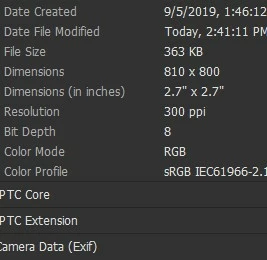
I now have a problem that EXIF data is showing an incorrect date. The date "Created" and the date "Modified" are different. By years.

Can the "Created" date be made to what the Adobe Downloader folder shows, which is a few days ago.

Thanks!
This topic has been closed for replies.
Correct answer DanPBPhoto14053041


OK....lady from Adobe just called and screenshared with me.

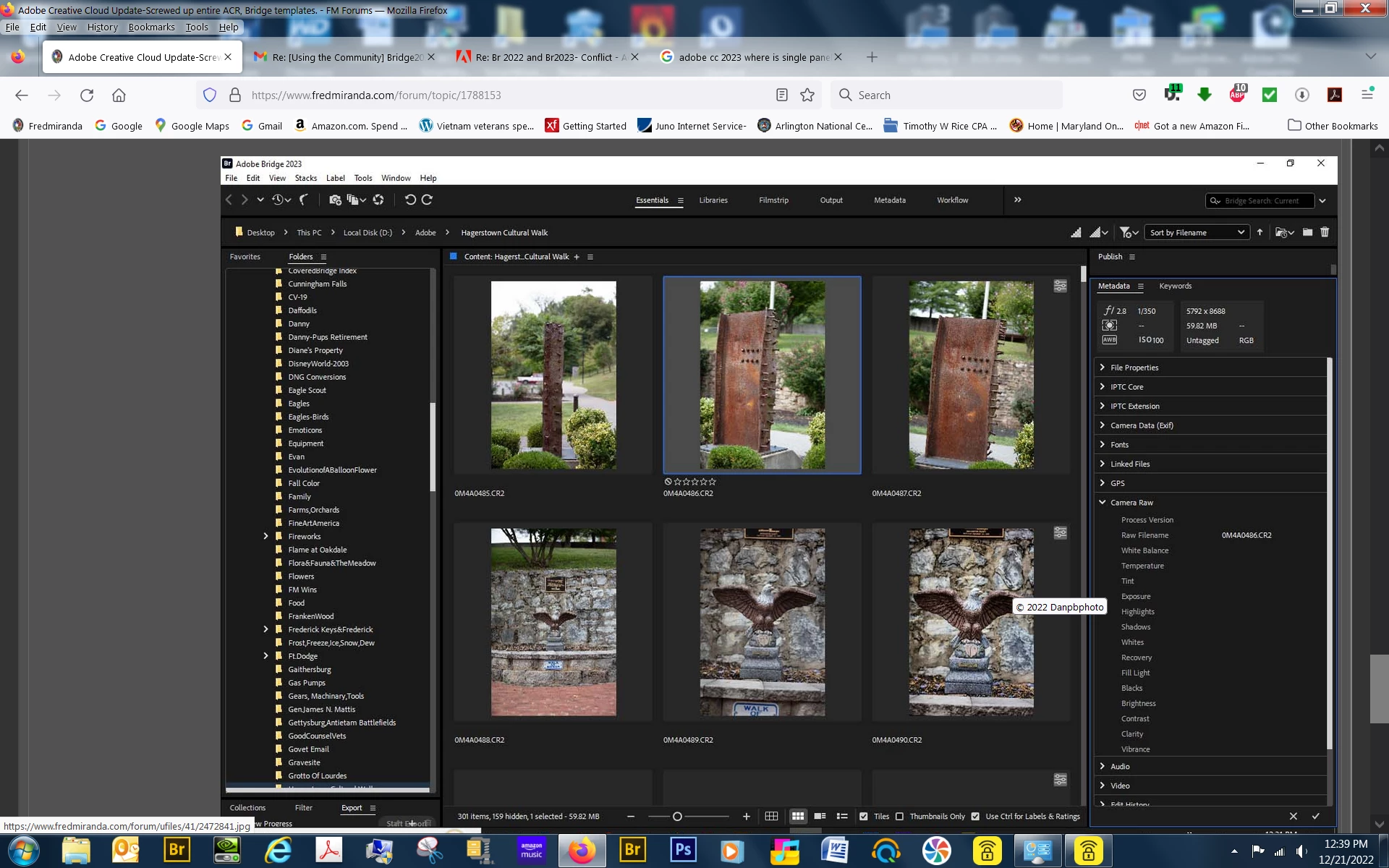
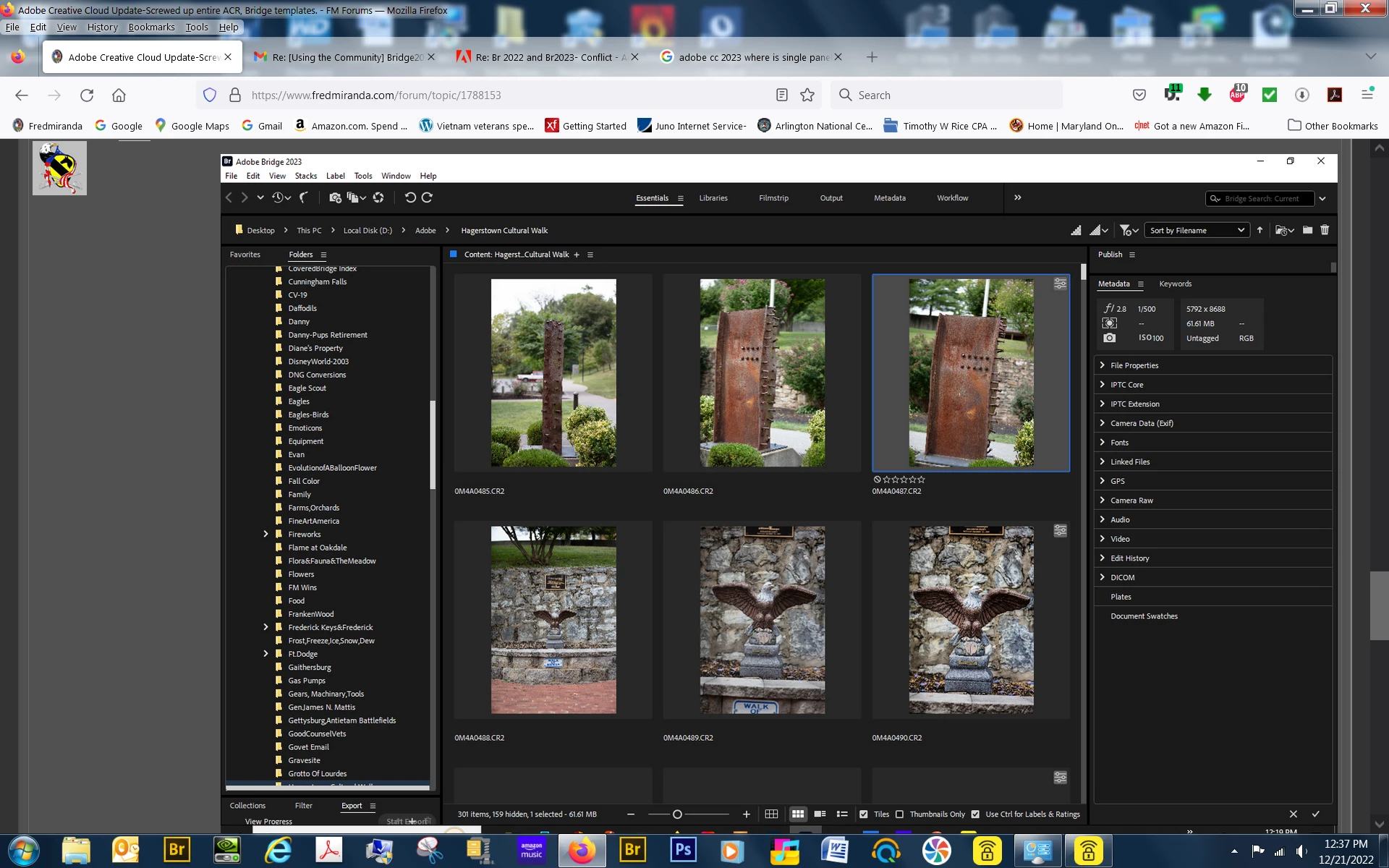
The CC "Update" corrupted both files to the extent that it eliminated the option in the Camera Data(Exif) to show original date but placed an arbitrary date that could NOT be changed. There was no "arrow" to bring up another "calendar field".

She uninstalled and reinstalled Adobe 2023 and it is working fine. That field now has the option of changing the "Original Date" where before there was NO arrow option!

I never knew that one had this option! I figured that the date taken always stayed "the date taken"!

Thanks for the help everyone.

2 replies

gregreser
Legend
December 19, 2022

If you open the Camera Data (Exif) fields, is "Date Time Original" the same as "Date Created" in the screenshot you sent?


This date should be when the original image was created, not the file. If that's what you need to change, you can edit "Date Time Original" by clicking in the field and entering a new date or clicking the calendar icon to the right of the field to open a edit window with more options. You can change several images at once.

After saving the change, "Date Created" should also be changed.

danpbphoto11370066
Participating Frequently
December 21, 2022

Thanks for your response!

NO! I will post what it shows later.

The "Original Date" always shows 2019...but the Canon and old Apple Aperature programs show everything correct.


I will post later!

Thanks!

Dan

danpbphoto11370066
Participating Frequently
December 21, 2022

No...it shows the correct "Modified" date, which is also the "Original Date, but 2019 Original Date.

I finally got in touch with an Adobe live person. She screenshared and saw the problem!

She is working on it now but recommends not doing anything right away as long as downloaded images are viewed correctly.

She reports that there is a bug in the transition from 2022 to 2023 in Windows 10 CC files.

Inspiring
December 19, 2022

I loaded the lates "Update" and now have incurred a major problem!

When I edit a "new image" in Br the wrong "Create Date" is inserted(EXIF) yet the Modified date is correct.


It does not happen on every image.


I must add that I bought a LaCie Big Box for storage and it appears to have corruted all my Windows files.

I uninstalled all the software and that fixed a few problems but this still remains.

Any ideas?

Thsnks

kglad
Community Expert
Community Expert
December 19, 2022

in the future, to find the best place to post your message, use the list here, https://community.adobe.com/


<moved from using the community>

Inspiring
December 19, 2022

Thanks.

You could have helped by respectfully suggesting where to post it instead of being condescending to a old but new user.