


Known Participant
January 28, 2023
Question

Bridge 13.02.636; Review mode was always useless, now Slideshow is useless as well

  • January 28, 2023
  • 1 reply
  • 593 views

I cannot speak for all photographers. But for me, the Review mode in Bridge was always a waste of space. Here it is:
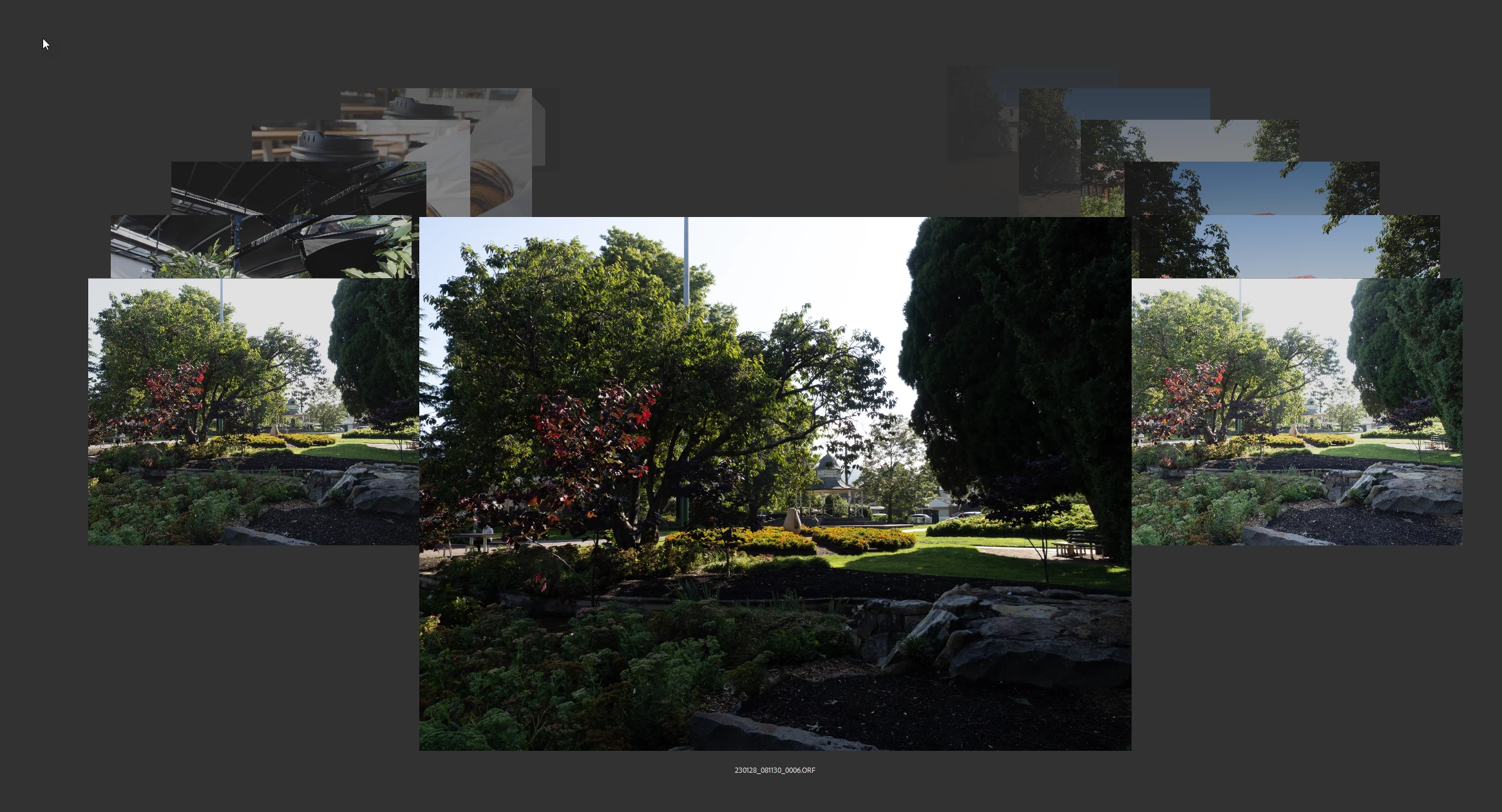
Can I change the size of the displayed image on screen? No. Can I zoom in on it? Only using the utterly useless loupe to pixel peep. Can I display the exposure information? The ISO? The focal length? ANYTHING other than the filename? No.


Thus in version 12 and earlier I used the Slideshow to review my images instead. At least that way I got the whole image on screen AND I got exposure information as well. I didn't get any control over WHAT information was shown, but at least this was more useful than a filename.



Now let's look at the same image presented in version 13:

Soooo now, you have NO way of reviewing photos and being able to see the exposure information (not to mention any of the other metadata fields which you SHOULD be able to display at your discretion, but hey, it's an Adobe product, so....)


Am I missing something or is this yet another Adobe Great! Leap! Forward! in their designers' own minds?

This topic has been closed for replies.

1 reply

Erik Bloodaxe
Legend
January 29, 2023

What about the Metadata Panel?

Known Participant
January 31, 2023

What about it?


I think you may be rather missing my point. I want to review the photos IN FULL SCREEN, navigating and flicking between images for comparison AND, see the key exposure information at the bottom. JUST the core information, not the 348 tonnes of surplus information in the Metadata panel. (Yes, I am aware that you can switch some fields in the Metadata panel off, and I do. This too still isn't the point, though.)


You have NEVER been able to do that with the alleged review function because whoever wrote that was too busy creatinh a "gasp-keeeewwwwllll!" carousel effect without bothering to think what the use case for the thing may be. You USED to be able to do something remotely similar to that in the previous Bridge's Slideshow, but someone decided to pull that functionality in Bridge 2023.

Erik Bloodaxe
Legend
January 31, 2023

Looks like what you want is not possible within a slideshow.

I have dual monitors so I have a full screen preview panel on one monitor and the metadata panel (plus other panels) on the other. This seems to be the equivalent of what you desire but of course depends upon you having two monitors.