

Bridge 14.0... butchers import of keywords txt file...
Win 10...
Updated Bridge to 14...
In my previous version, I could Clear and Import my hierarchial keyword .txt file and it would bring in a nice keyword setup.
But now, when I import that same file, nothing is even remotely correct... and when I look at the .xml files it is using, one can see the difference...
So, after Clear and Import... the .txt file that I've used for years in Bridge... if I go to user\AppData\Roaming\Adobe\Bridge 2024 and open up the Adobe Bridge Keywords.xml file, this is what I see (beginning portion)
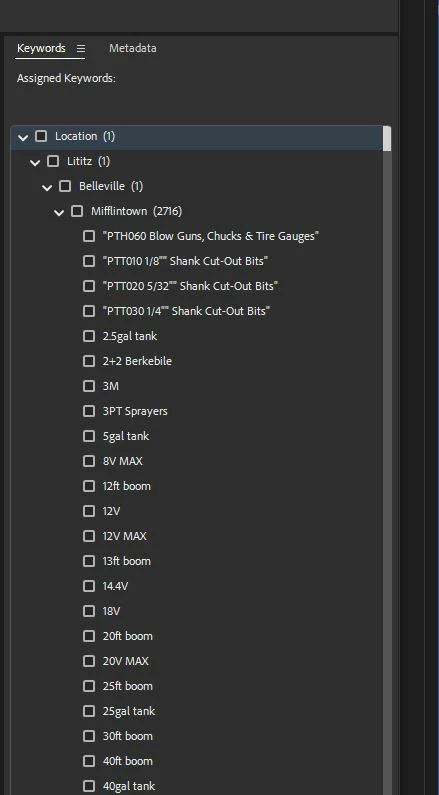
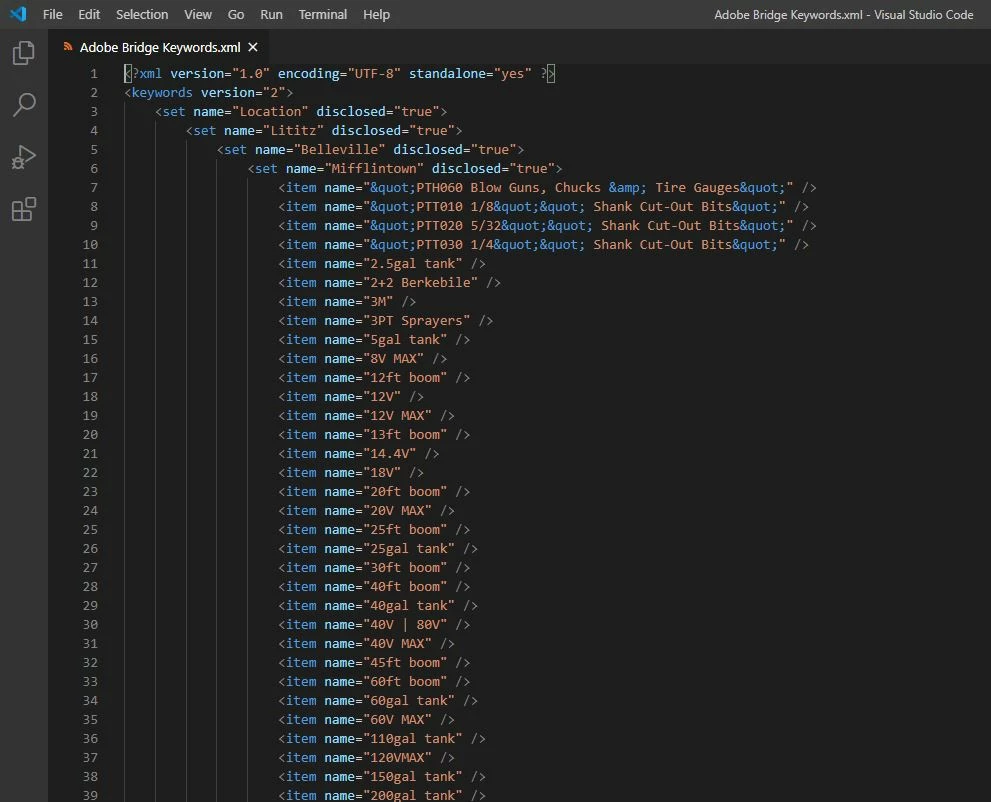
Now here's what that same import of the .txt file imported, should look like... and has always looked like: (I rolled back my update... to Bridge 12... , 2022?)
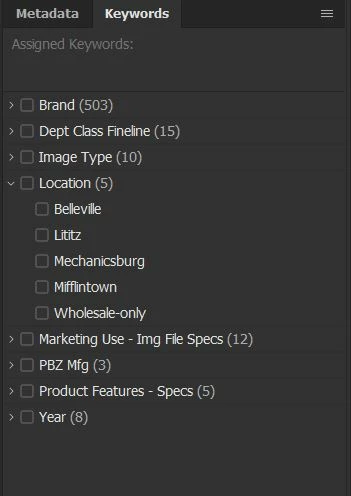
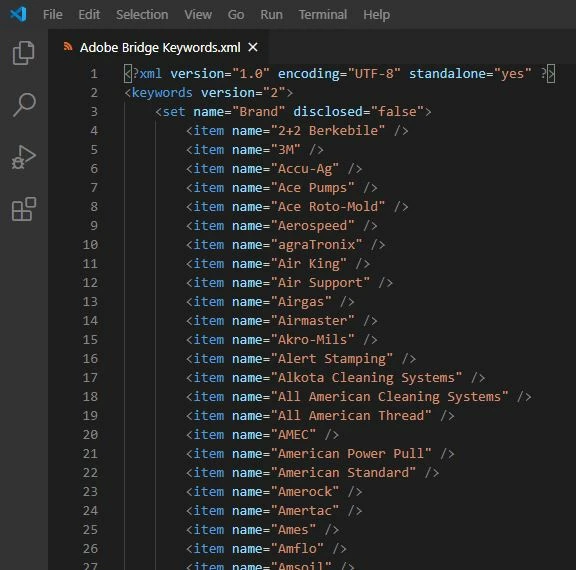
What the ___ is going on! If I look at the xml file in user\AppData\Roaming\Adobe\Bridge 2023 I see the same deformed xml file but if I look at user\AppData\Roaming\Adobe\Bridge 2022 the xml file is correct)
Previous (pre-2023?) Bridge didn't butcher txt files like this, but now it does... Does this mean I need to redo the whole .txt file? (or line by line move things around in the xml file until I get what I want...seriously?) Why can't Adobe leave well enough alone...
Did the method for setting up a hierarchial keyword list (outside of Bridge in a text editor ect) change sometime between versions? I refuse to remake/rebuild the whole list with its thousands of lines in different levels, in Bridge...
Any help or suggestion is appreciated, thanks!


 AdChoices