
Inspiring
April 27, 2024
Question

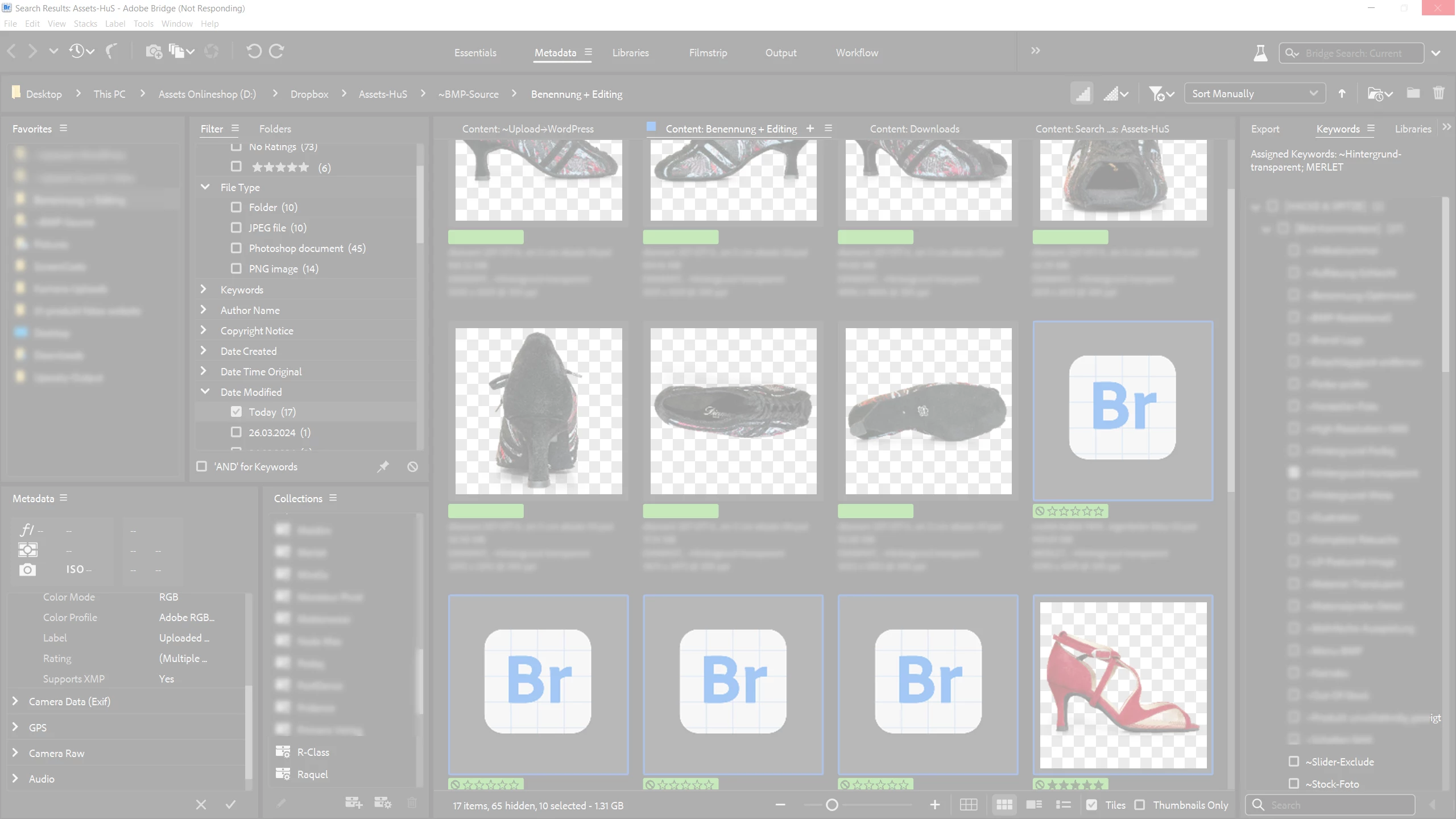
Bridge 14.1.0.236 Windows 10: Moving files insanely slow

  • April 27, 2024
  • 1 reply
  • 468 views

Accessed Move from the context menu with a preselection of 19 PSD files (1.6 GB). Each of the drives involved is a fast NVMe drive. The process should not take more than a few seconds. As seen, Bridge even crashed and needed to be killed from Task Manager (Win 10).

There is nothing special about these files (no point in sending them in). They embed a RAW as a DNG, as thousands of other files Bridge has processed in recent years.

  

This topic has been closed for replies.

1 reply

Adobe Employee
May 3, 2024

Hi @polyxo ,

Thanks for your feedback. Could you confirm the following :


  1. Are you are facing the same issue on latest Bridge version ? 
  2. In your provided screenshot there are some file for which thumbnails are not generated. Could you specify the type of those files and if possible share these files with sharewithbr@adobe.com (Please mention this thread in the subject )? 


Regards,

Bridge team

polyxoAuthor
Inspiring
May 3, 2024

Hi @Navkamal Rakra,

thanks for getting in touch! Your answer let me check these files again. It turned out, I had accidentally moved these files to a mapped network drive. This caused an upload operation and explained the long duration. You can close this ticket!

polyxoAuthor
Inspiring
May 3, 2024

%