
Inspiring
June 26, 2024
Question

Bridge 14.1.1.271 fails to unzip multiple archives

  • June 26, 2024
  • 1 reply
  • 351 views

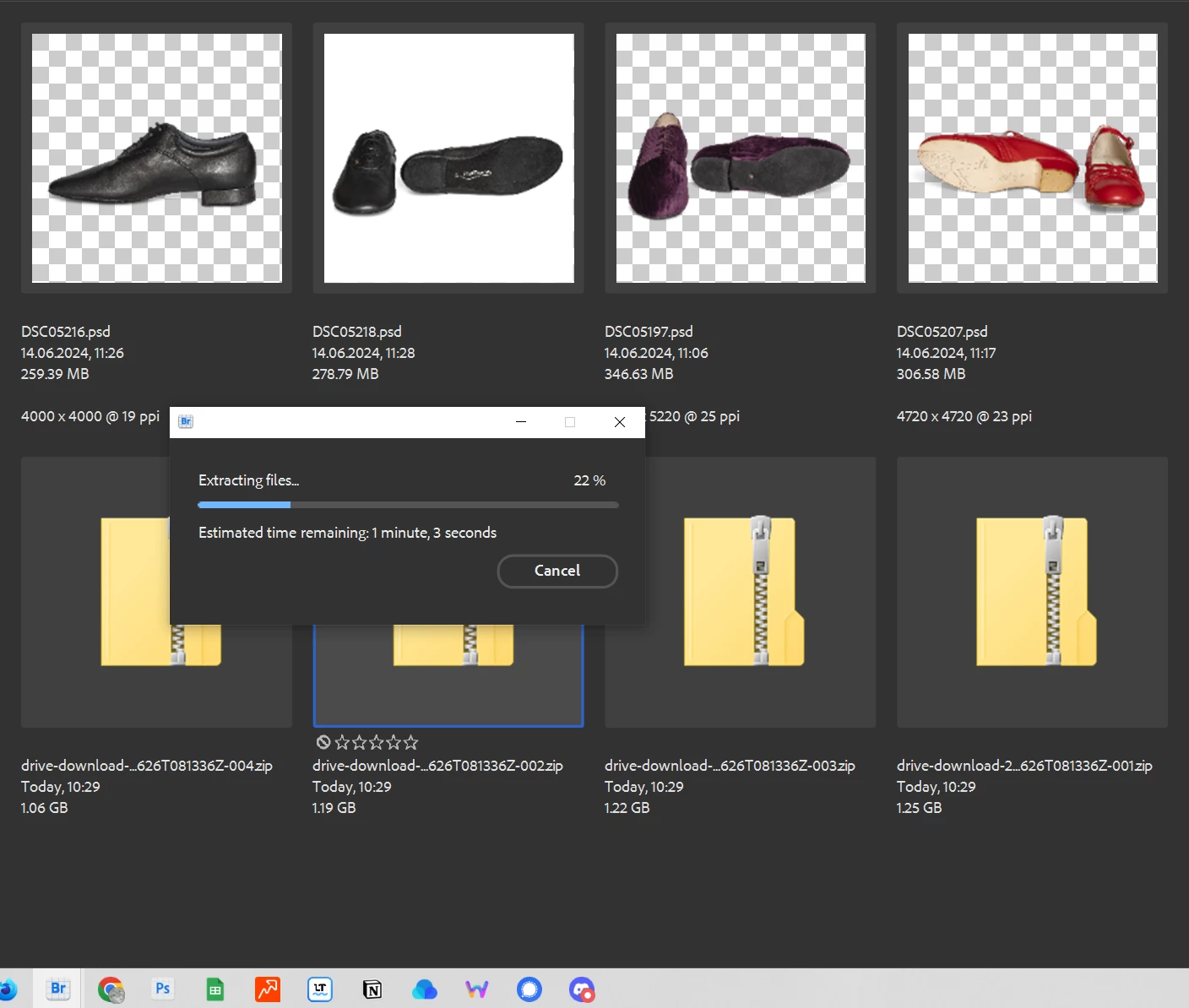
I tried unzipping several large archives at once. Bridge got stuck at 22%. I had to cancel and use other tools. Can't Bridge use multicore-enabled open-source Zip tools? My hardware / RAM can hardly be the bottleneck (64 GB).

Looking at the screenshot, it seems, that Bridge has reduced my multi-selection to just one archive – but could not chew it either. Archives that large are very common when sharing PSD files.
 

This topic has been closed for replies.

1 reply

Adobe Employee
July 4, 2024

Hi @polyxo ,


Thanks for sharing your feedback.  Could you please try it on latest Bridge release version. Also, could you share

  • If you have faced this issue in earlier version of Bridge ? 
  • What is the location to which you are extracting the files?
  • Is there sufficient storage in the directory you are extracting the files ?

If you face this issue in the latest version of Bridge, could you share the zip files with sharewithbr@adobe.com ?


Thanks,

Bridge team

polyxoAuthor
Inspiring
July 4, 2024

Hi @Navkamal Rakra,
I just tried again with Beta and your newest release version 14.1.1.247. Both fail (get stuck at random percentage).
But extracting single files also fails. Windows has no issues with these archives.

> If you have faced this issue in earlier version of Bridge ? 

Can't say. My last multi-extraction in Bridge must be some time ago.


> What is the location to which you are extracting the files?

The location seems irrelevant. I now chose another path to extract to. Still fails.

> Is there sufficient storage in the directory you are extracting the files ?
Yes, plenty. If space was the problem, Bridge should show an appropriate error message.

Files sent (these are other sample files – and far smaller – than in my initial post).