Inspiring
May 5, 2021
Answered

Bridge 2021 upgrade: freezes on launch and changes my colour profile settings to default

  • May 5, 2021
  • 1 reply
  • 718 views

I noticed all my colour profiles have defaulted to North American Prepress today, and so launched Bridge to reset them. This seems to happen with every major upgrade to the Creative Suite – a huge pain as it isn't always obvious until I'm at the end of a project. Even more devastating when it is a Photoshop layered project. Grrr...


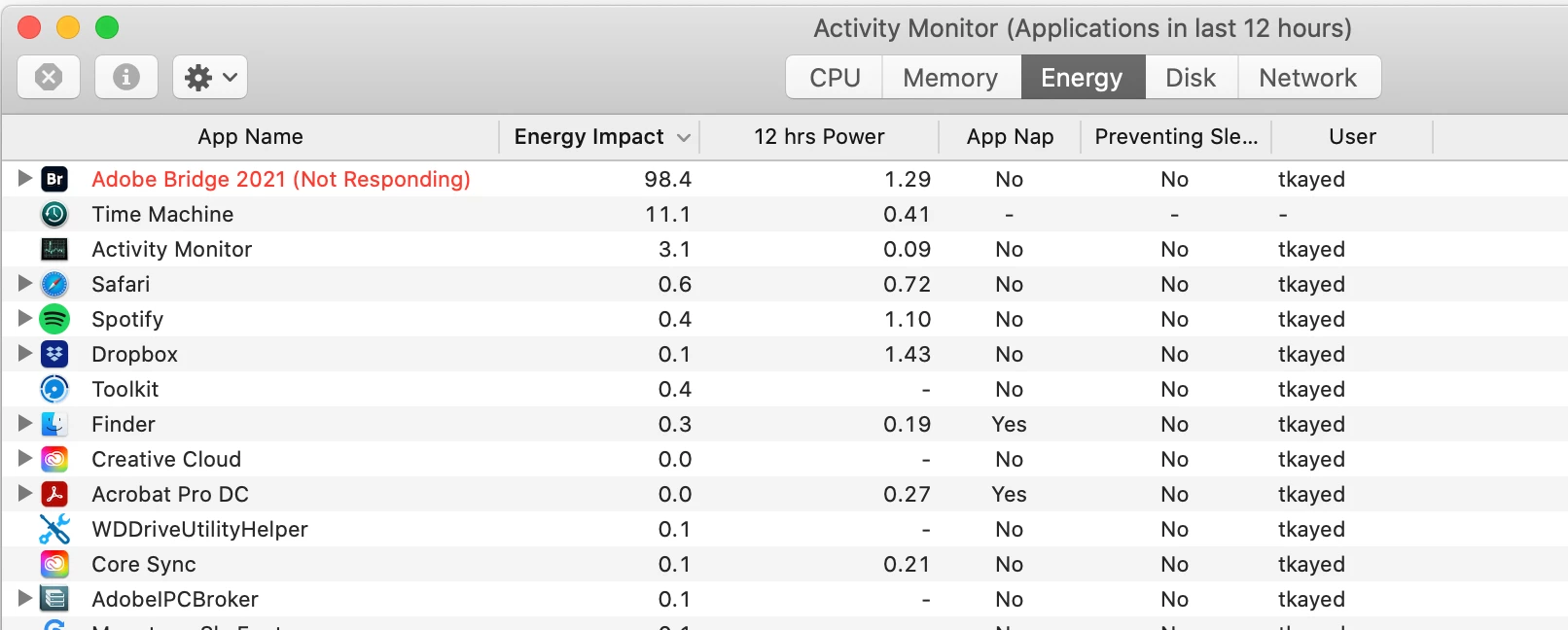
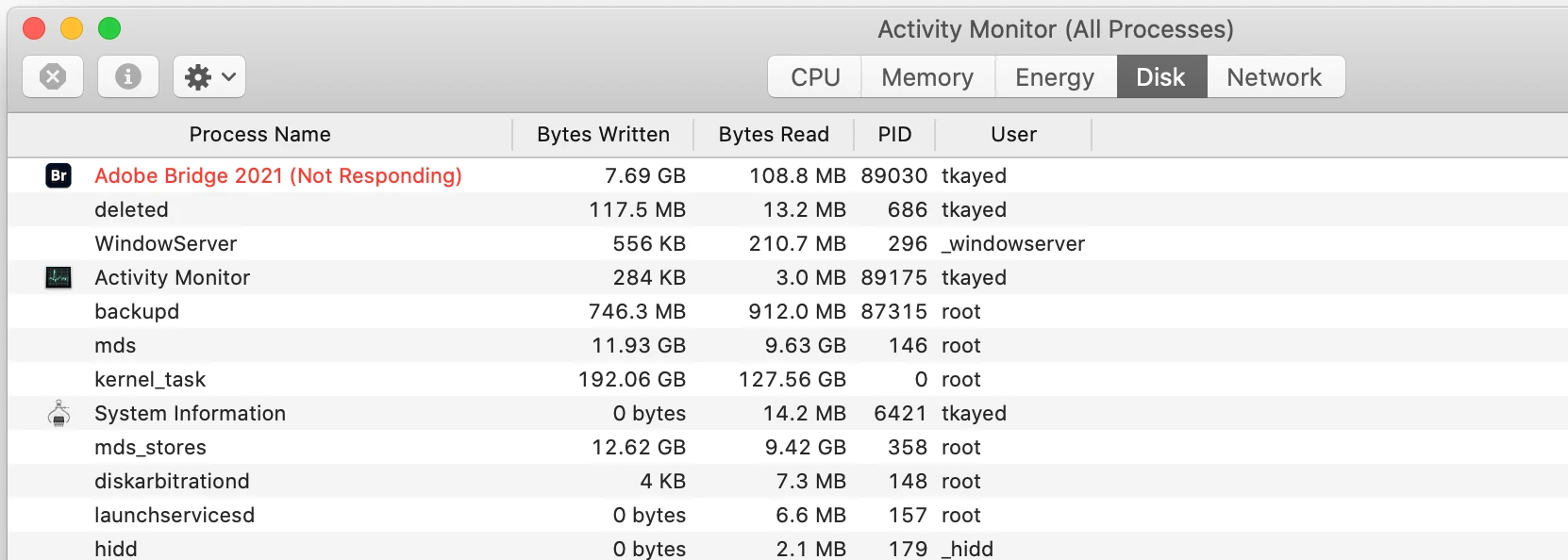
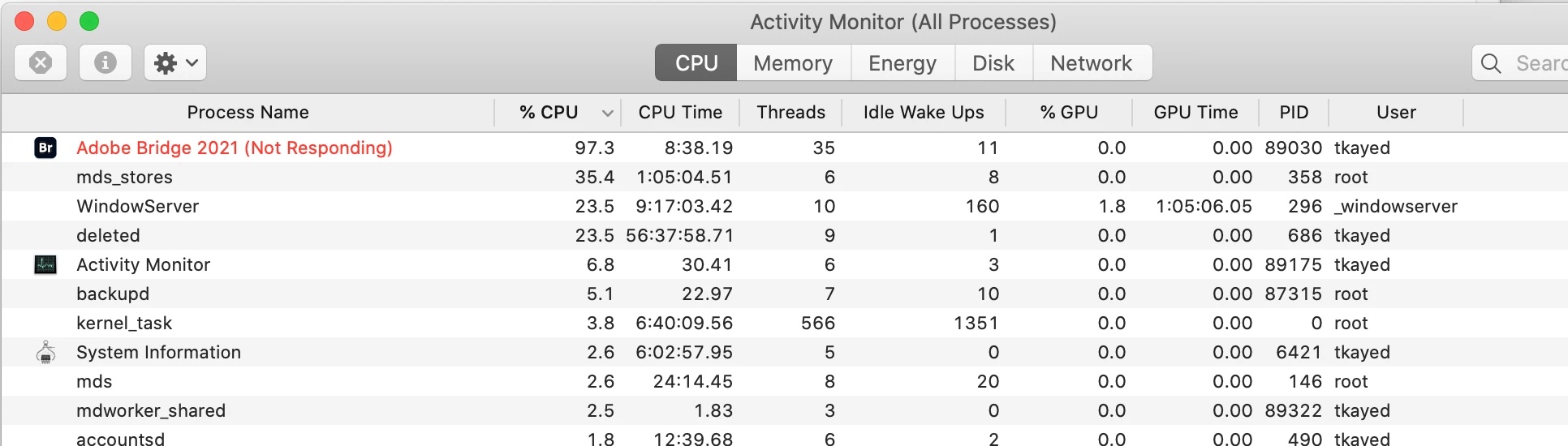
Anyway, upon launching (the first time since the upgrade to 2021) I have the spinning beachball of death. Activity Monitor shows it is unresponsive, and using 97% of my CPU.


My system:

iMac (Retina 5K, 27-inch, 2017)

Processor: 3.4 GHz Quad-Core Intel Core i5

Memory: 32 GB 2400 MHz DDR4

Graphics: Radeon Pro 570 4 GB
This topic has been closed for replies.
Correct answer gary_sc

Sorry, these are better screenshots of th Activiy Monitor.


Have you tried rebuilding Bridge's Preferences?


Here’s how:  When launching Bridge, Command-Option (Mac)/Control-Alt (Win) + Shift to choose “Reset Preferences”, Purge Entire Thumbnail Cache”, and/or Reset Standard Workspaces.


Let us know,

1 reply

Adobe Employee
May 7, 2021

Hi @tkayed 

Thank you for feedback.

Could you share the following details about the issue:
- Bridge version
- Is the issue specific to particular files/formats? ( Files in Folder you opened in Bridge)
Please share the sample file/files on which you are observing the issue at sharewithbr@adobe.comAlso, for Bridge version 11.0.2.123, In the preview settings menu, we have added new Preview Quality options. Switch to Standard preview Quality settings if you on High settings.

Thanks,
Bridge Team

tkayedAuthor
Inspiring
May 10, 2021

It is Bridge 2021 version 11.0.2.123 – I cannot access it to change preview options as it will not launch completely. I can see the open application window, but as it is hanging from launch I cannot access menus, etc.