

Bridge 2022 has strange bug when minimized
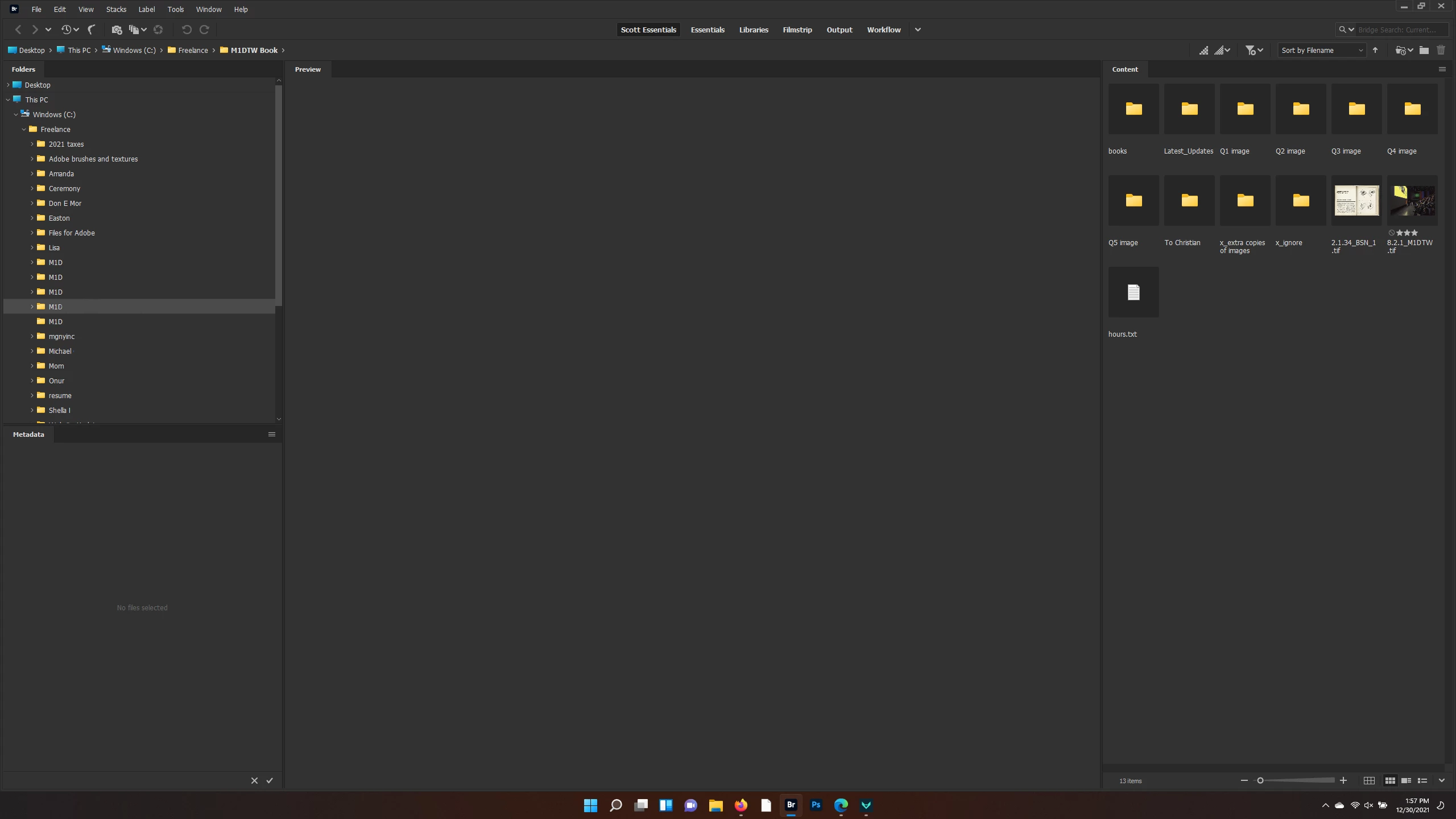
I'm using a fully updated Windows 11 Lenovo laptop and Creative Suite. I've also set up my own custom Workspace in Bridge 2022, as I usually do, and have saved it as "Scott Workspace." It's nothing fancy and it looks like this:
When I minimize Bridge, however, the workspace is reset at random. The latest version looks like this:
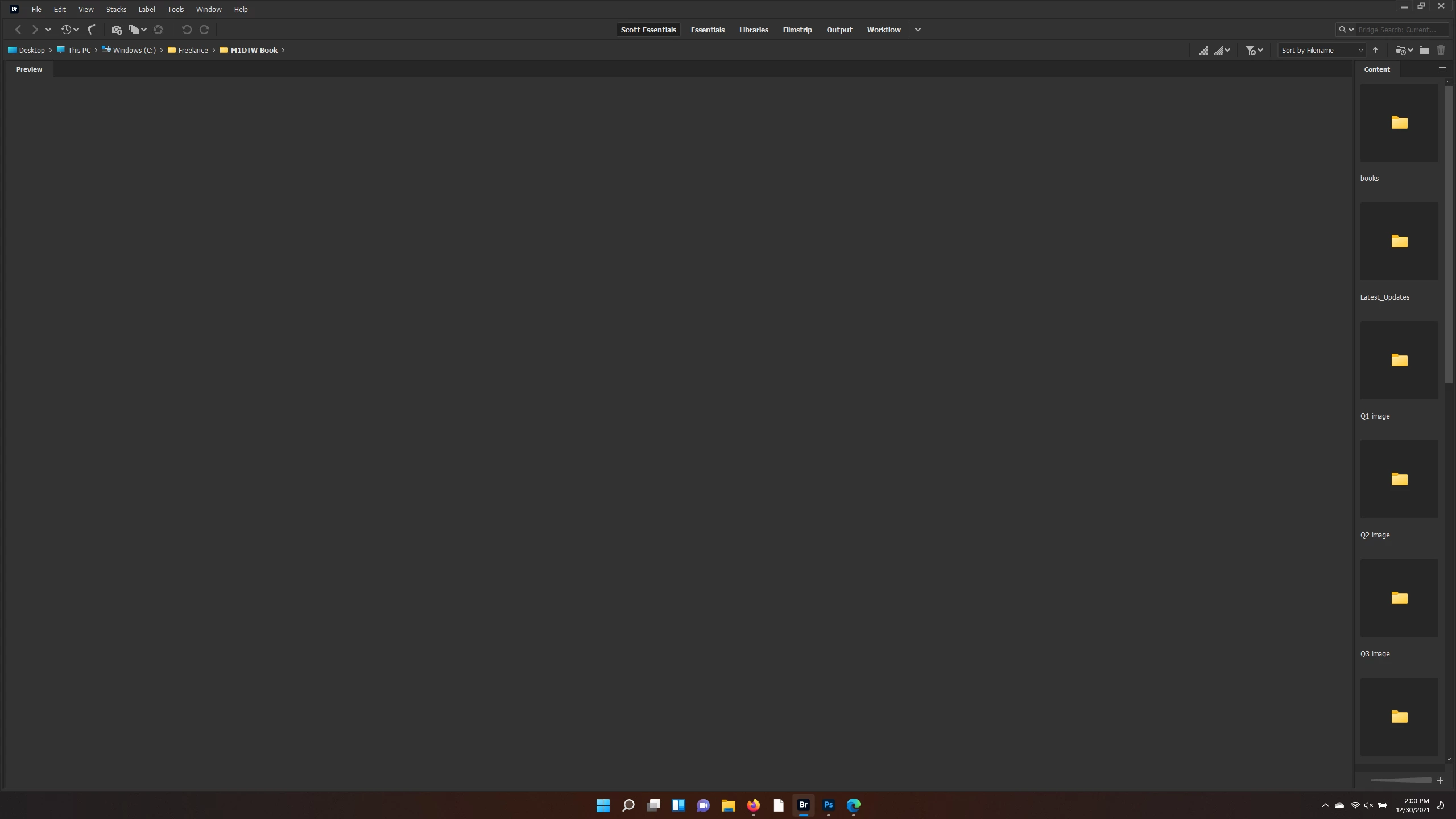
It doesn't always look like this. Sometimes it fully shrinks both left and right sides. Sometimes it is just the right side. But always, the center Preview panel is massively enlarged. When I click "Scott Workspace" at the top to reset it, nothing happens. If I close Bridge and then reopen it, the wonky version remains. If I delete the custom workspace and then recreate it, the same problem returns the next time I minimize. Anyone know what's going on? I've never seen this bug before. Is this common, or somehow just my system? Thanks!


 AdChoices