Participating Frequently
November 25, 2021
Answered

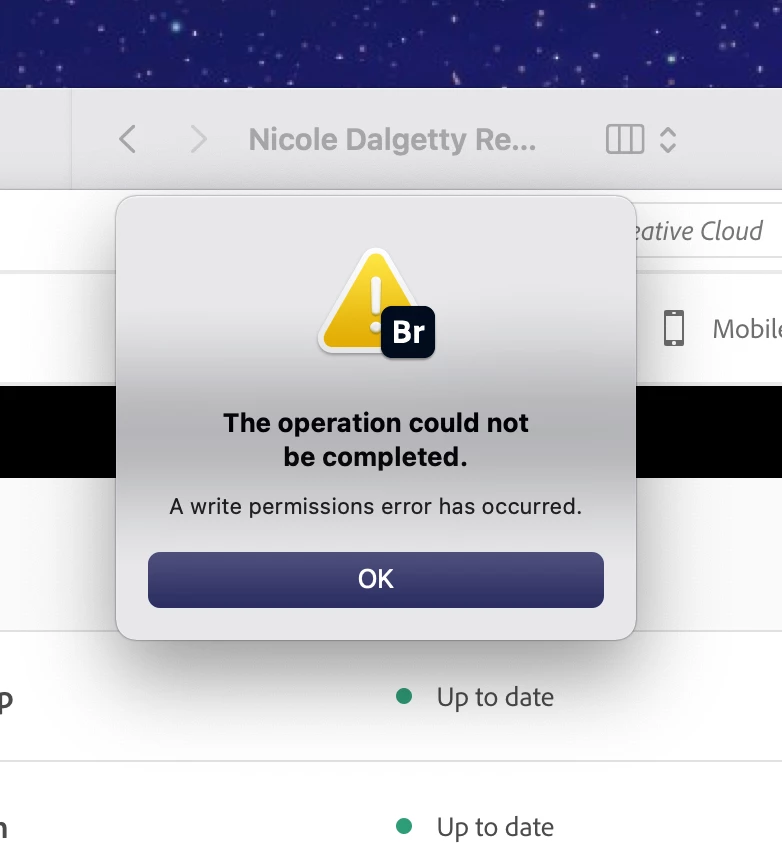
Bridge 2022 Write Permissions Error

  • November 25, 2021
  • 2 replies
  • 2537 views

When I update and install Bridge version 12 it never opens.  It just gives this error message.  What is the fix???

This topic has been closed for replies.
Correct answer Tarun Saini

Thank you for your response.


Please open the terminal application and enter diskutil resetUserPermissions / `id -u` and press enter.

Those are backticks (same key as the tilda on a mac), make sure you are typing the same command.

This will execute the command and reset the permission.


Note:- If you have more than one user account in your mac then, you may check the user-id by going to System Preferences > Users and Groups > Unlock the lock from the bottom, enter your login details, and then do a Right-click on your account, select Advanced option and there you will be able to see your User-Id and you can type that Id instead of this `id -u`.


After that try to open the Bridge and check if it's working or not.


Let us know if that helps.


Regards,

Tarun


2 replies

Participant
December 8, 2023

I have the same error on my windows pc. Any advice please 

Tarun Saini
Community Manager
Community Manager
November 25, 2021

Hi there,


We're sorry about the trouble with Bridge. Would you mind telling us the version of the operating system you're using?

We're here to help. Just need some information.


Regards,

Tarun

L3XISAuthor
Participating Frequently
November 26, 2021
Hi
I am on MacOS Big Sur
Version 11.5.2
Chip is Apple M1
Tarun Saini
Community Manager
Tarun SainiCommunity ManagerCorrect answer
Community Manager
November 26, 2021

Thank you for your response.


Please open the terminal application and enter diskutil resetUserPermissions / `id -u` and press enter.

Those are backticks (same key as the tilda on a mac), make sure you are typing the same command.

This will execute the command and reset the permission.


Note:- If you have more than one user account in your mac then, you may check the user-id by going to System Preferences > Users and Groups > Unlock the lock from the bottom, enter your login details, and then do a Right-click on your account, select Advanced option and there you will be able to see your User-Id and you can type that Id instead of this `id -u`.


After that try to open the Bridge and check if it's working or not.


Let us know if that helps.


Regards,

Tarun
