

Question
Bridge Camera Raw stopped working on one batch of RAW files but works fine on all other RAW files
I batch-processed a couple of hundred RAW files by copy-pasting settings.
Everything worked fine until I went back to the same images to make more changes.
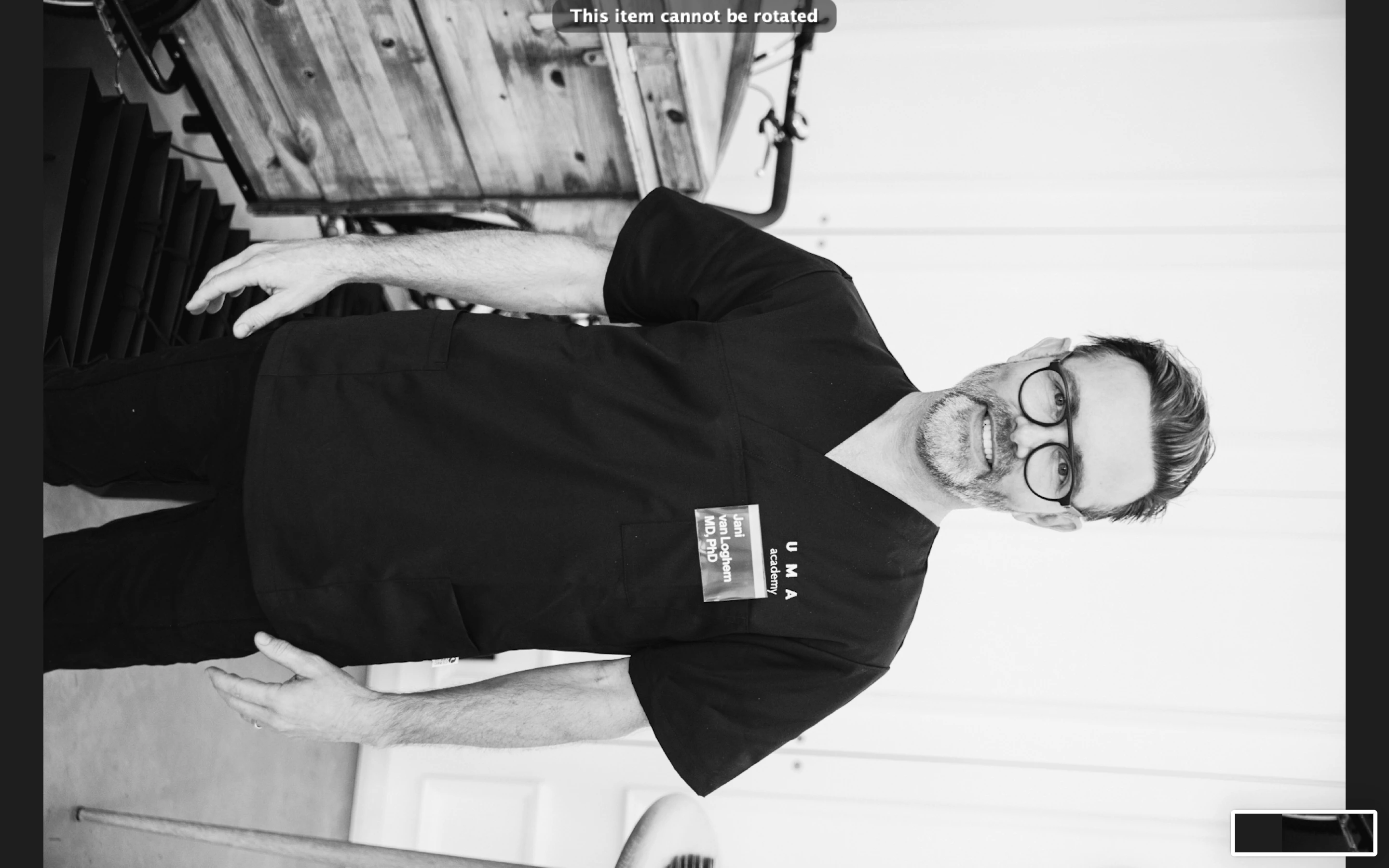
Now they won't open in Camera Raw. The wheel is greyed out.
I've tried moving them to another folder. Same problem.
I do not have this problem with other RAW files.
This is driving me nuts.
Any help would be appreciated.
Thanks!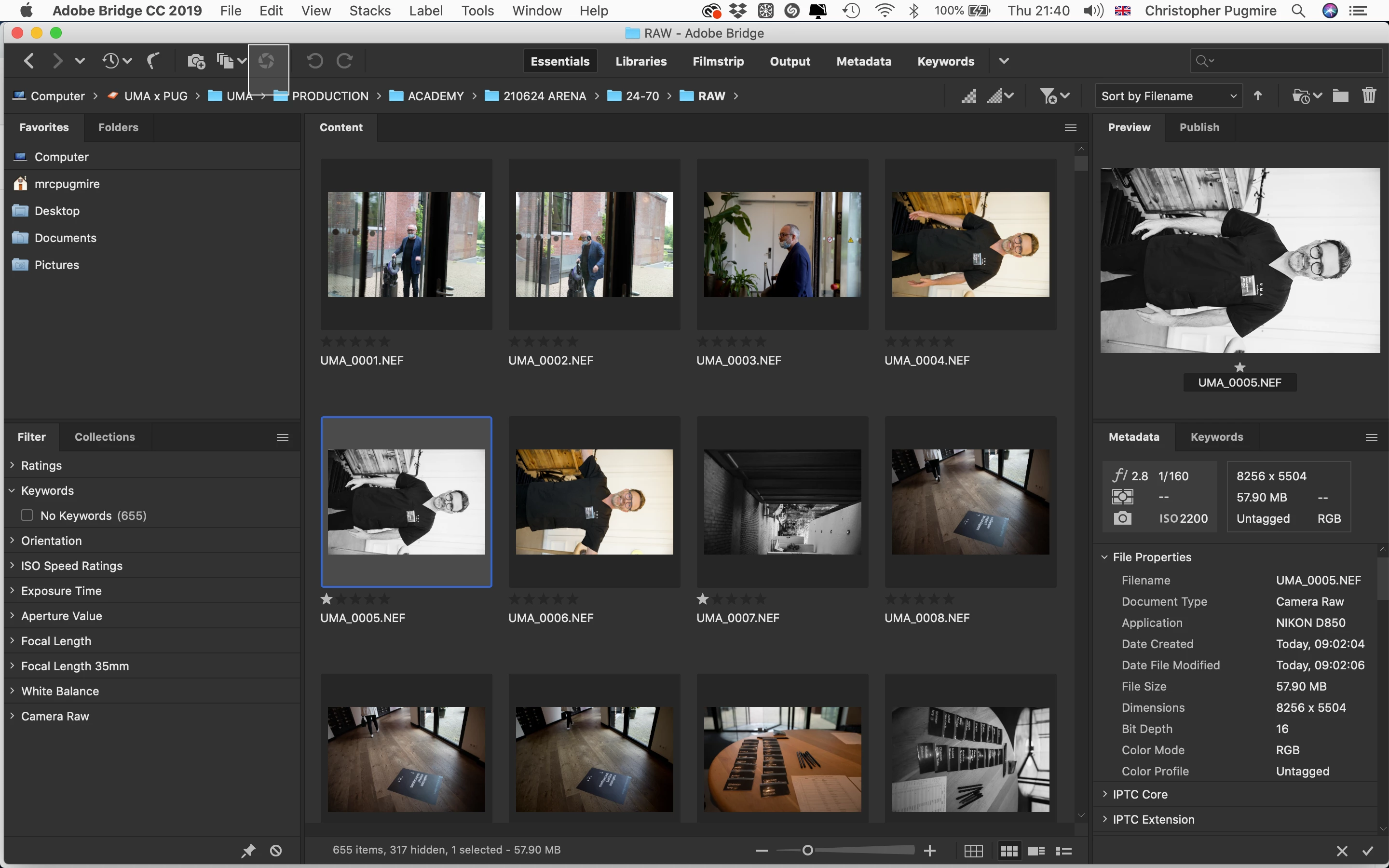


 AdChoices