
Bridge can't open raw files on Mac, opens Finder instead.
I am triying to open raw files in Bridge. I have the latest raw update and am able to open raw files from Bridge when using an external hard drive.
When I try to open raw files on my macbook pro, i navagate to Pictures, and see Photo Library. I click on that and the photo library opens as usual. 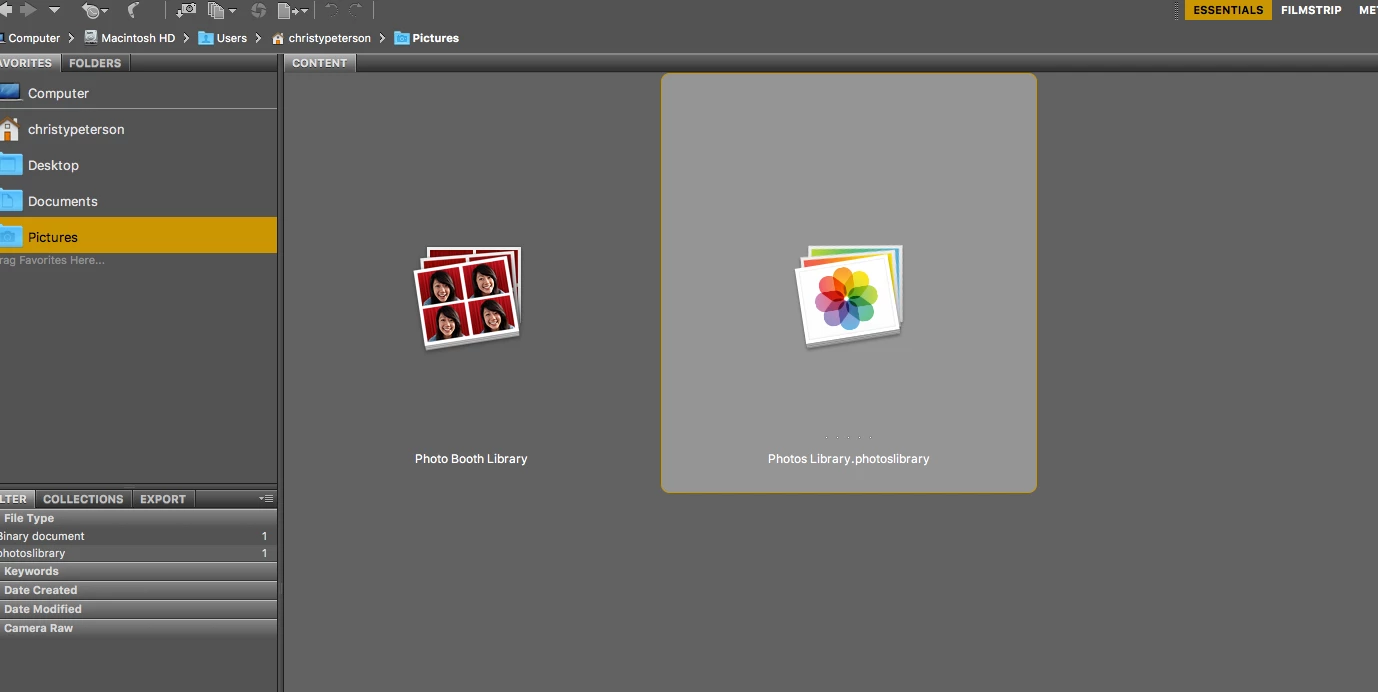
As you can see, the camera raw file is there, stacked under the jpeg. I just can't figure out how in the world to open these raw files in Bridge.
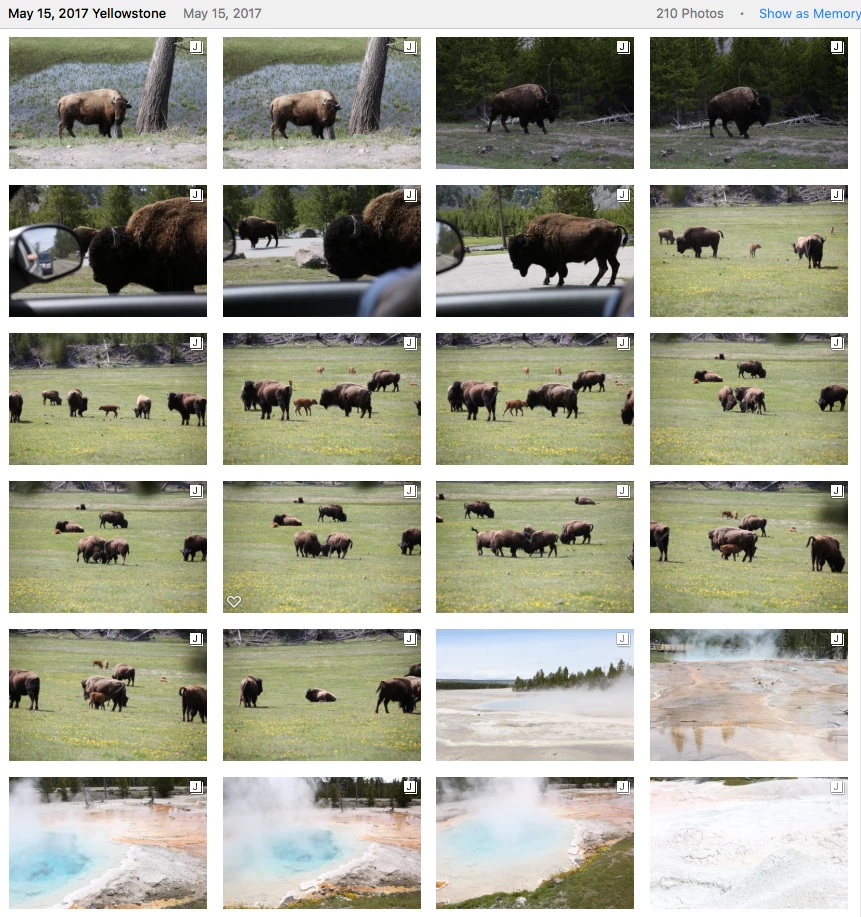
I know that I can open raw files and see them unstacked from photo folders in different locations that the Photo Library on my mac. Like this:

I can't transfer the raw files out of Photo Library, only the jpeg transfers. I have to re-upload all these photo files to put them in a different folder than photo library. There just has to be another way to do it when they are already loaded. Maybe there isn't. So frustrating, please help.
I have CS6 and my mac has the latest Sierra as of May 2017.


 AdChoices