Participant
November 27, 2016
Answered

Bridge CC217 unable to delete any files from main drive.

  • November 27, 2016
  • 1 reply
  • 364 views

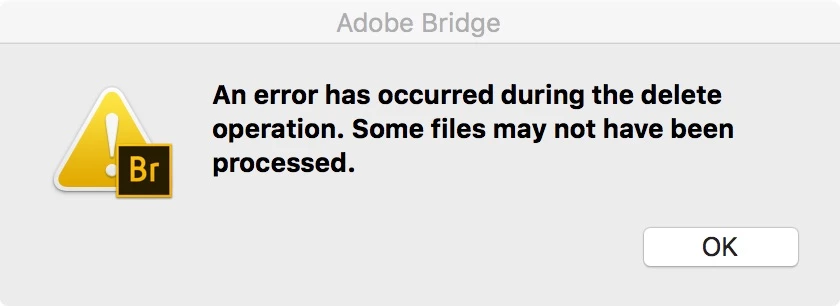
I'm running Mac OSX 10.11.5 and recently encourage issue were I'm unable to delete any file from the local hard drive. I can see below error.

    This topic has been closed for replies.
    Correct answer Sahil.Chawla

    Hi Rafal,

    Please try this step :-

    Start Adobe Bridge and immediately press Ctrl+Alt+Shift (Windows) or Command+Option+Shift (Mac OS) until the Reset Settings dialog box appears. Select all three options--Reset Preferences, Reset Standard Workspaces, and Purge Entire Thumbnail Cache--and then click OK.

    Regards,

    Sahil

    1 reply

    Sahil.Chawla
    Adobe Employee
    Sahil.ChawlaCorrect answer
    Adobe Employee
    November 30, 2016

    Hi Rafal,

    Please try this step :-

    Start Adobe Bridge and immediately press Ctrl+Alt+Shift (Windows) or Command+Option+Shift (Mac OS) until the Reset Settings dialog box appears. Select all three options--Reset Preferences, Reset Standard Workspaces, and Purge Entire Thumbnail Cache--and then click OK.

    Regards,

    Sahil

    Rafal@PLRAuthor
    Participant
    December 8, 2016

    Hi. I've managed to resolve the problem on my own. The issue was with wrong permissions on the Trash folder. Recreating Trash folder solved the problem.
