
Answered
Bridge CS4 - Camera Raw images not populating
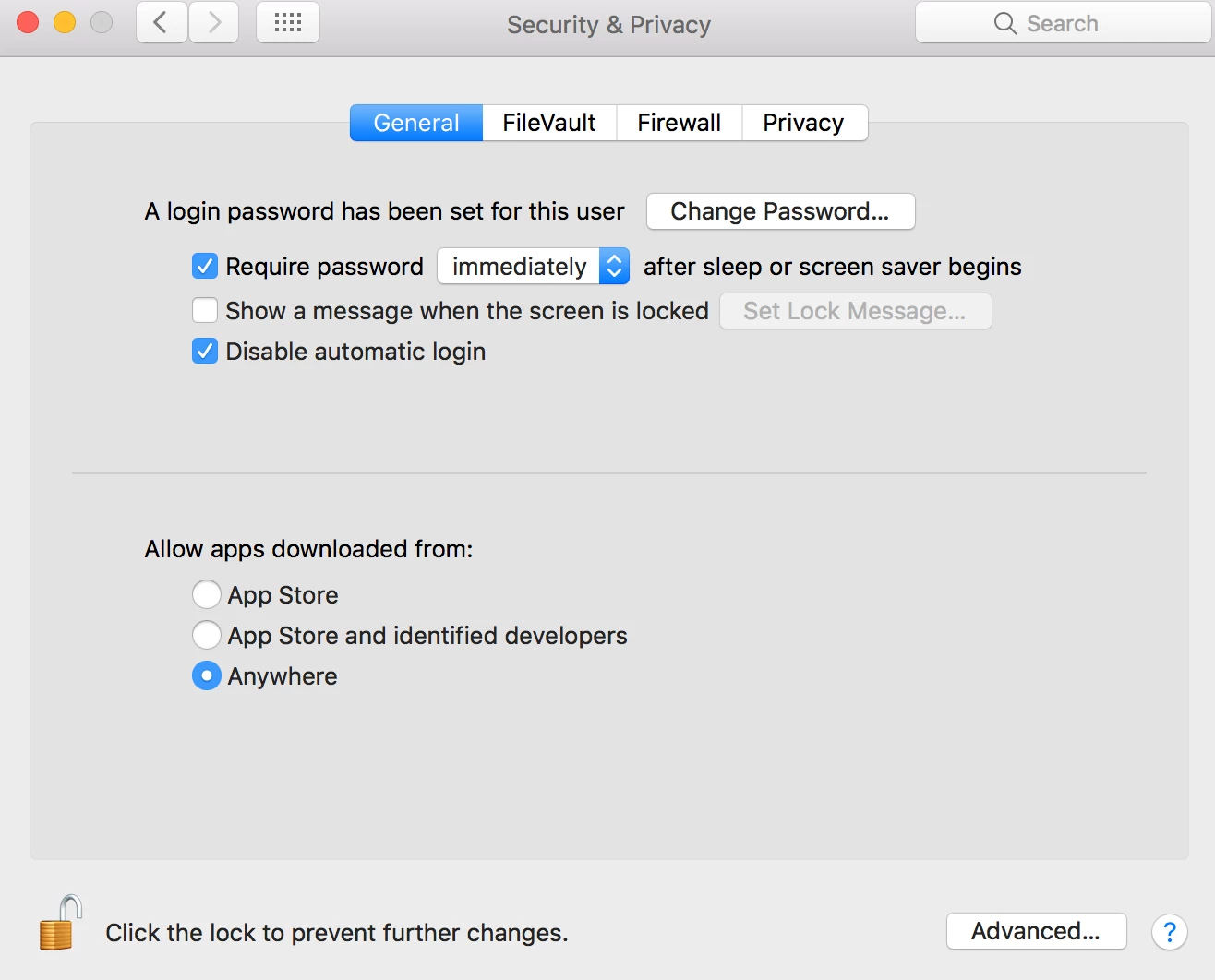
Within Bridge, the file icons for my camera raw images are just showing CR2, not the image itself in the preview. I just upgraded to a MacBook Pro 15" I added the programs back on this newer machine with no problems except this so far. I searched and thought I needed to download the latest Camera Raw plugin for my camera type. When I click on the camera raw.plugin, it says, could not complete your request because PShop doesn't recognize the file. When I click on package, it says "cameraprofiles.mpkg" can't be opened because it is fro an unidentified developer. I downloaded these from adobe. Any help?



 AdChoices