


Question
Bridge does not show the right illustrator color profile -> not coded/unencrypted
Hi,
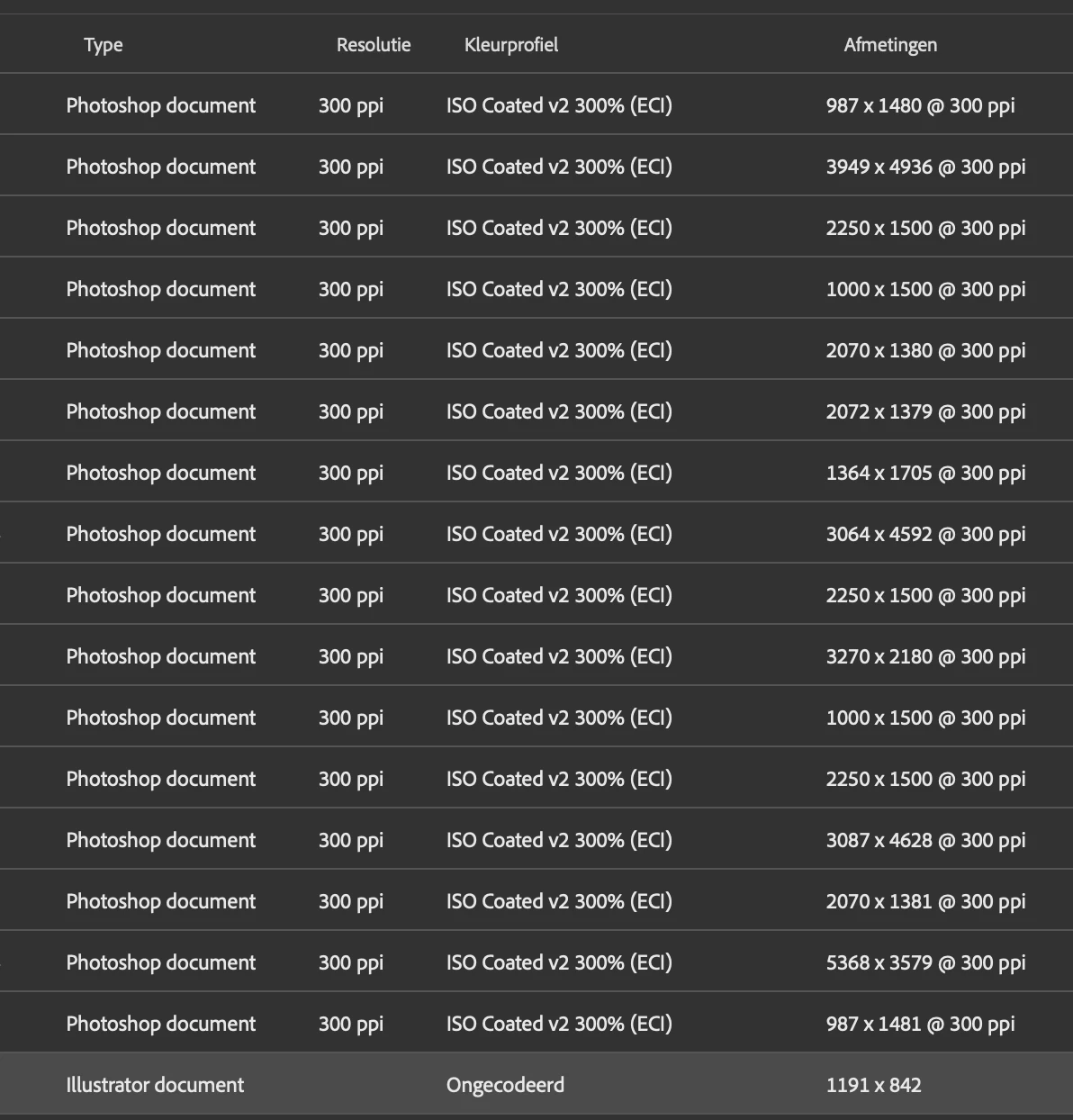
Bridge does show all the ISO Coated v2 300% color profiles of my photoshop documents but when it comes to my illustrator file, it says that it is not coded/unencrypted (English is not my first language so I am translating centrain words. I'm sorry for any spelling issues)!. It also keeps saying this when I export this file to a esp. document. I tried about everything I could possibly think of to solve this issue but I can't seem to find anything about this online.
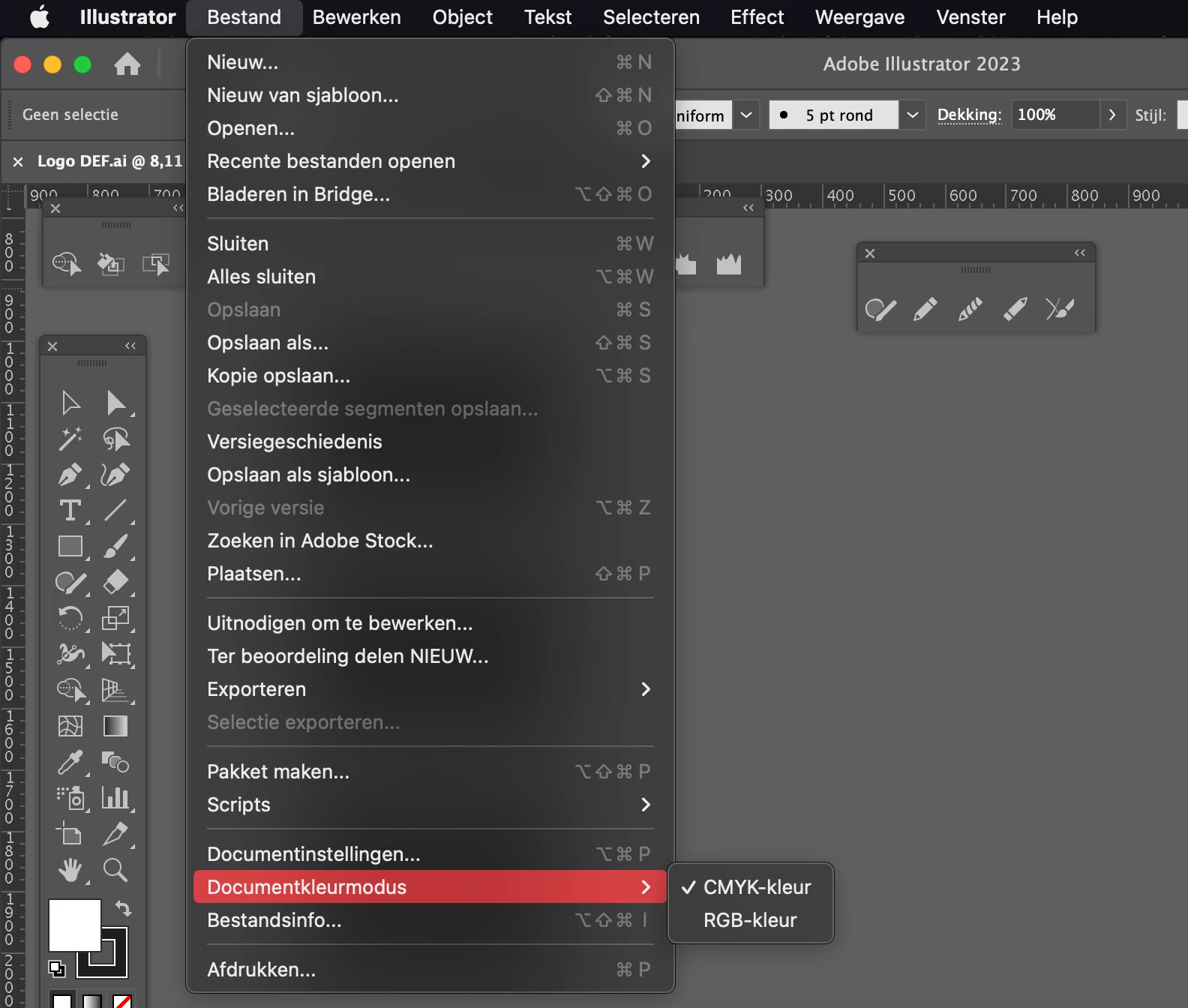
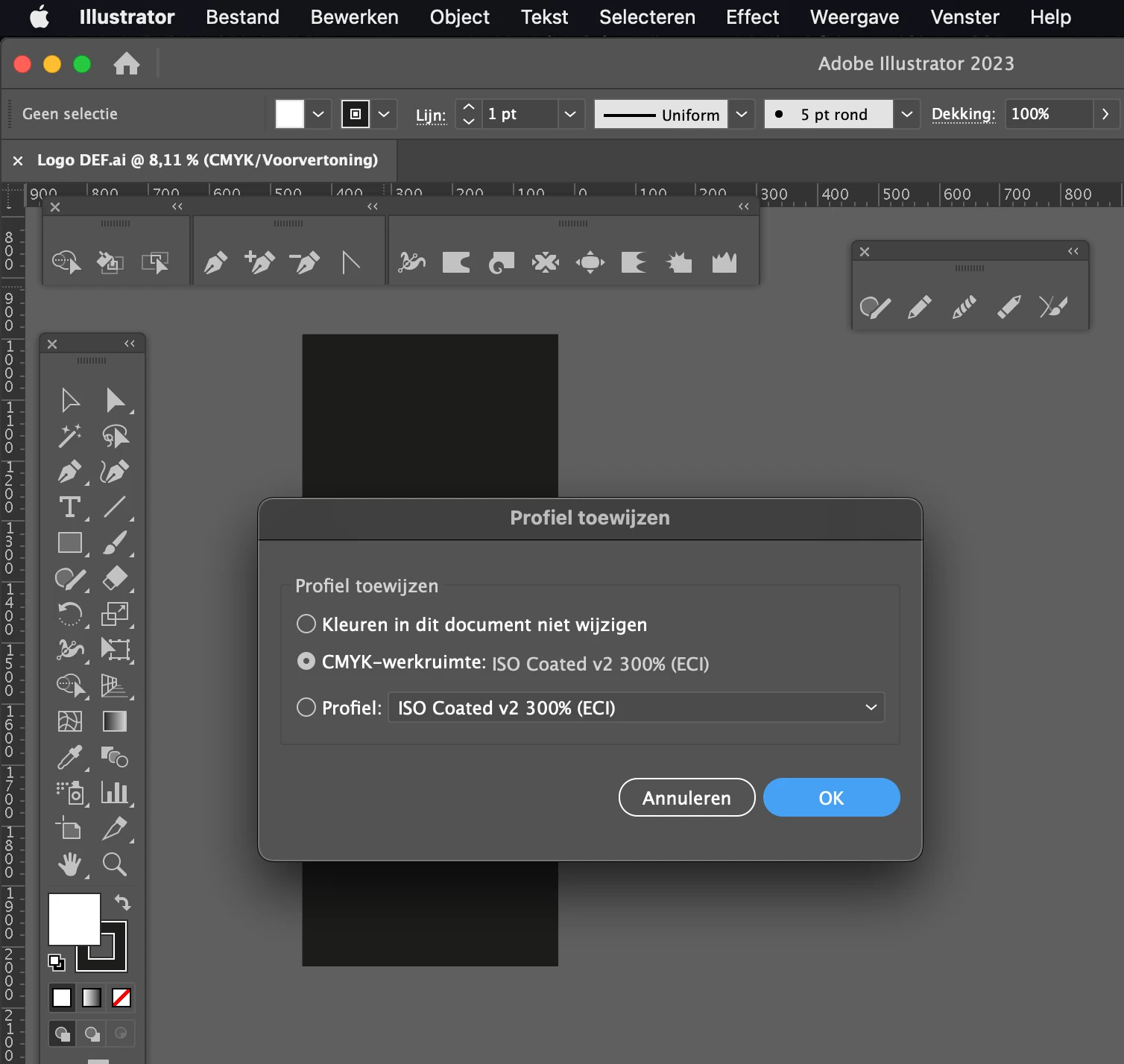
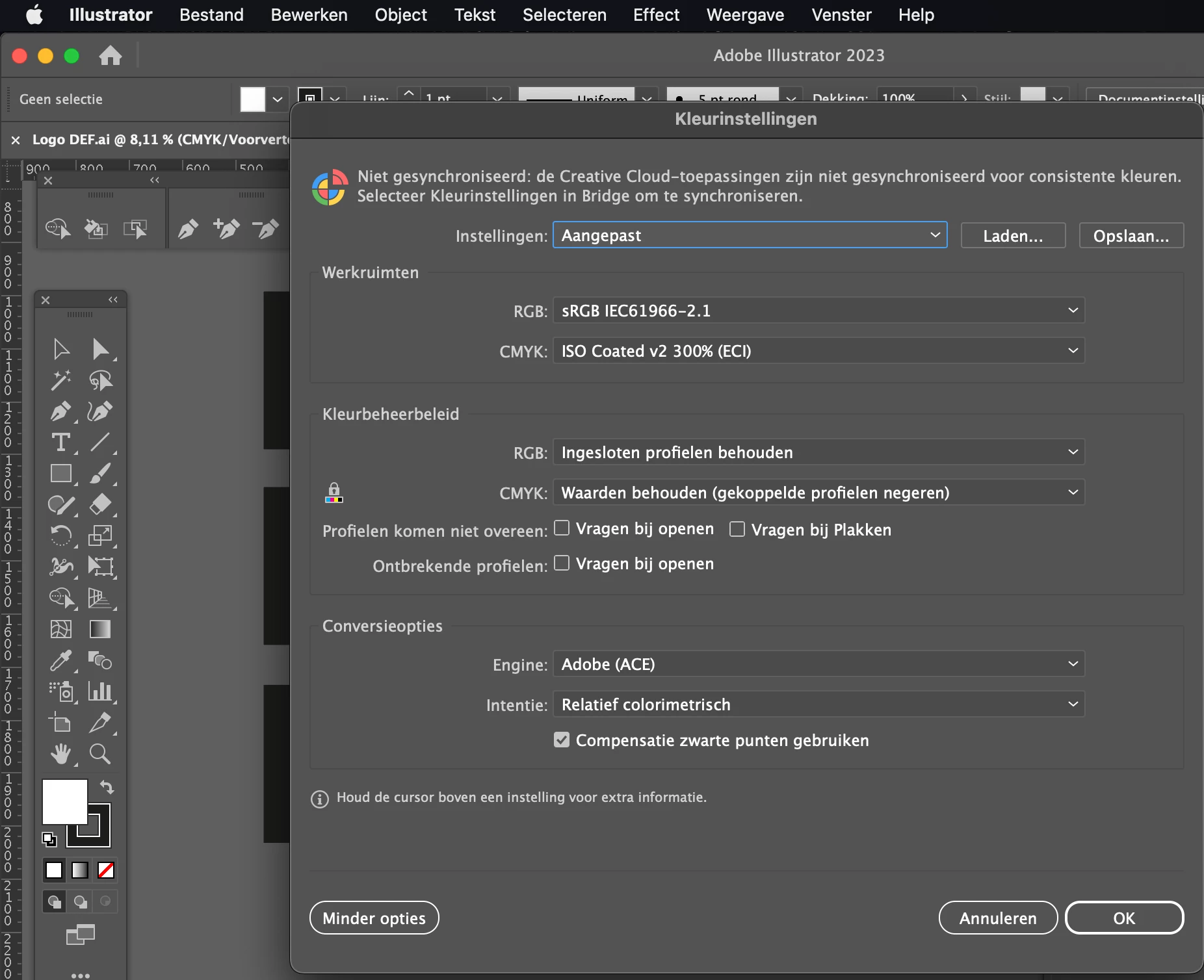
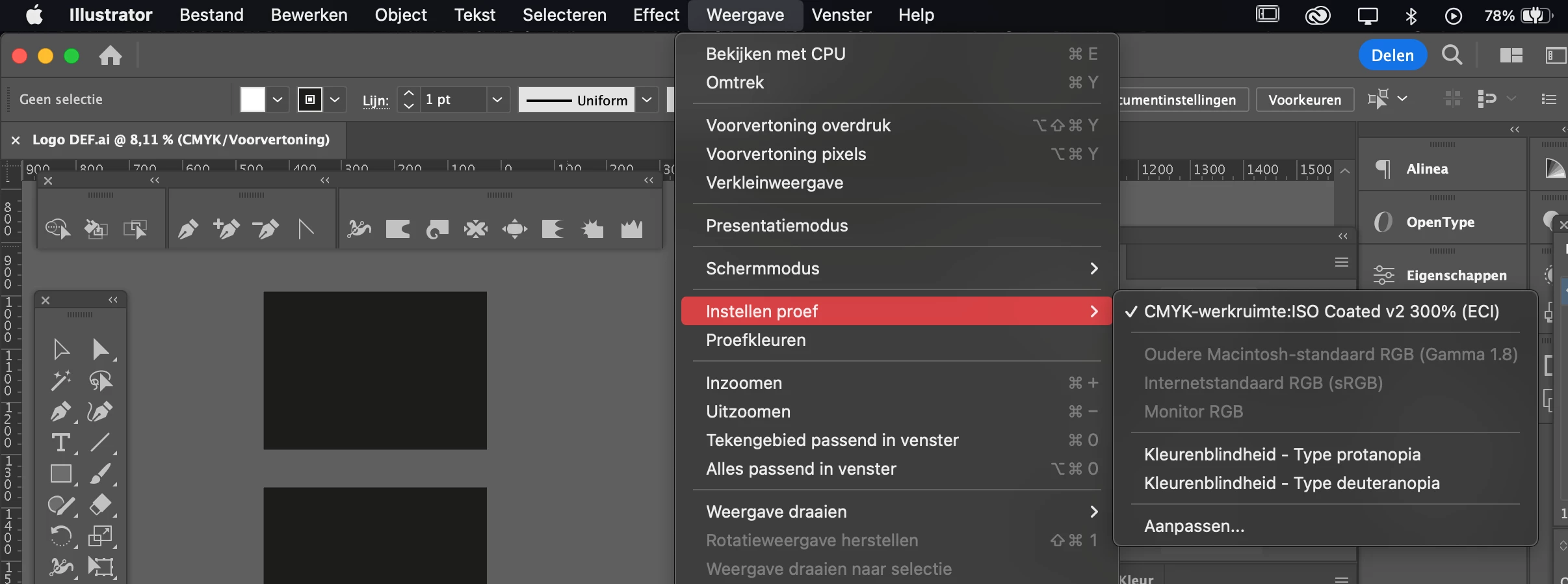
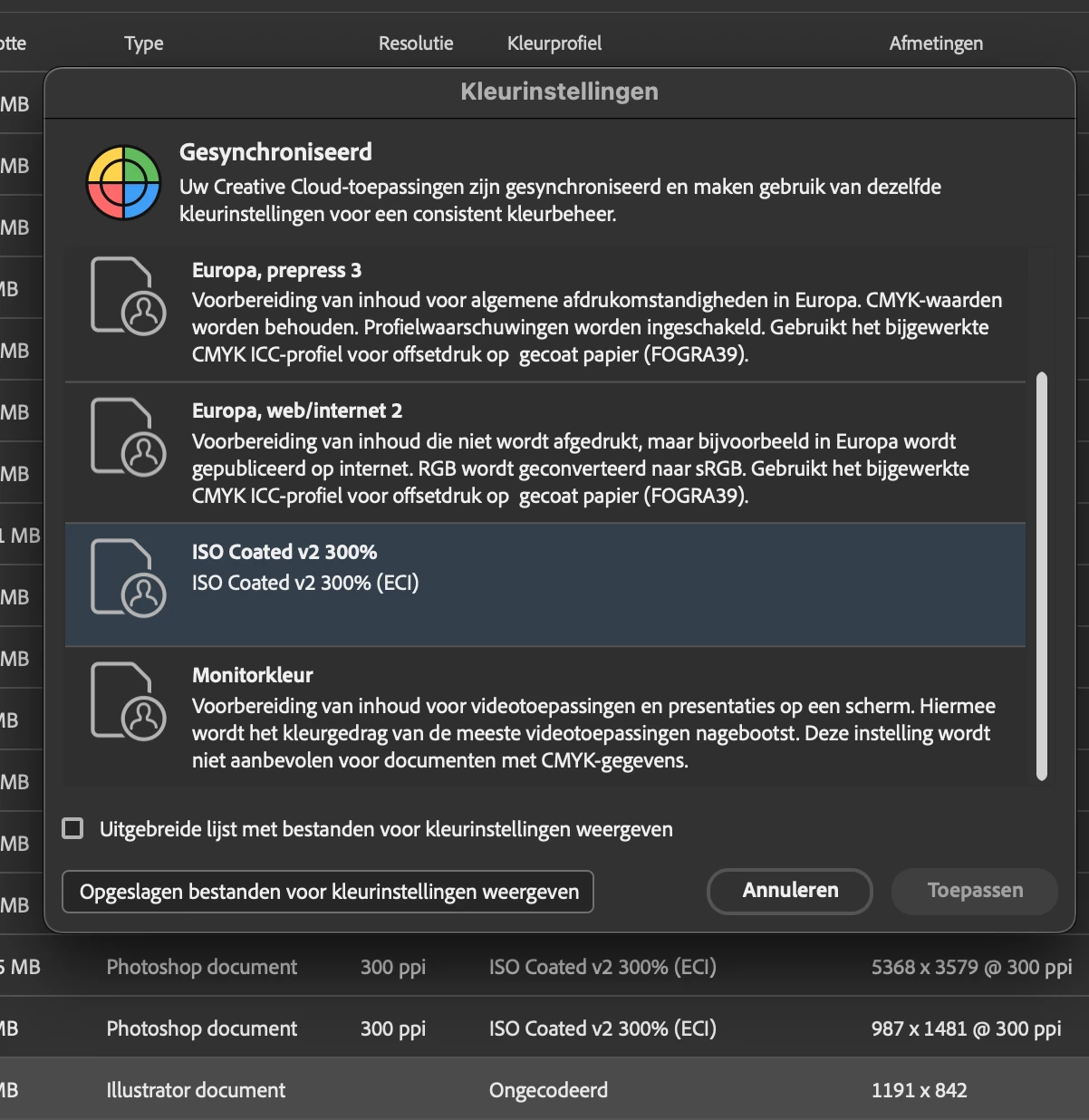
I have changed every color setting in illustrator to ISO Coated v2 300% and have changed this in bridge as well... Nothing works 😞
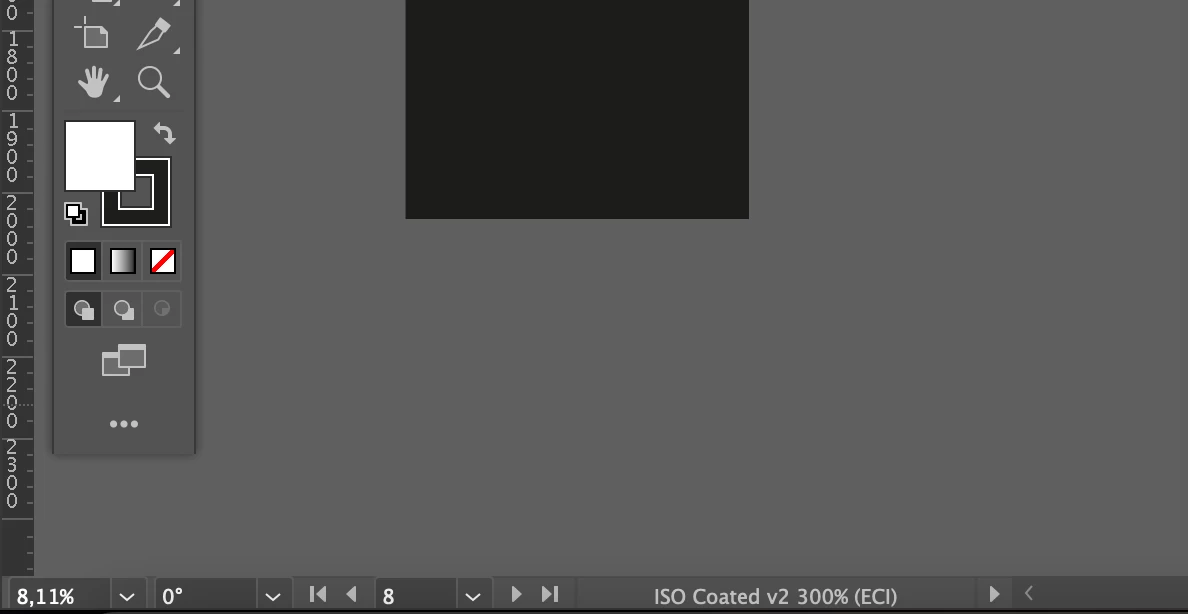
Here are screenshots of my bridge document and also my illustrator color profile settings. I hope it's a easy fix!
 AdChoices