
Participant
Oct 20, 2020 12:49 AM UTC
Question

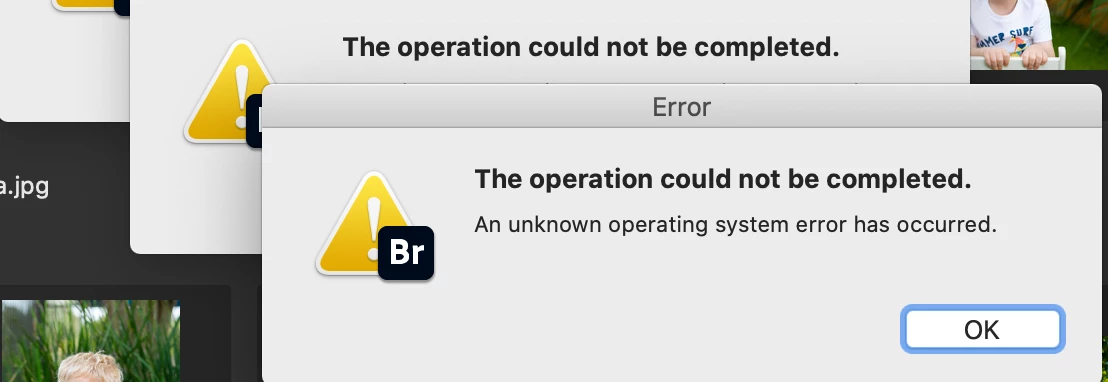
Bridge error message


Please help! While using Bridge this message comes up randomly and I have to force the quite program. I have uninstalled, rebooted and reinstalled. Still get the error. driving me crazy cause I can't get my work done!

Thanks, Kim


This topic is closed to new replies. Start a new post to keep the conversation going.

1 reply

Varun Varshney
Adobe Employee
Adobe Employee
Oct 20, 2020 6:40 AM UTC

Hi kimg1983,


Thank you for reporting the issue. To help us understand the issue better, it would be great if you can share the following details : 

1. Bridge version which you are using.

2. System specifications

3. Details of the workflow which you are doing in Bridge which causes this pop up to appear (for e.g. type of assets, steps etc.)


Thank you,

Varun Varshney


Translate