


Question
Bridge Export Error
Hello, Bridge is running into two errors when processing exports:
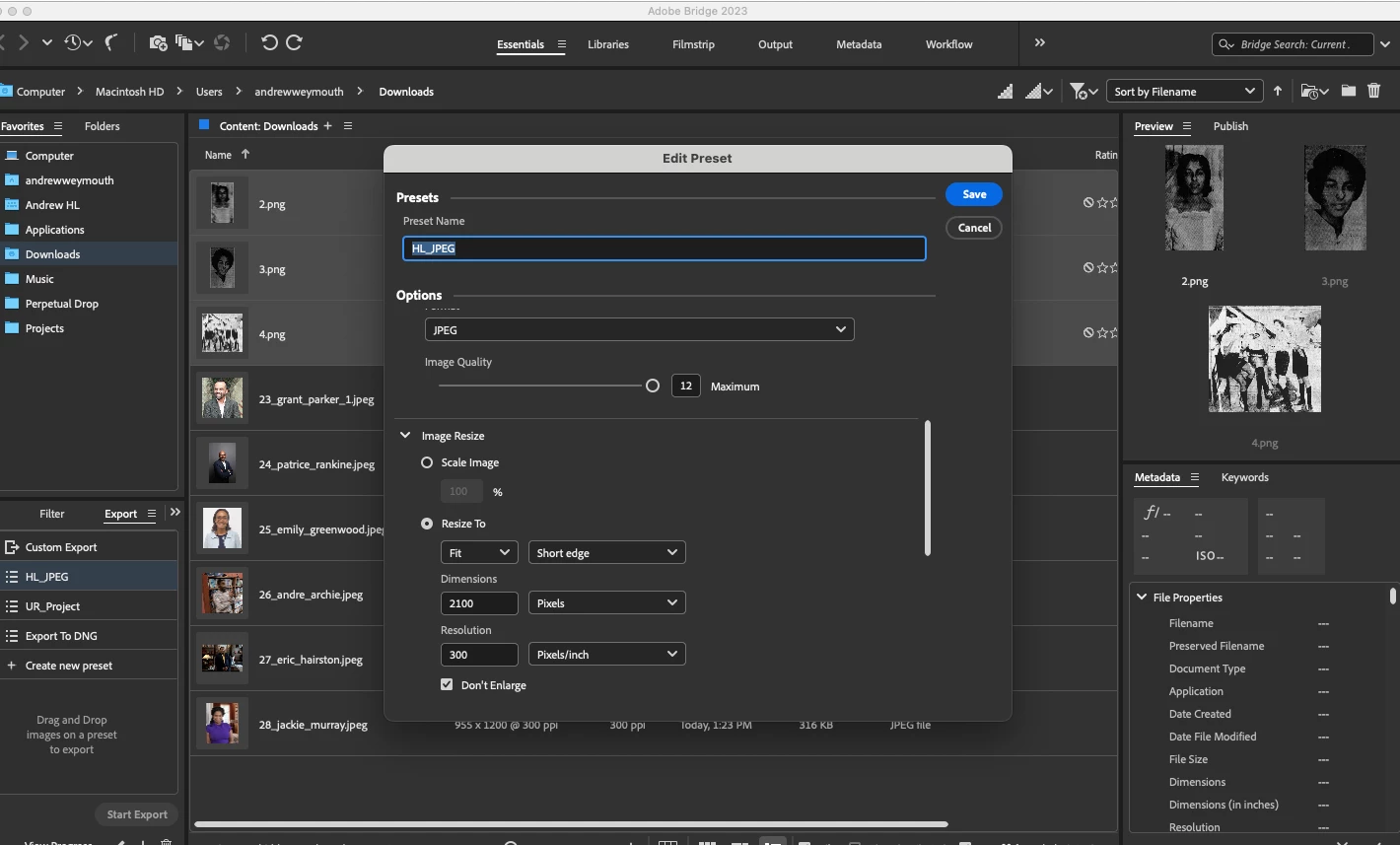
1. Export appears to function normally and displays a converted file after processing on the Essentials tab (72 to 300ppi, changed dimensions, etc) but when I open the items in PS, the image is unchanged (72 ppi, same dimensions).
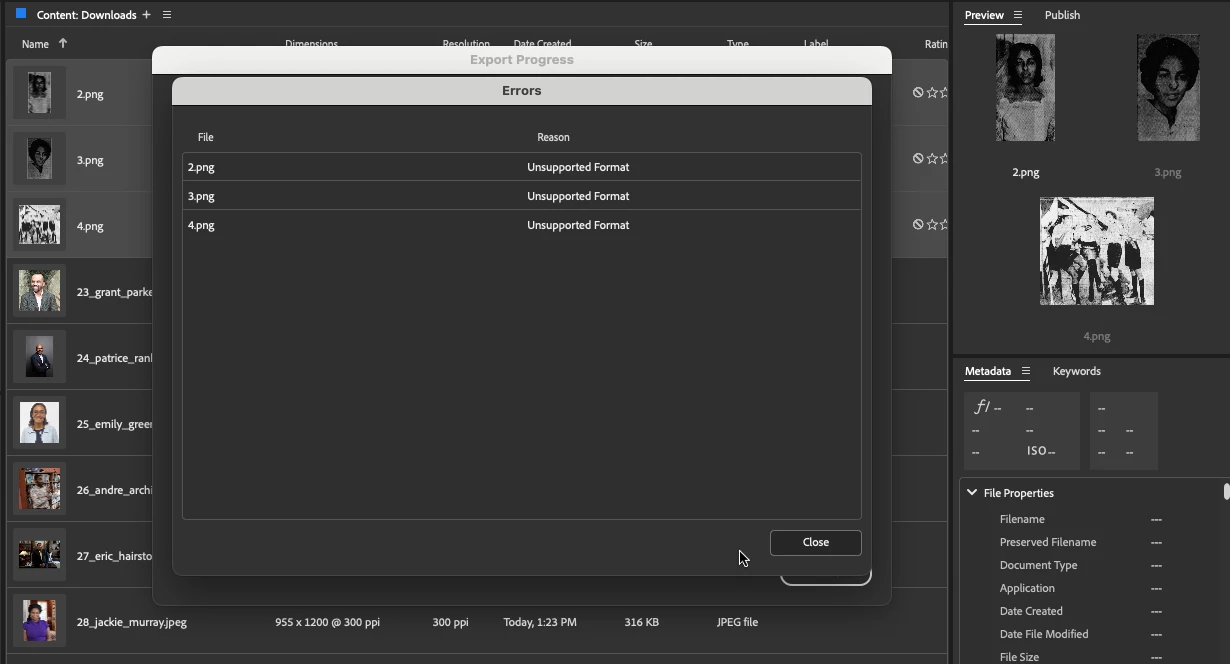
2. I am recieving the error message that PNGs, TIFFs and JPGs are "unsupported formats"
I uninstalled v13.0.3, installed 13.0.2, reinstalled v13.0.3, purged the cache and reopened and it is still not functioning. Working on a Mac OS Monterey. Any insight is appreciated.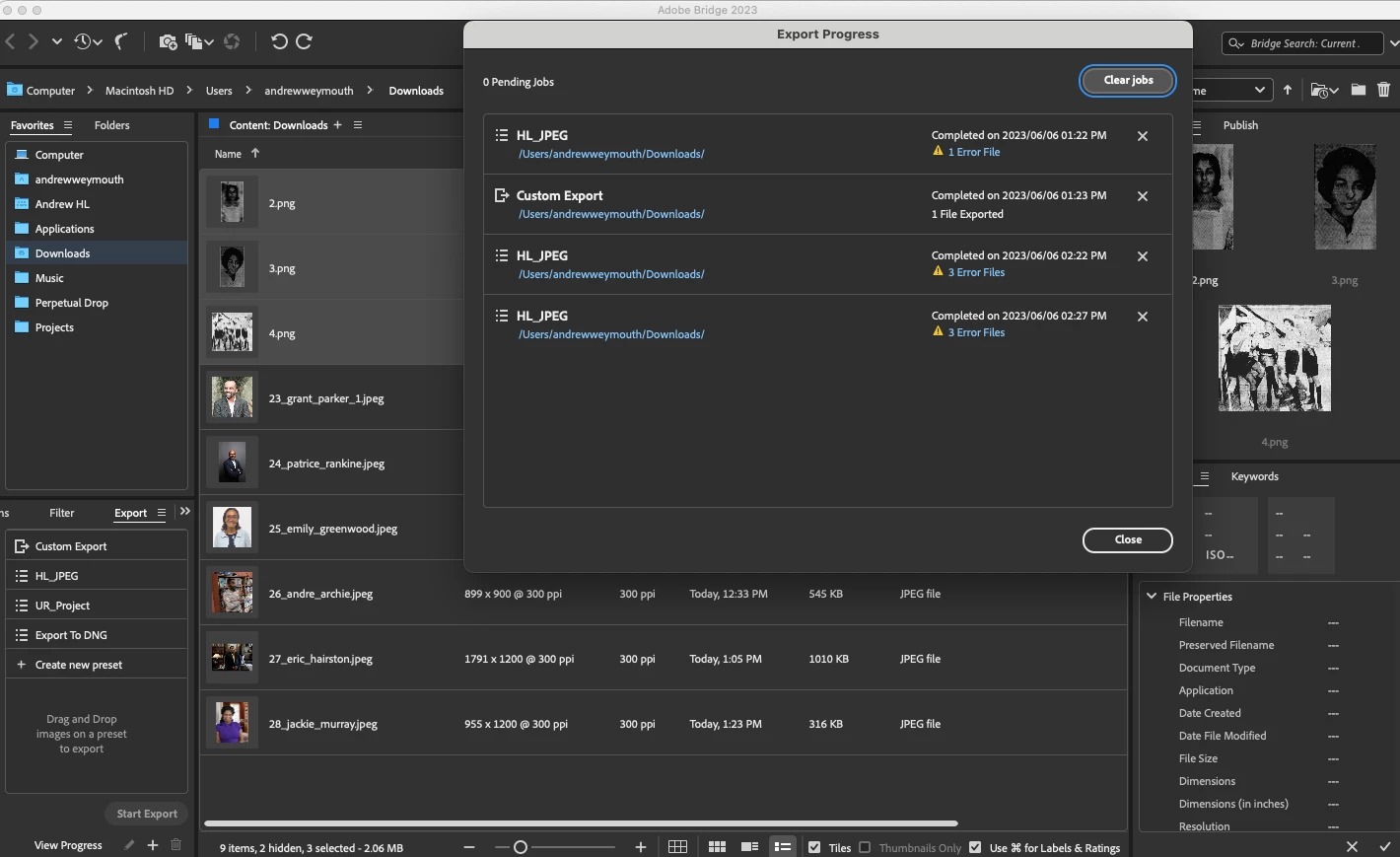
 AdChoices