
Question
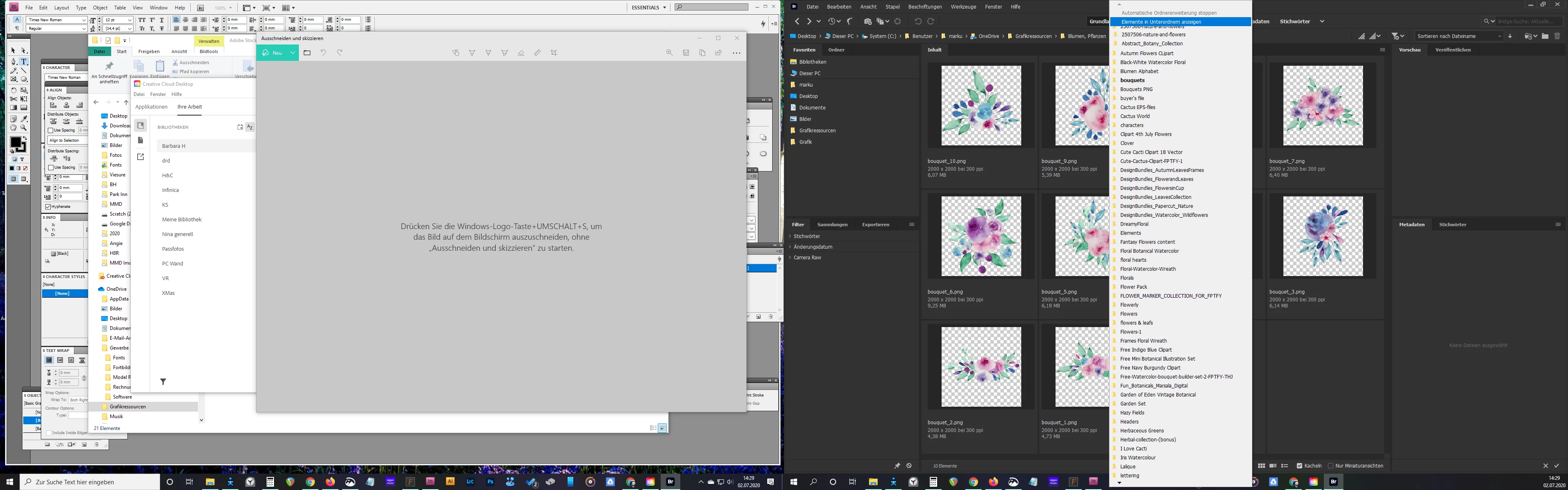
Bridge Folder dropdowns not displaying properly
Hi all,
I've experienced this problems since a couple of weeks - don't know when it started, as I don't use Bridge that often.
Wenn I go into the file path top left and click through the folder structure, the lines seem to "jump". I have to touch every line in the list with the mouse first to see them in correct order, see screen shot (there's one line half hidden under the first 2 items (settings), and all following items are ivisibly "moved" by that half line, until you hover.
I'm on Windows 10, everything up to date, dual monitor setup
Thanks for any pointers!


 AdChoices