
Bridge freezes when previewing AE preset
Hi, this is my last ditch effort to solve this problem. I have done literally everything I can (definitely including downloading the latest version of Bridge).
I have a macbook air with 8GB of memory, Intel HD Graphics 6000 1536 MB, and 1.6 GHz Intel Core i5.
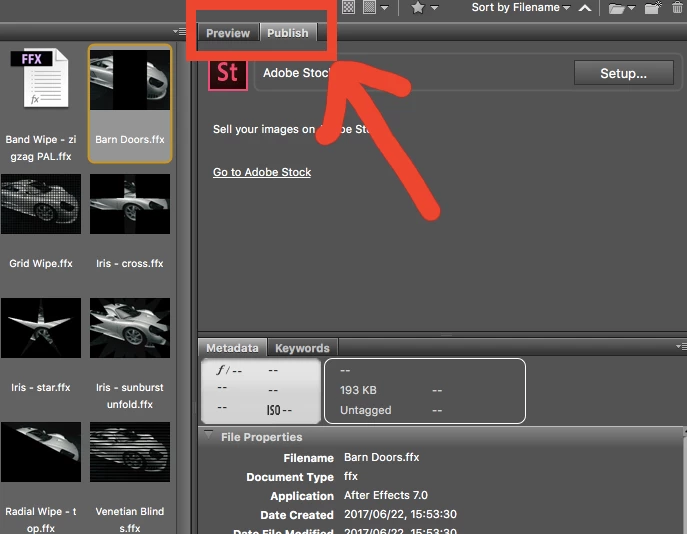
I used to be able to preview the presets in Bridge. Now, I can navigate through the preset folders, but whenever I try to actually preview a preset by clicking it, Bridge freezes. I can click on the preset file as long as I don't have the "preview tab" open.
I have done all the trouble shooting steps listed here Troubleshoot Adobe Bridge for errors and freezes
(except maybe number 9, I thought that it means resetting Bridge preference, which I did ) and more that I found looking through every thread I can find.
Please save me...



 AdChoices