


Participant
September 27, 2023
Question

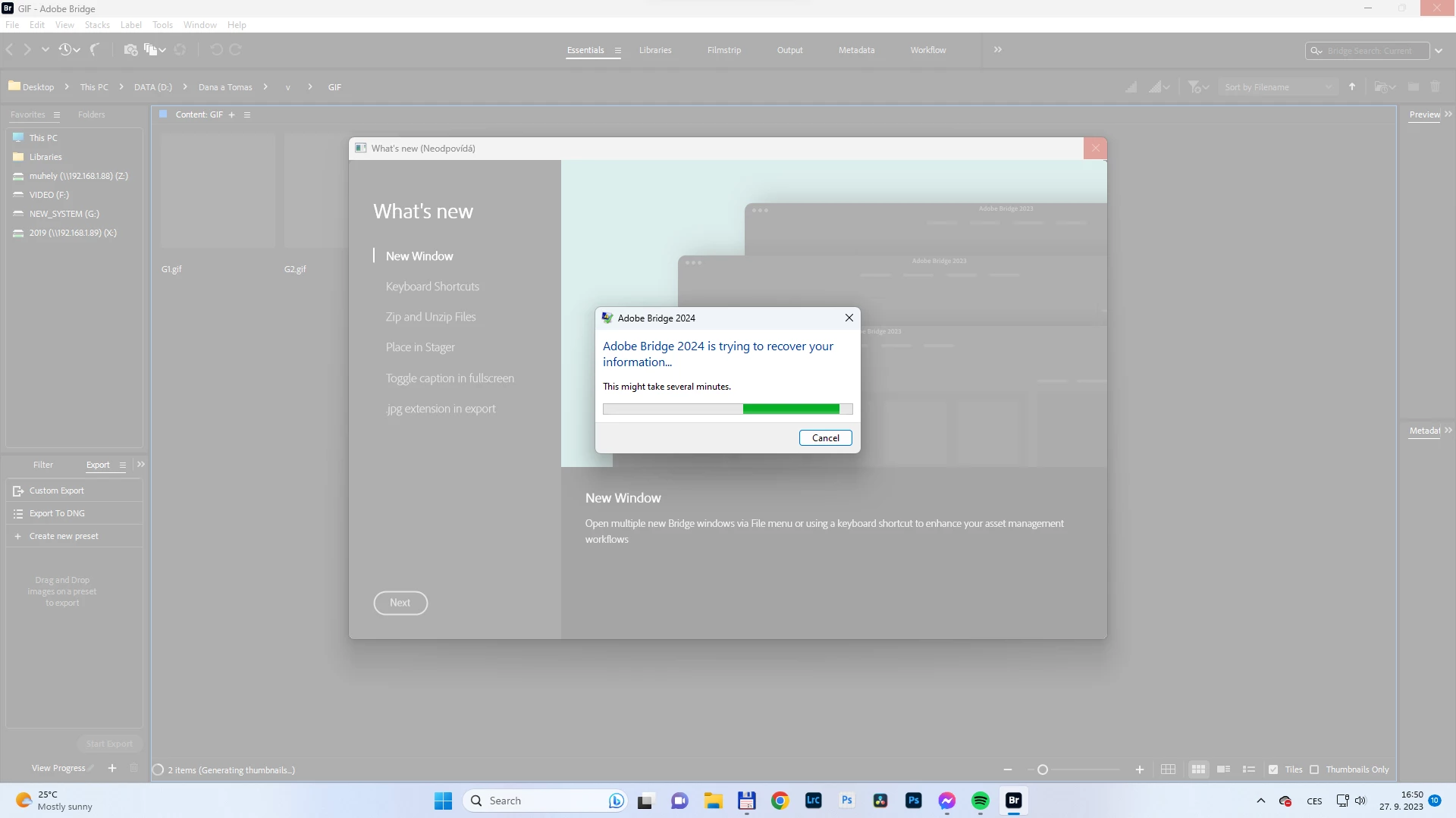
Bridge (from 2012 to 2014) not responding on start

  • September 27, 2023
  • 1 reply
  • 351 views

I believe the issue may be related to mapped network drives that are not connected. However, the new bridge (with floating windows) is unusable for me. It sometimes takes 3-4 restarts to get it to work, and I have to wait for about a minute or more before I can interact with the program because it freezes. (The network drives in my favorites are always connected, and they are treated as local drives.)


This topic has been closed for replies.

1 reply

Community Manager
October 6, 2023

Hi PORTRET,


Thanks for your feedback.
Could you please share the following details about the issue:

  • System configuration
  • Is the issue reproducible after removing network drive from favourites?


Thanks,
Bridge Team

Participant
October 24, 2023

Dear @pankajg6675616 ,

I apologize for the delayed response; I did not receive any notification of your reply.

Here is my device configuration:

I'm not sure about the freezing issue. I removed the network drives from favorites, but I still need those shortcuts to enhance my workflow.

The second problem, as I see it, is that when you create a new folder in Bridge, it doesn't appear in the "Copy to/Move to" submenu.

Thank you.


Participant
October 24, 2023

Dear @pankajg6675616 ,

here is update: I tried to remove network drives and after restart of Bridge makes the same issue if I try to interact (click into Bridge window or move/resize it):