
Bridge is displaying incorrect resolution i.e 71dpi or 143dpi on PNGs
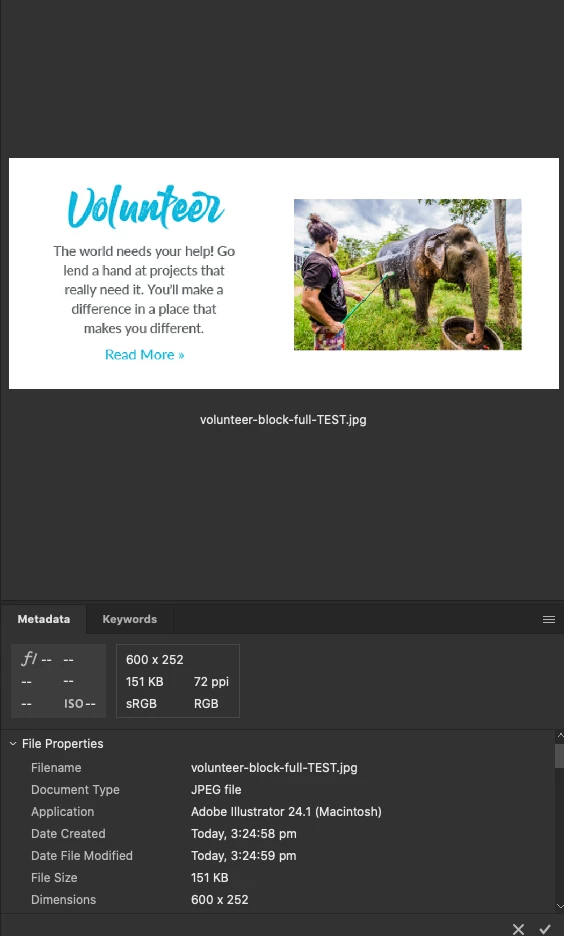
Hello, as the title says Bridge is displaying incorrect resolution on PNG images - this isnt a huge issue but while trying to troubleshoot another issue with illustrator someone suggested I am exporting at the incorrect resolution - however Illutrator raster effects settings aare set to 72dpi and i amexportign at 72dpi as the artwork is clearly 72dpi when viewed within finder, explorer or photoshop - only bridge subtracts a pixel and it only does it with PNGs - please refer to the below two graphics both exported at the same time from the same graphic with illustrator using the asset export panel- Bridge clearly shows the PNGs to be 71dpi and jpeg 72dpi, however finder shows both are 72dpi and if I open the PNG in photoshop it lists it as 72dpi also. This is confusing, why does Bridge do this? 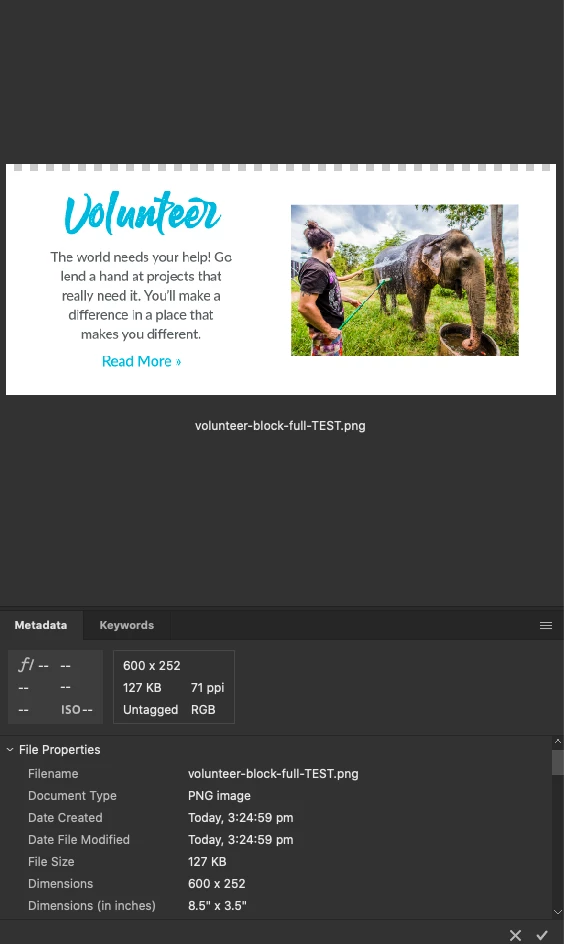


 AdChoices