



suejhp
Participating Frequently
March 2, 2023
Answered

Bridge not opening - message with an "x" to close

  • March 2, 2023
  • 3 replies
  • 1875 views

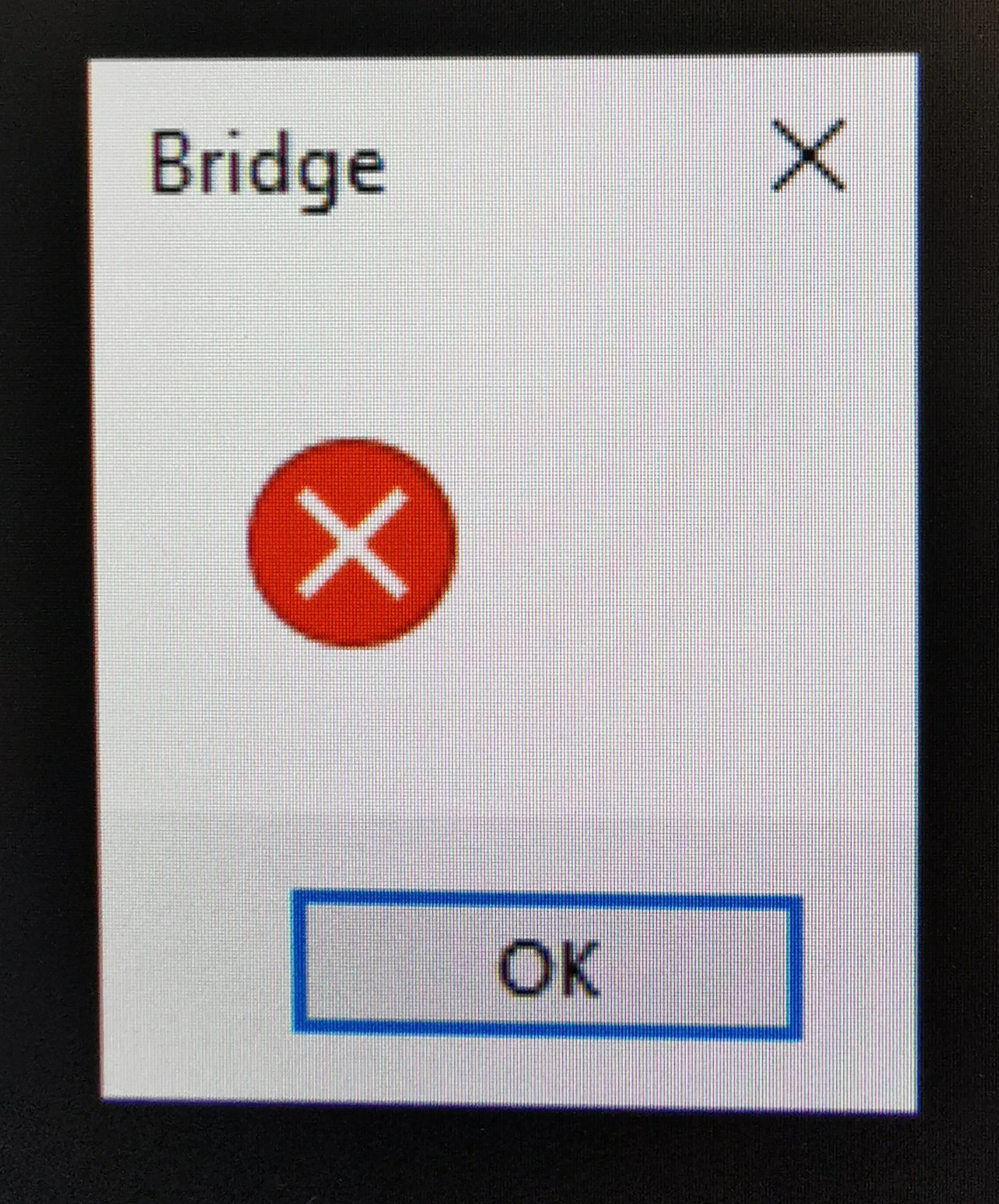
When I open Bridge from Creative Cloud on my Dell desktop, I get this message.  I can't get passed it to open Bridge.  It did this before the upgrade to the new version of Bridge.  I've searched the forums and tried uninstalling and reinstalling, but cannot open Bridge.  Please help?
This topic has been closed for replies.
Correct answer Lumigraphics

A fix is coming for this in a future release. For now, revert to Bridge 12.

3 replies

LumigraphicsCorrect answer
Legend
March 2, 2023

A fix is coming for this in a future release. For now, revert to Bridge 12.

kglad
Community Expert
Community Expert
March 2, 2023

if it's still installed, uninstall the problematic version of bridge including preferences per https://helpx.adobe.com/creative-cloud/help/uninstall-remove-app.html


update your os


reinstall that version of bridge.


in the future, to find the best place to post your message, use the list here, https://community.adobe.com/


p.s. i don't think the adobe website, and forums in particular, are easy to navigate, so don't spend a lot of time searching that forum list. do your best and we'll move the post if it helps you get responses.


<moved from using the community>

suejhp
suejhpAuthor
Participating Frequently
March 2, 2023

Please don't take this the wrong way but I know how to uninstall and reinstall Bridge correctly, thanks.  I have done this 3 times with the latest version before registering this issue.  I've uninstalled bridge, updated my os, rebooted and installed bridge and still get this message.  I've had to installed the version previous so that I can actually open Bridge and download my files.  Any other thoughts?

kglad
Community Expert
Community Expert
March 2, 2023

yes, contact adobe support. if you use chat, they can walk through the steps on your computer.  


there are 3 ways to contact adobe; chat, phone and twitter:

chat:
use a browser that allows popups and cookies
and click here, https://helpx.adobe.com/contact.html?rghtup=autoOpen
in the chat field (lower right), type AGENT
be patient, it can take quite a while to reach a human.

phone:
https://helpx.adobe.com/contact/phone.html

twitter:
tweet @AdobeCare

p.s. if you're contacted by anyone (via email or private message), it's much more likely to be a scammer than an adobe representative. ie, double check for an employee badge if contacted in the forums and look for an adobe.com domain in the email address if you click reply to an email. then check again and be very suspicious. any other method of contacting (or offering to contact you) is almost certainly a scam, https://community.adobe.com/t5/using-the-community-discussions/staying-safe-in-the-adobe-support-community/td-p/12919684/redirect_from_archived_page/true

suejhp
suejhpAuthor
Participating Frequently
March 2, 2023

Just gone back to v13.0.1 and it will let me open for the time being.  Please can you give me a fix for the issue.  I can see a lot of people reporting the same. Thanks.