
Participant
January 30, 2017
Answered

Bridge not viewing thumbnails

  • January 30, 2017
  • 2 replies
  • 342 views

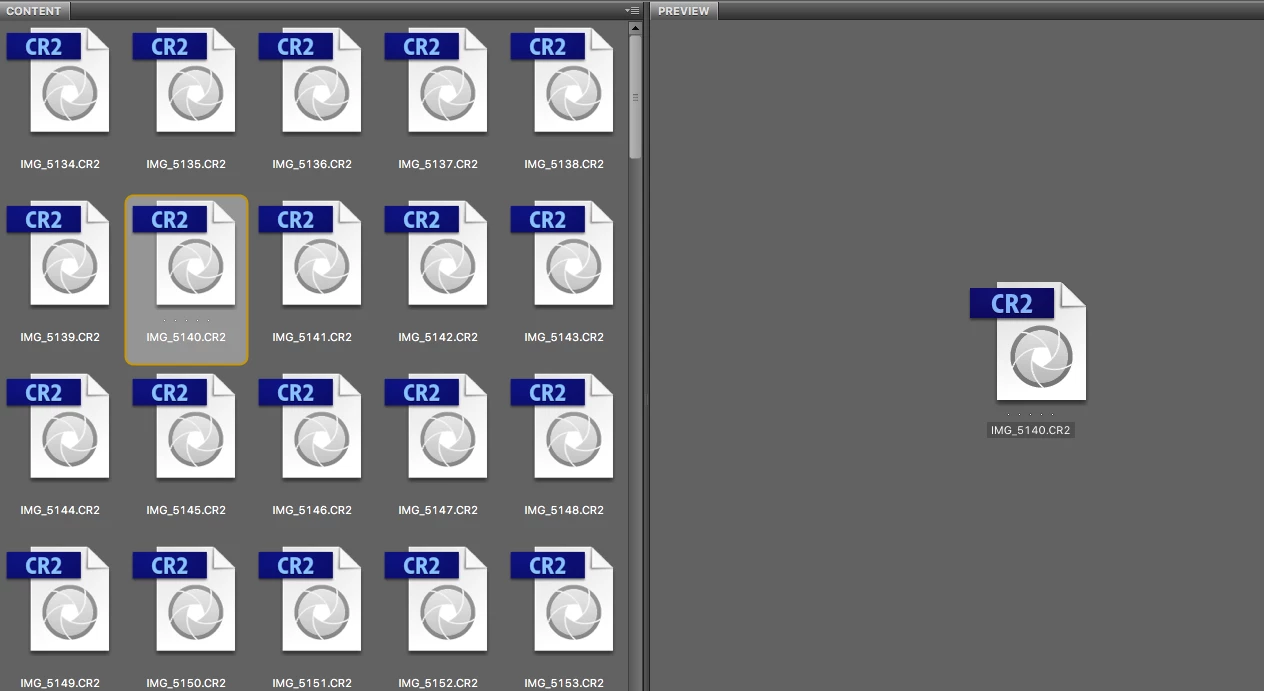
I have bridge CS6 - my main page looks like the image I have attached - I recently "wiped out" my computer and reinstalled all my programs. It was not like this prior to re-install. I was able to see a preview of the image. I am still able to see actual previews of my other file formats. The problem seems to be with the CR2 file.

This topic has been closed for replies.
Correct answer Sahil.Chawla

Hi Alyssadenise,

Please check the below link to see if your camera is supported by the version of Bridge you are using and as R Kelly has stated please check if you have installed the appropriate update version of Camera raw.

Cameras supported by Camera Raw

Regards,

Sahil

2 replies

Sahil.Chawla
Adobe Employee
Sahil.ChawlaCorrect answer
Adobe Employee
February 8, 2017

Hi Alyssadenise,

Please check the below link to see if your camera is supported by the version of Bridge you are using and as R Kelly has stated please check if you have installed the appropriate update version of Camera raw.

Cameras supported by Camera Raw

Regards,

Sahil

Jeff Arola
Community Expert
Community Expert
January 30, 2017

What operating system and camera are you using?

Have you applied all the updates for cs6 including camera raw 9.1.1 using Help>Updates from within photoshop cs6?